Screen recording blur for tutorials "
Blur passwords, API keys, and PII in screen recordings—tracked through cuts and edits without manual frame-by-frame masking.
Screen recordings for tutorials, customer support, and product demos routinely capture sensitive data: login credentials, API tokens, personal emails, and internal URLs that should never reach public documentation.
Redact sensitive data in screen recordings in three steps
Built for DevRel, customer success, and product teams publishing tutorials or support walkthroughs.
Upload your screen recording
Drop MP4, MOV, or M4V captures into BGBlur—no timeline project or desktop software required.
Select regions with sensitive data
Paint over passwords, emails, API keys, or any UI element that should not appear in the published video.
Preview and export
Scrub the timeline to verify coverage, then export for documentation portals, YouTube, or support tickets.
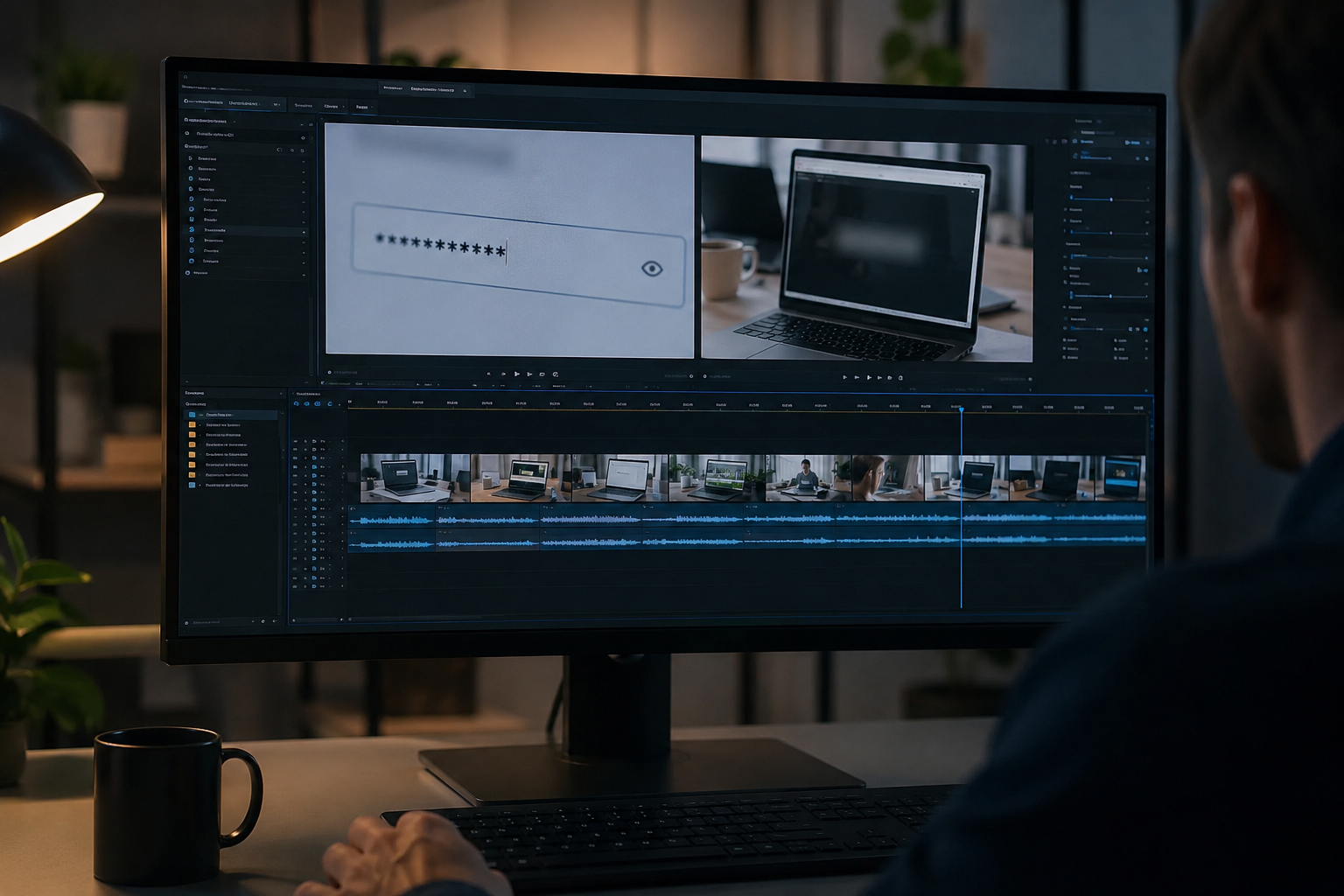
What this example demonstrates
Manual frame-by-frame redaction is impractical for long recordings. AI-assisted blur detects and tracks text regions so passwords entered at 0:30 stay masked through cuts and edits.
Why teams use this pattern
Pair selective text blur with audio scrubbing when you verbally mention credentials or read sensitive information aloud during the demo.
Common use cases
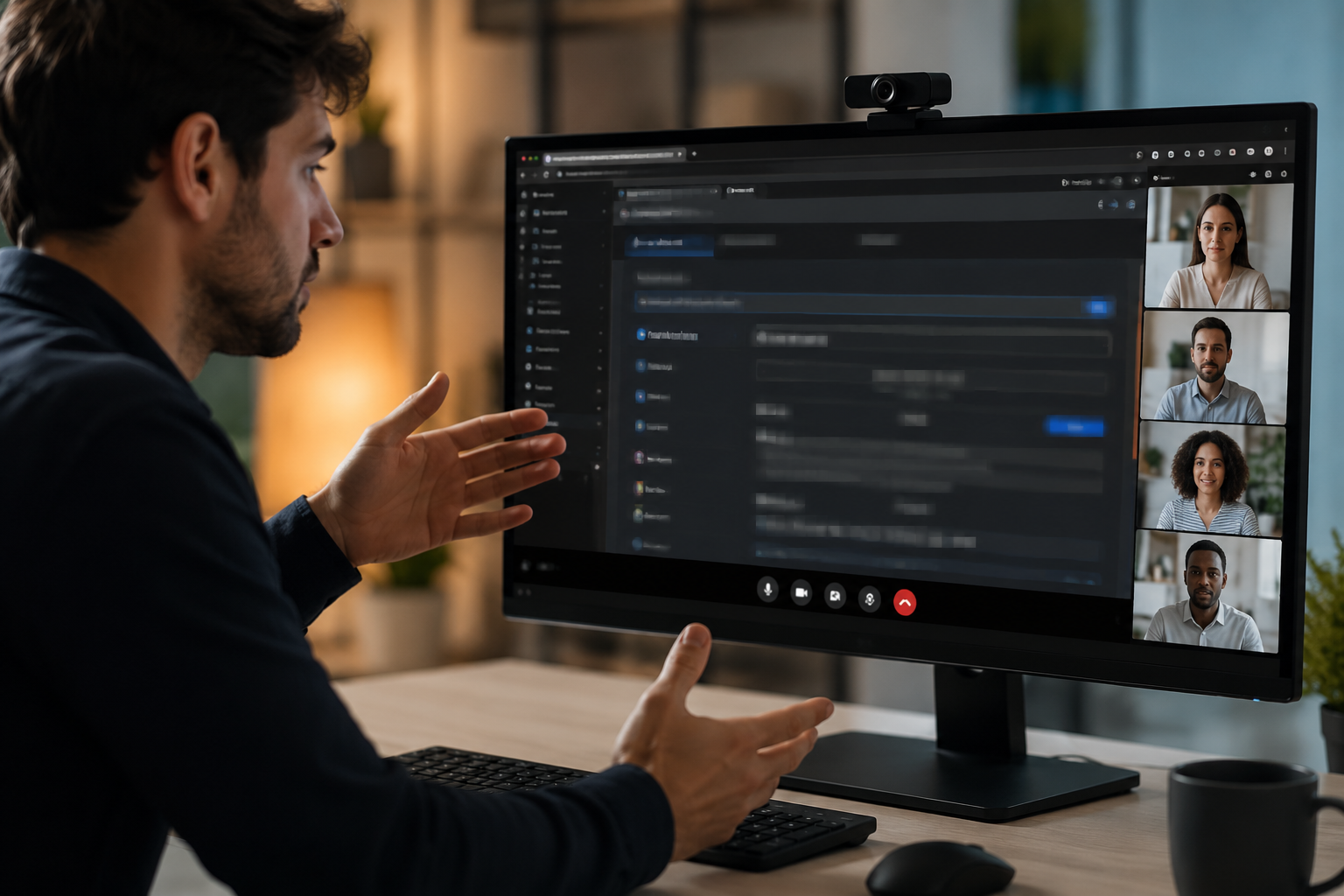
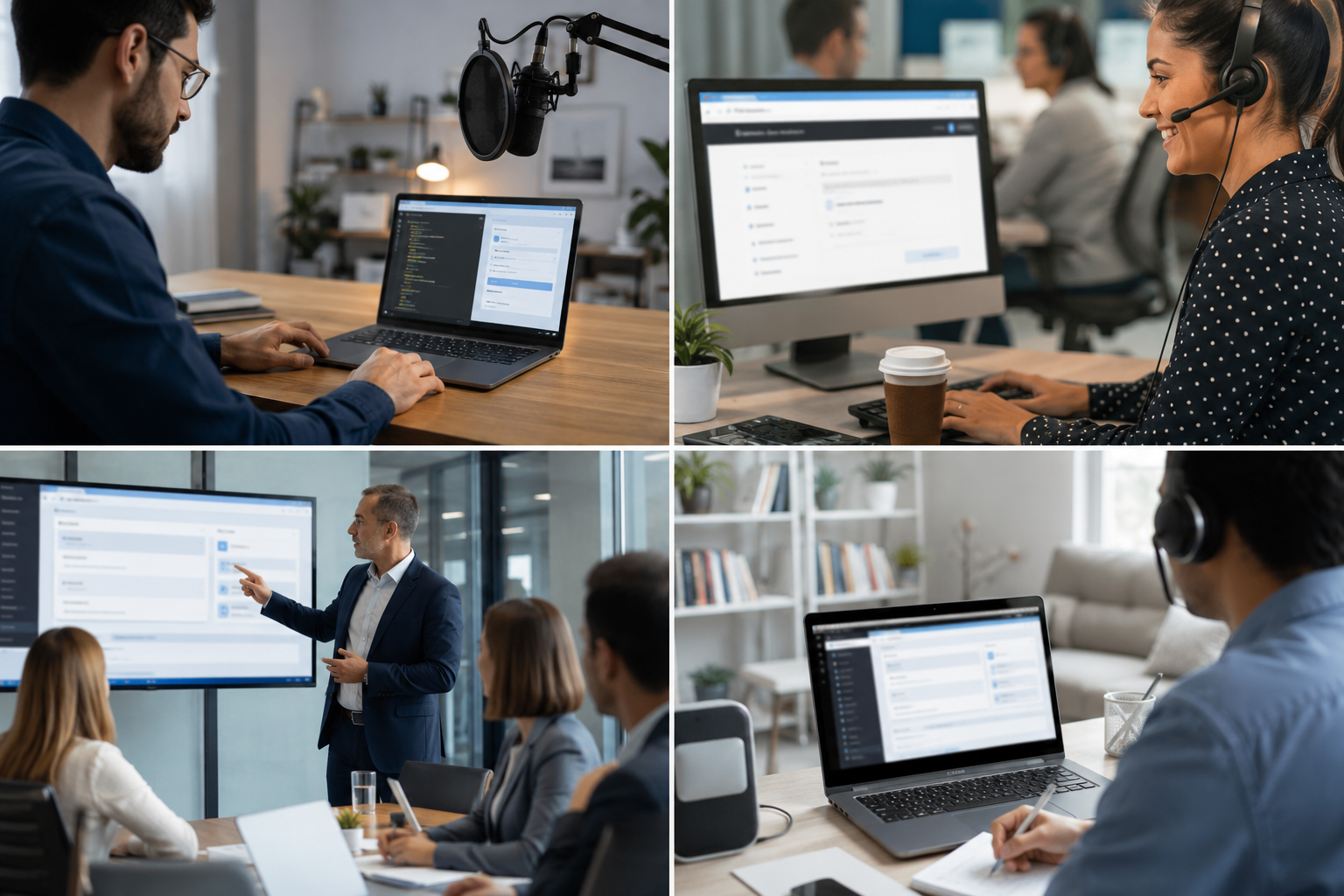
Teams reach for this workflow when developer tutorials showing authentication flows; customer support screen shares with account details; saas product demos with test customer data; it training videos with system credentials. BGBlur automates detection so these scenarios stay publishable without days in a timeline.
Built for DevRel and developer advocates and Customer success teams
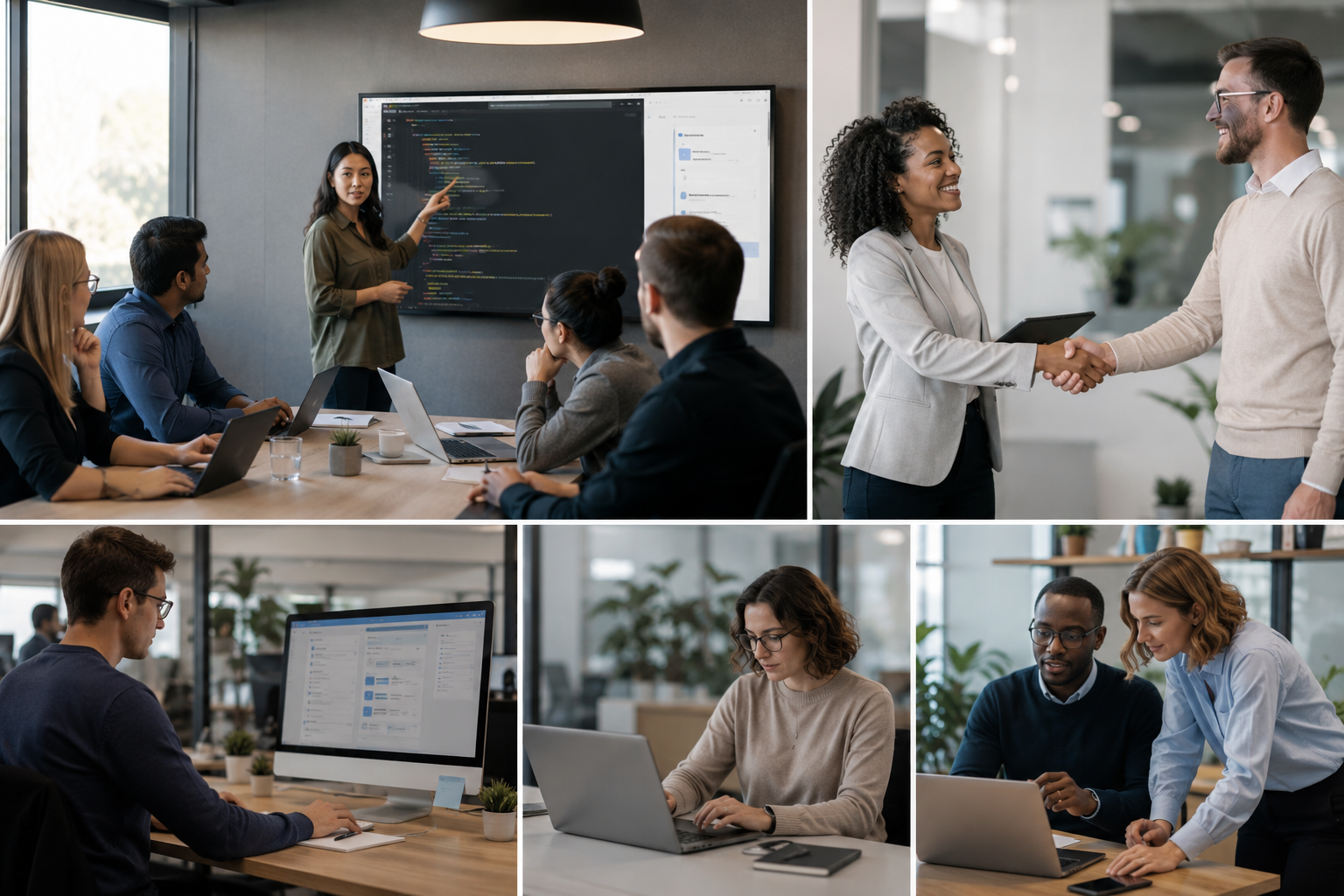
Ideal audiences include DevRel and developer advocates, Customer success teams, Product marketing, IT trainers and technical writers. Pair this example with your policy review when footage is sensitive or public-facing.
حالات الاستخدام
- تعليم المطور يبين تدفقات التوثيق
- حصص شاشات دعم العملاء مع تفاصيل الحسابات
- SaS product demos with test client data
- فيديو للتدريب على تكنولوجيا المعلومات مع وثائق تفويض النظام
لمن هذا
- المدافعون عن التنمية والمطورون
- فرق نجاح العملاء
- تسويق المنتجات
- مدربو تكنولوجيا المعلومات والكتّاب التقنيون
المزيد من أمثلة تعتيم الفيديو
استكشف سيناريوهات مماثلة مع نفس مقاطع الفيديو التجريبية وإرشادات خطوة بخطوة.
تمويه أي شيء: الشعارات والنصوص والمناطق المخصصة
استهدف مناطق محددة مثل الشعارات على الملابس أو العناوين الظاهرة على الشاشة أو اللافتات، مع تحديد دقيق بمساعدة الذكاء الاصطناعي.
تمويه الوجوه في فيديوهات الحديث المباشر
اكتشاف تلقائي للوجوه وتمويهها في المقابلات والبودكاست ومدونات الفيديو، مع تتبع الحركة للحفاظ على حماية الهويات.
معلومات أساسية غير واضحة بشأن التركيز السينمائي
متسخة أو تحل محل الخلفيات المشغولة لذا فالموضوعات تبرز بشكل جيد بالنسبة للشبكات، والاستعراضات، وصور المنتجات في المنزل.
لوحات الترخيص غير واضحة في لقطات الشوارع
أخفي لوحات قابلة للقراءة في حركة المرور وقوف السيارات وتصوير اللقطات المتحركة.
الأسئلة الشائعة
- هل يمكن أن يكشف النص تلقائيا؟?
- ويساعد الكشف عن النصوص على تحديد المناطق التي لا طائل منها؛ ويتحقق دائما بصورة يدوية من أن جميع البيانات الحساسة مشمولة قبل النشر.
- ماذا عن الإجراءات التي تظهر وثائق التفويض؟?
- وأي نص على الشاشة يمكن أن يكون مشوشاً، بما في ذلك عجينات المشابك، والقيادات الطرفية، والأوتوماتيكيات المصفوفة بالبروزر، تلك المصابيح لاستعراضها.
- هل يجب أن أضف الشاشة بأكملها أم المناطق الحساسة؟?
- وتحافظ الضبابة الانتقائية على السياق وإمكانية استخدام المشاهدين؛ ولا تحجب سوى البيانات الدنيا اللازمة للامتثال للخصوصية.
هل أنت مستعد لتجربة هذا على الفيديو الخاص بك؟
قم بتحميل MP4 أو MOV أو M4V وقم بتطبيق نفس أوضاع التعتيم الموضحة في هذا المثال.
جرب BGBlur مجانًا