Desenfoque de privacidad para gaming y directos
Protect streamers from doxxing: blur on-screen notifications, chat messages, Discord pings, and accidental personal info during gameplay.
Live streamers face constant doxxing risks: a Windows notification showing your real name, a Discord ping with your address, or an accidental browser tab revealing private information can all appear on stream in seconds.
Clean up stream VODs and gaming footage in three steps
Built for Twitch, YouTube Gaming, and esports creators who need privacy cleanup before clips go public.
Download your stream VOD
Export gameplay footage or Twitch VOD before highlight compilation or upload.
Identify sensitive timestamps
Find moments where notifications, chat, or personal info appeared on screen.
Apply selective blur and export
Blur those regions and export for upload or archival—no timeline software required.
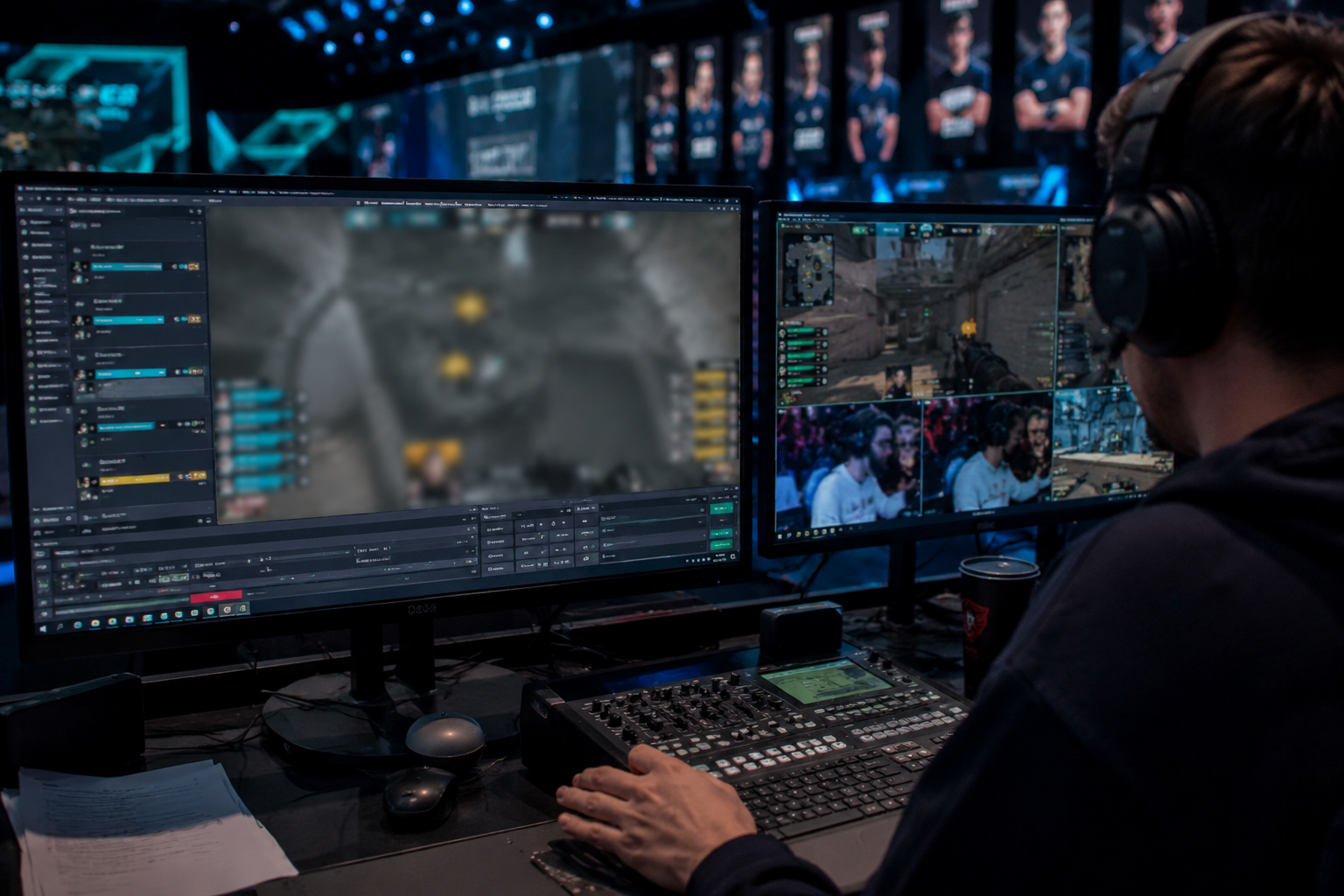
What this example demonstrates
Post-stream blur for VODs and highlight reels gives you a safety net: catch leaked information before clips go viral or get reuploaded by viewers.
Why teams use this pattern
Combine regional blur with OBS scene overlays—blur protects past streams while overlays prevent future leaks during live broadcasts.
Common use cases
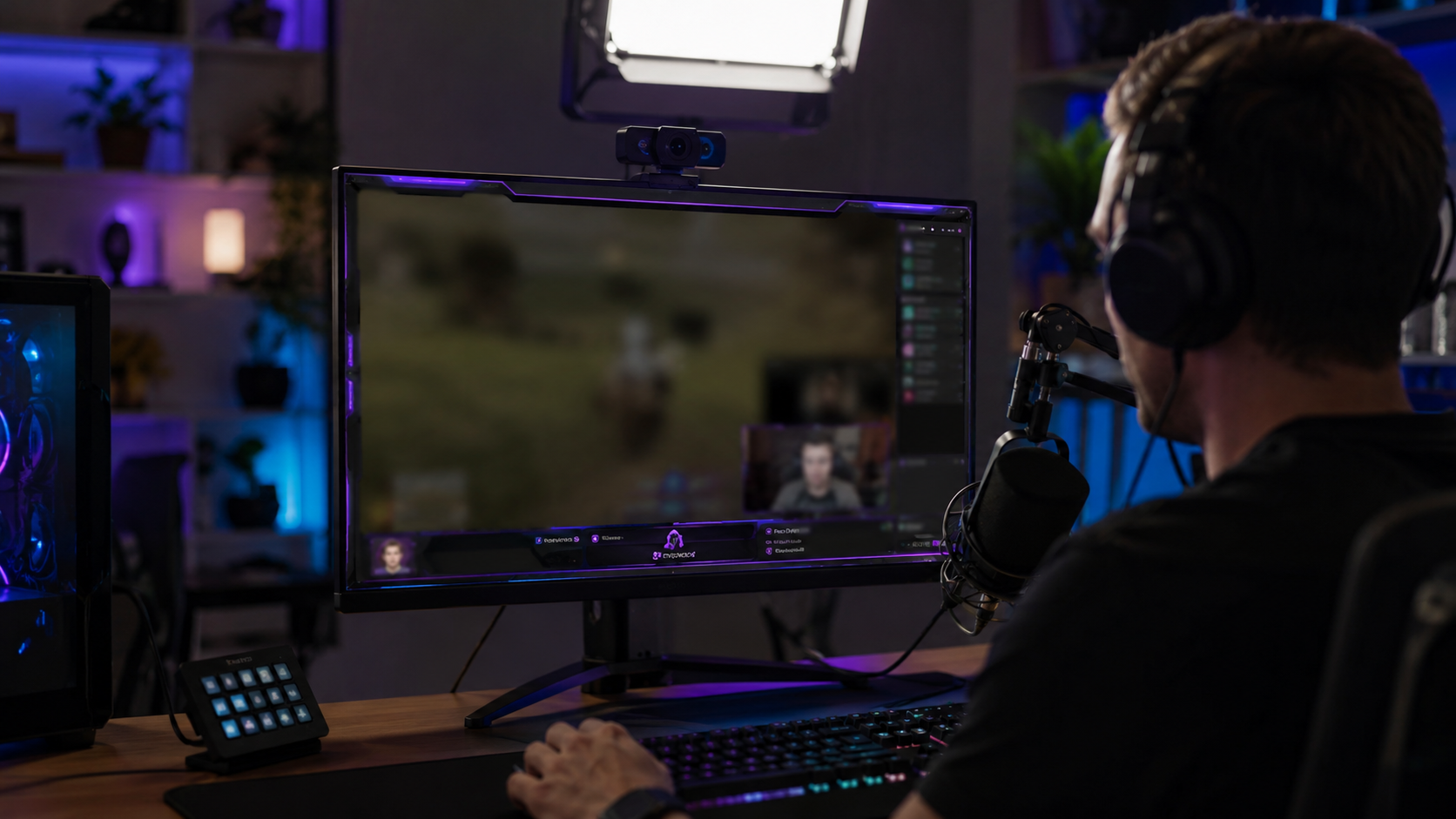
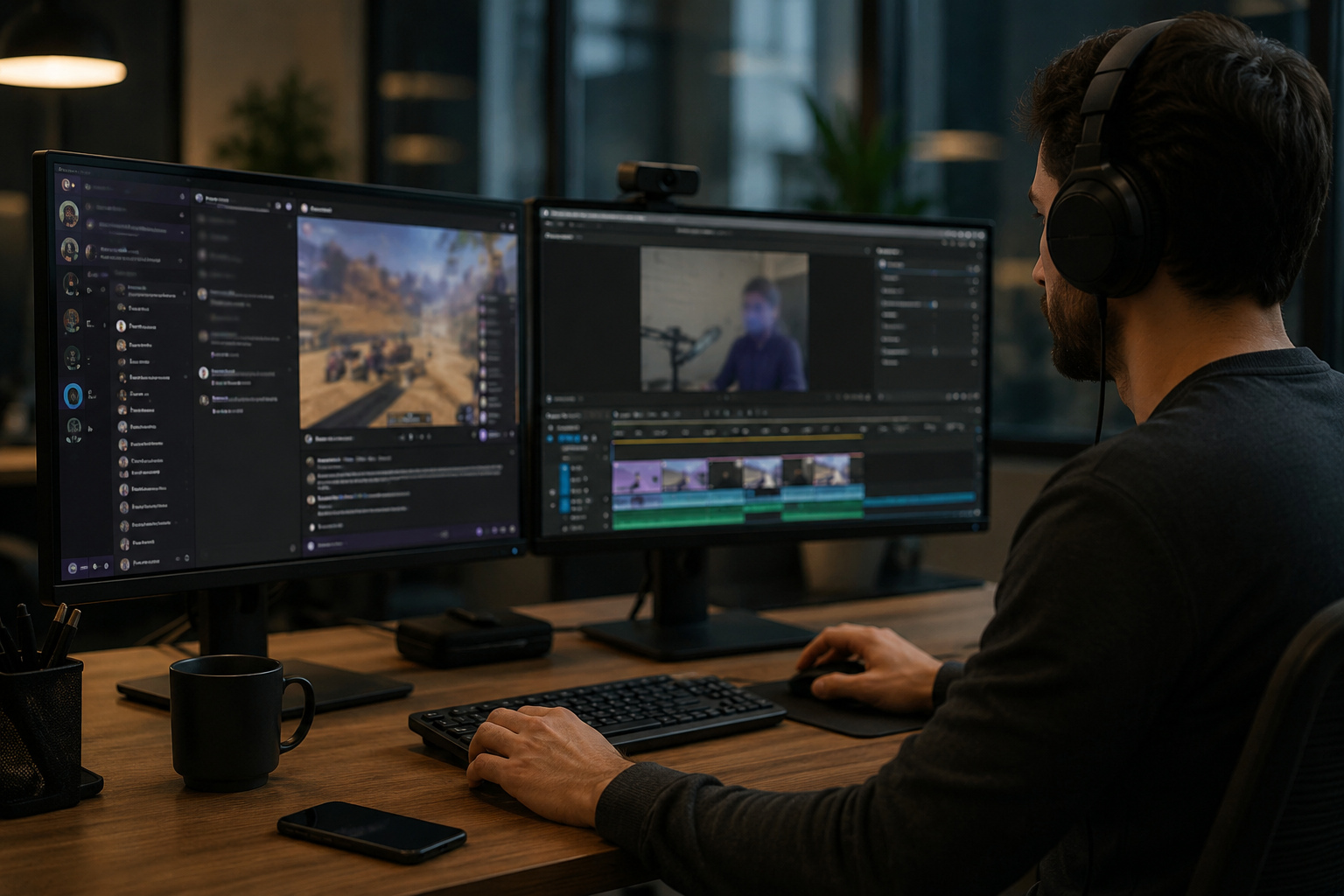
Teams reach for this workflow when twitch vod cleanup before highlight compilation; youtube gaming uploads with accidental notifications; discord screen shares showing private channels; stream recap videos with chat or ui containing pii. BGBlur automates detection so these scenarios stay publishable without days in a timeline.
Built for Twitch and YouTube Gaming streamers and Esports content creators
Ideal audiences include Twitch and YouTube Gaming streamers, Esports content creators, Gaming clip channels and highlight editors, VTubers with face cam overlays. Pair this example with your policy review when footage is sensitive or public-facing.
Casos de uso
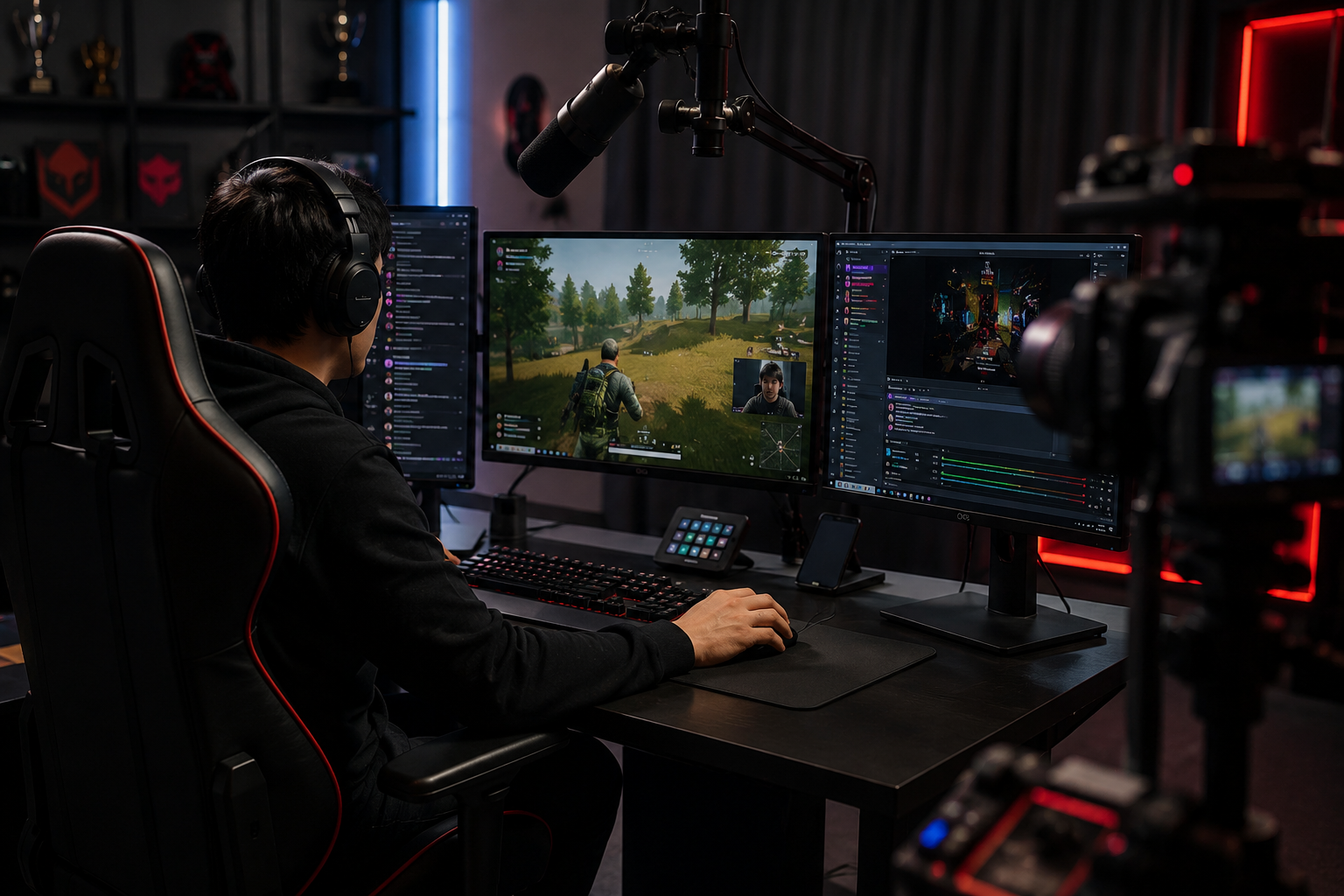
- Twitch VOD limpieza antes de resaltar la compilación
- YouTube Gaming carga con notificaciones accidentales
- Compartidas de pantalla de disco que muestran canales privados
- Stream recap videos con chat o UI que contiene PII
Para quién es
- Transbordadores Twitch y YouTube Gaming
- Creadores de contenido de Esports
- Gaming canales de clip y editores destacados
- VTuberes con capas de cámara facial
Más ejemplos de desenfoque de video
Explore escenarios similares con los mismos clips de demostración y orientación paso a paso.
Desenfoque de grabaciones de pantalla para tutoriales y demos
Oculta contraseñas, claves API, correos y datos personales en capturas de pantalla, esencial para demos de software y soporte.
Desenfoca cualquier cosa: logos, texto y áreas personalizadas
Selecciona zonas concretas como logos, direcciones en pantalla o señalización con precisión asistida por IA.
Desenfoque de rostros en video talking-head
Detección automática de rostros y desenfoque con seguimiento de movimiento para entrevistas, podcasts y vlogs, manteniendo identidades protegidas.
Desenfoque de fondo para enfoque cinematográfico
Suaviza o reemplaza fondos cargados para que el sujeto destaque, perfecto para webinars, reseñas y demos grabadas en casa.
Explorar características de BGBlur
Preguntas frecuentes
- ¿Puedo difuminar elementos UI móviles como pergaminos de chat?
- Sí, el seguimiento de la emoción mantiene el borrón bloqueado para mover superposiciones como ventanas de chat, matar los alimentos y notificar pop-ups a lo largo del clip.
- ¿Y si alguien envía mi dirección en Twitch chat?
- Desenfoque la superposición del chat completamente o de forma selectiva enmascara mensajes específicos; siempre el chat moderado activamente para evitar el acoso más allá de simple difunción visual.
- ¿Debería bordar mi webcam también?
- Si su identidad real es privada, los avatares de cara borrosa o VTuber son comunes; muchos streamers emparejan borrón webcam con modulación de voz para el anonimato completo.
¿Listo para probar esto en tu metraje?
Sube MP4, MOV o M4V y aplica los mismos modos de desenfoque que se muestran en este ejemplo.
Prueba BGBlur gratis