Floutage de confidentialité pour gaming et live stream
Protect streamers from doxxing: blur on-screen notifications, chat messages, Discord pings, and accidental personal info during gameplay.
Live streamers face constant doxxing risks: a Windows notification showing your real name, a Discord ping with your address, or an accidental browser tab revealing private information can all appear on stream in seconds.
Clean up stream VODs and gaming footage in three steps
Built for Twitch, YouTube Gaming, and esports creators who need privacy cleanup before clips go public.
Download your stream VOD
Export gameplay footage or Twitch VOD before highlight compilation or upload.
Identify sensitive timestamps
Find moments where notifications, chat, or personal info appeared on screen.
Apply selective blur and export
Blur those regions and export for upload or archival—no timeline software required.
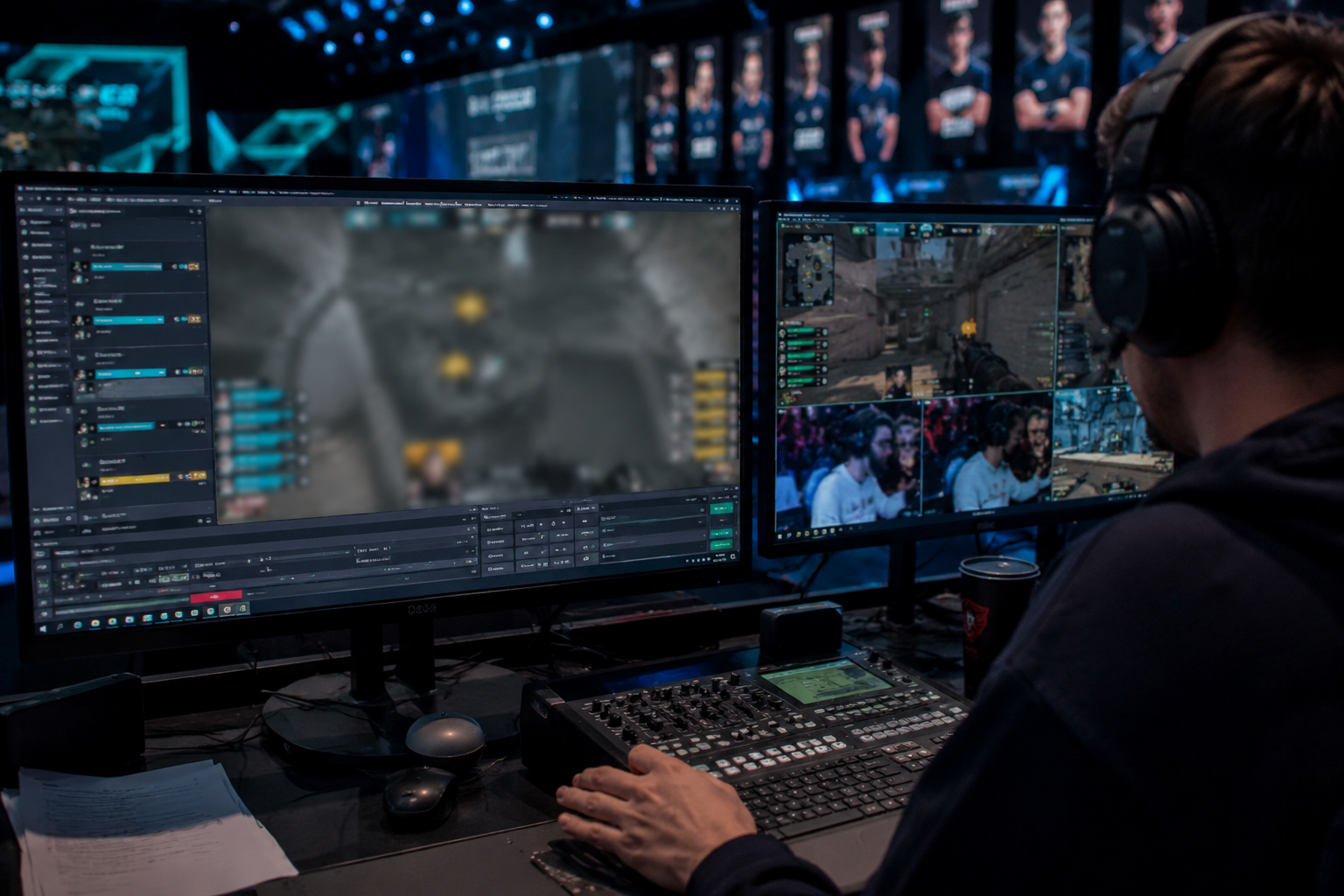
What this example demonstrates
Post-stream blur for VODs and highlight reels gives you a safety net: catch leaked information before clips go viral or get reuploaded by viewers.
Why teams use this pattern
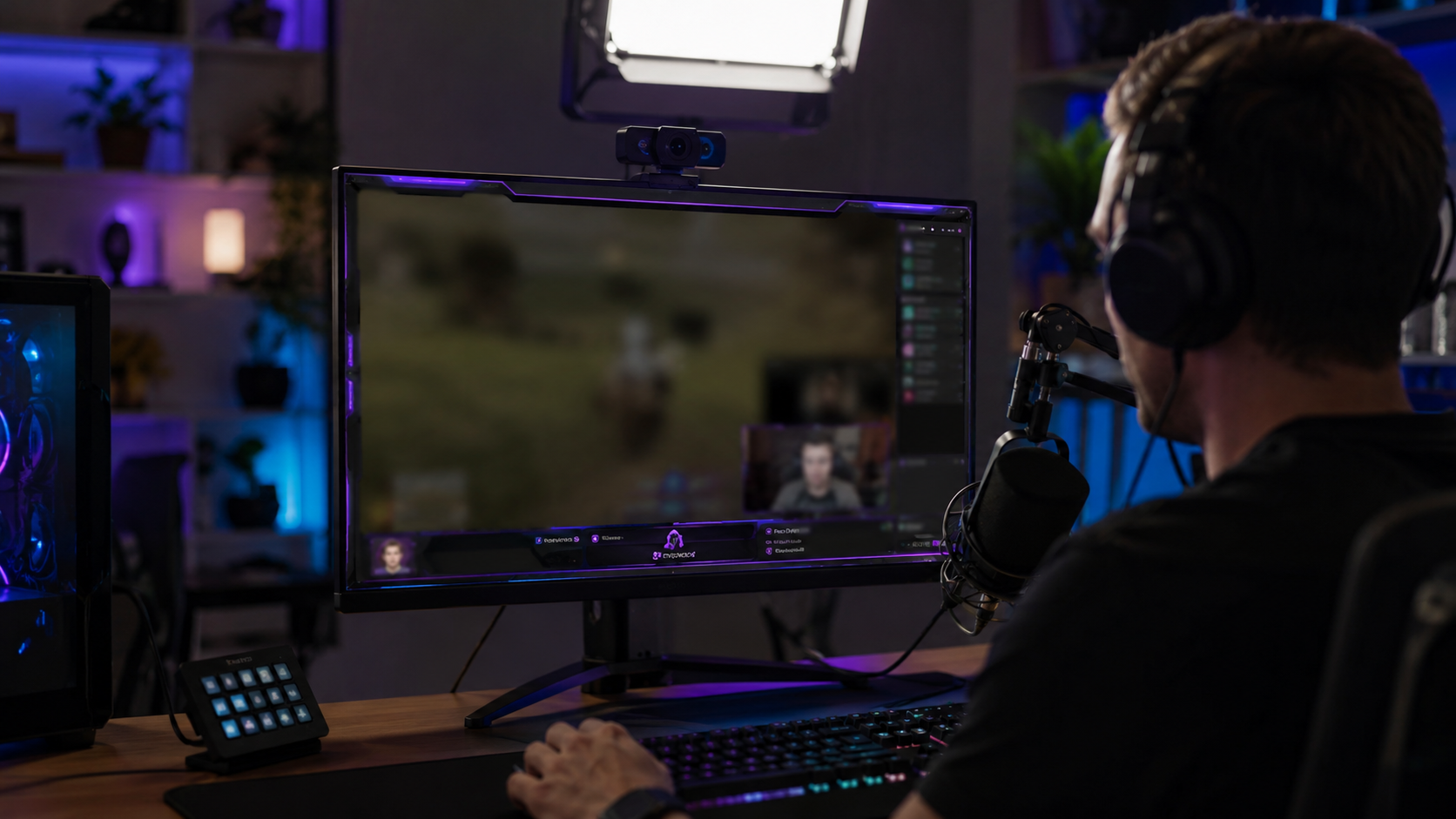
Combine regional blur with OBS scene overlays—blur protects past streams while overlays prevent future leaks during live broadcasts.
Common use cases
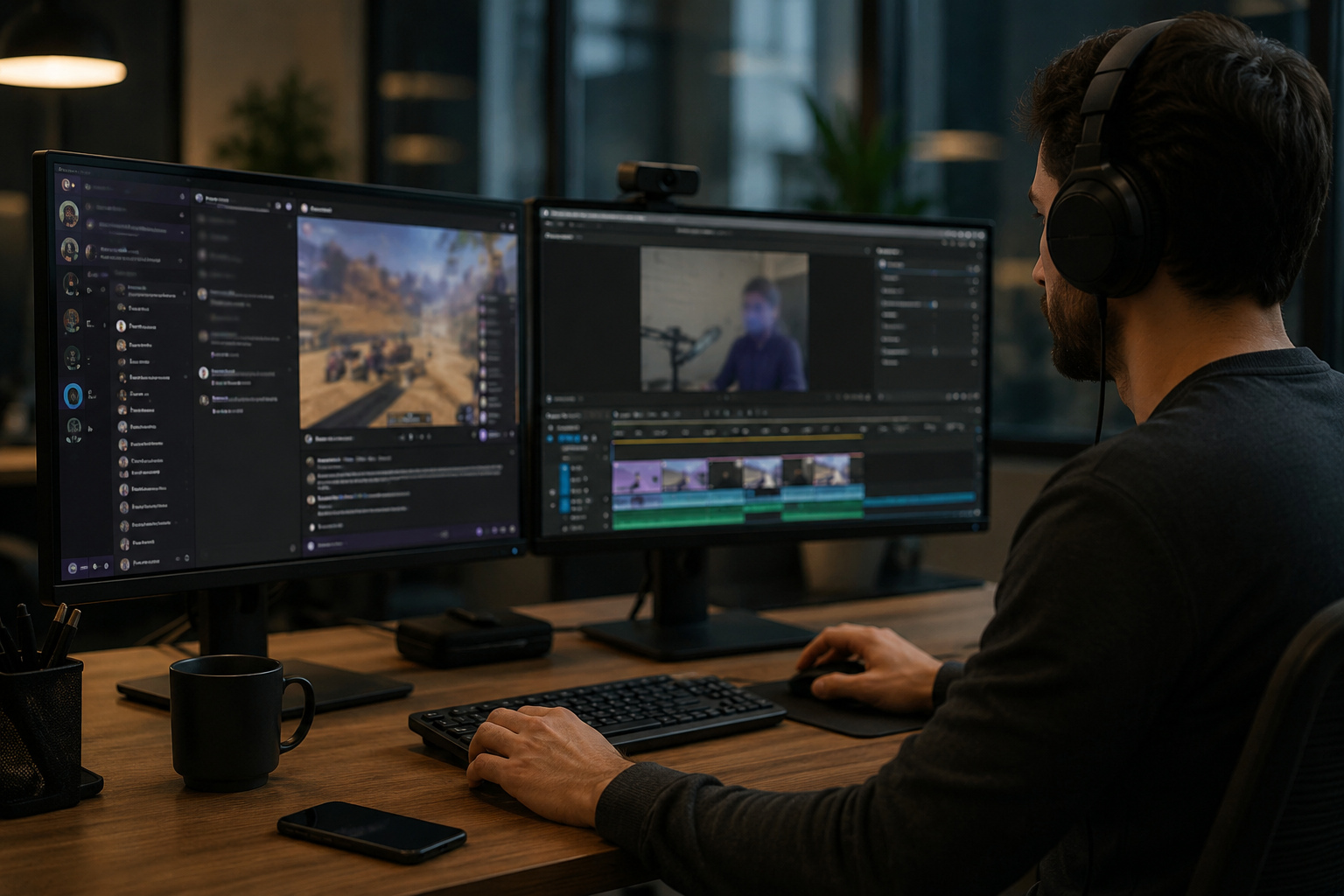
Teams reach for this workflow when twitch vod cleanup before highlight compilation; youtube gaming uploads with accidental notifications; discord screen shares showing private channels; stream recap videos with chat or ui containing pii. BGBlur automates detection so these scenarios stay publishable without days in a timeline.
Built for Twitch and YouTube Gaming streamers and Esports content creators
Ideal audiences include Twitch and YouTube Gaming streamers, Esports content creators, Gaming clip channels and highlight editors, VTubers with face cam overlays. Pair this example with your policy review when footage is sensitive or public-facing.
Cas d'usage
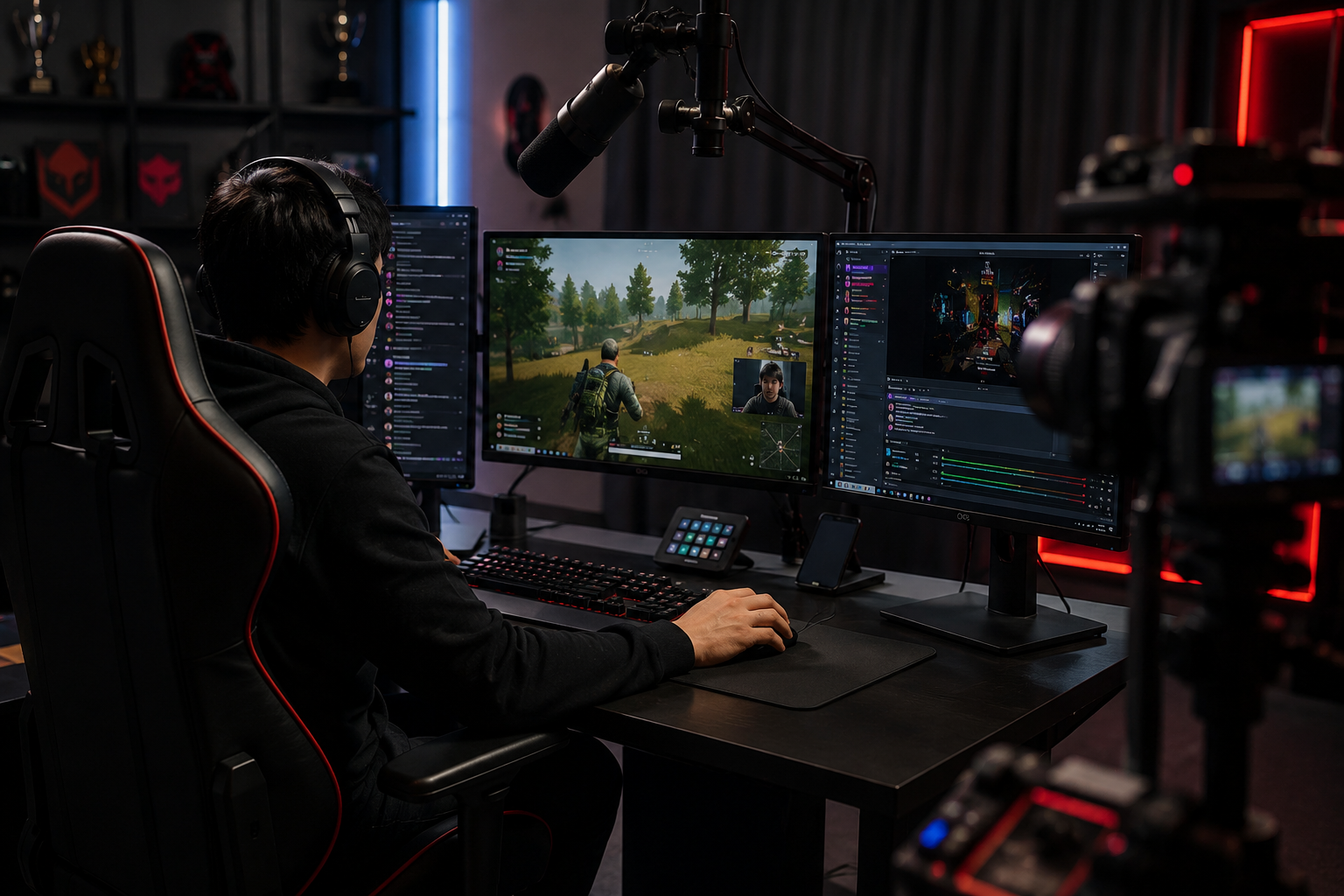
- Twitch nettoyage VOD avant la compilation de surlignement
- Téléchargement de YouTube Gaming avec notifications accidentelles
- Partage d'écran discordant montrant les canaux privés
- Stream recap vidéos avec chat ou UI contenant PII
Pour qui
- Twitch et YouTube Gaming streamingers
- Créateurs de contenu Esports
- Gaming clip canaux et surligner les éditeurs
- VTubers avec superpositions de caméra faciale
Plus d'exemples de flou vidéo
Explorez des scénarios similaires avec les mêmes clips de démonstration et des conseils étape par étape.
Floutage d'enregistrements d'écran pour tutoriels et démos
Masquez mots de passe, clés API, e-mails et données personnelles dans les captures d'écran, essentiel pour les démos logicielles et le support.
Flouter n'importe quoi : logos, texte et zones personnalisées
Ciblez des zones précises comme logos, adresses à l'écran ou signalétique avec une sélection assistée par IA.
Floutage de visage dans une vidéo face caméra
Détection automatique des visages et floutage avec suivi de mouvement pour interviews, podcasts et vlogs, afin de protéger les identités.
Flou d'arrière-plan pour une mise au point cinématographique
Adoucissez ou remplacez les arrière-plans chargés pour faire ressortir le sujet, parfait pour webinaires, avis et démos filmées à domicile.
Explorer les fonctionnalités de BGBlur
Questions fréquemment posées
- Puis-je brouiller les éléments d'interface utilisateur mobiles comme les défilements de chat ?
- Oui — le suivi des mouvements maintient le flou verrouillé pour déplacer les superpositions comme les fenêtres de chat, tuer les flux et les pop-ups de notification tout au long du clip.
- Et si quelqu'un envoie mon adresse dans Twitch chat ?
- Flur le chat superpose entièrement ou sélectivement masque des messages spécifiques; toujours le chat modéré activement pour empêcher le harcèlement au-delà du flou visuel.
- Devrais-je brouiller ma webcam aussi ?
- Si votre identité réelle est privée, le flou du visage ou les avatars VTuber sont communs ; de nombreux streamers pair webcam flou avec modulation vocale pour une anonymat complète.
Prêt à essayer sur vos propres vidéos ?
Téléchargez un fichier MP4, MOV ou M4V et appliquez les mêmes modes de flou que dans cet exemple.
Essayer BGBlur gratuitement