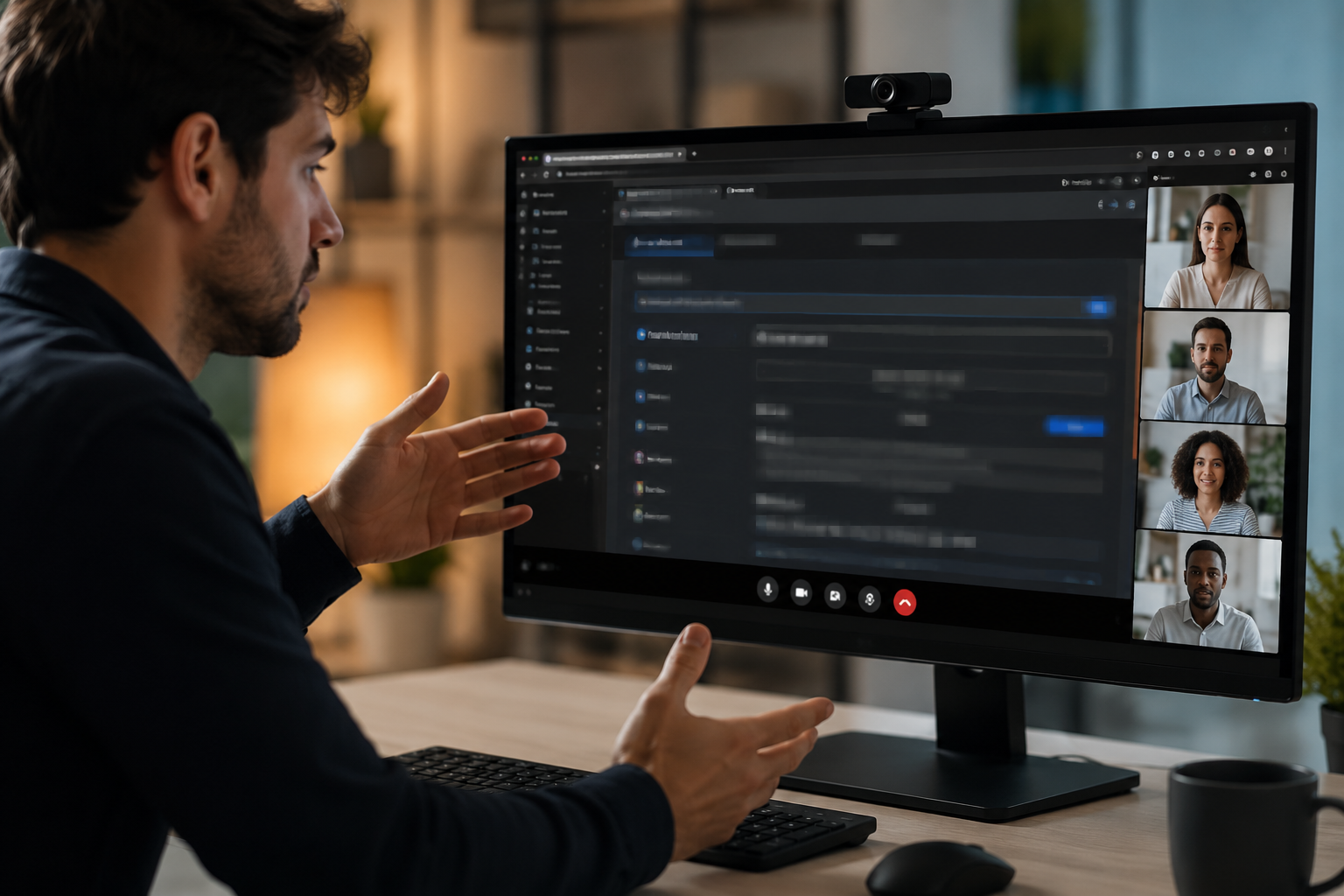
Screen recordings for tutorials, customer support, and product demos routinely capture sensitive data: login credentials, API tokens, personal emails, and internal URLs that should never reach public documentation.
Redact sensitive data in screen recordings in three steps
Built for DevRel, customer success, and product teams publishing tutorials or support walkthroughs.
Upload your screen recording
Drop MP4, MOV, or M4V captures into BGBlur—no timeline project or desktop software required.
Select regions with sensitive data
Paint over passwords, emails, API keys, or any UI element that should not appear in the published video.
Preview and export
Scrub the timeline to verify coverage, then export for documentation portals, YouTube, or support tickets.

What this example demonstrates
Manual frame-by-frame redaction is impractical for long recordings. AI-assisted blur detects and tracks text regions so passwords entered at 0:30 stay masked through cuts and edits.
Why teams use this pattern
Pair selective text blur with audio scrubbing when you verbally mention credentials or read sensitive information aloud during the demo.

Common use cases
Teams reach for this workflow when developer tutorials showing authentication flows; customer support screen shares with account details; saas product demos with test customer data; it training videos with system credentials. BGBlur automates detection so these scenarios stay publishable without days in a timeline.
Built for DevRel and developer advocates and Customer success teams
Ideal audiences include DevRel and developer advocates, Customer success teams, Product marketing, IT trainers and technical writers. Pair this example with your policy review when footage is sensitive or public-facing.

使用场景
- 显示认证流量的开发者教程
- 客户支持屏幕共享账户细节
- 带有测试客户数据的SaaS产品演示
- 具有系统资质的信息技术培训录像
适用人群
- DevRel 和开发商的倡导者
- 客户成功团队
- 产品销售
- 信息技术培训员和技术作者
常见问题
- 它能自动检测到文本吗?
- 文本检测帮助识别区域模糊;总是在发布前手动核实所有敏感数据覆盖.
- 复制复制动作显示证书呢?
- 屏幕上的任何文本都可能模糊不清,包括剪贴板贴纸、终端命令和浏览器自动填充——标记这些时间戳以供审查.
- 我应该模糊整个屏幕 还是只是敏感区域?
- 选择性模糊保留了观众的上下文和可用性;只是模糊了遵守隐私所必需的最低限度数据.