How to Blur Body-Cam Video Footage with BGBlur: One-Click Face, License Plate, Object and Background Anonymization for Privacy and Evidence Export
In today's digital age, body cam video blur technology has become essential for law enforcement, security personnel, and content creators who need to protect privacy while maintaining video evidence.
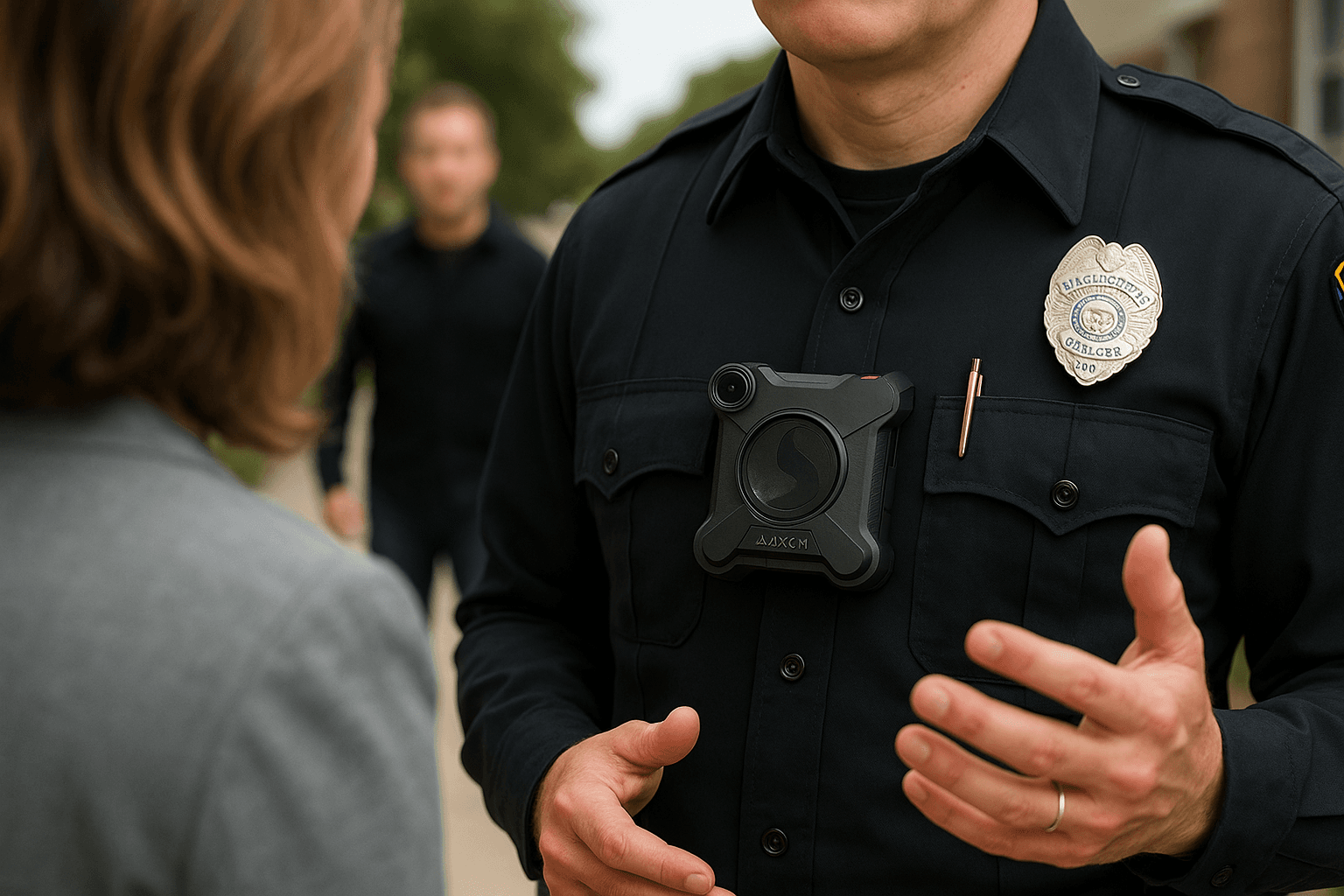
In today's digital age, body cam video blur technology has become essential for law enforcement, security personnel, and content creators who need to protect privacy while maintaining video evidence. Whether you're dealing with sensitive body worn camera footage or need to comply with privacy regulations, this guide will show you exactly how to blur faces, license plates, and other identifying information quickly and efficiently.
Why You Need to Blur Body-Cam Videos
Body cameras capture everything, including innocent bystanders, minors, and sensitive information that shouldn't be public. Learning to protect privacy in your footage isn't just ethical—it's often legally required. Modern body face redaction tools make this process simpler than ever before.
Methods to Blur Someone's Face in Video Footage
1. AI-Powered Automatic Detection
The fastest way to blur face in video content is using AI-powered software that automatically detects and tracks faces throughout your footage. These tools can process hours of body worn camera footage in minutes, applying consistent blurring or pixelation effects.
2. Manual Frame-by-Frame Editing
For precise control, you can manually edit bodycam video frame by frame. While time-consuming, this method ensures accuracy when you need to blur license plate in video segments or protect specific areas.
3. One-Click Solutions
Modern software to blur faces in video now offers one-click solutions that:
- Automatically detect all faces and license plates
- Apply consistent pixelated blur effects
- Track moving subjects throughout the footage
- Export privacy-compliant videos instantly
How to Easily Blur or Pixelate Parts of Your Video
Step 1: Import Your Footage
Upload your body cam video blur file to your chosen software. The platform supports MP4, MOV, and AVI formats, and automatically queues the footage for AI analysis.
Step 2: Select Blur Type
Choose between pixel blur, gaussian blur, or solid-color redaction depending on your privacy and compliance requirements. Pixelation is strongest for legal redaction; gaussian blur suits editorial content.
Step 3: Auto-Detect Objects
Let the AI identify faces and license plates automatically across every frame. The detection engine tracks moving subjects, so identifiable details remain blurred even as people walk or vehicles turn.
Step 4: Review and Adjust
Fine-tune the face blur areas if needed using the manual override tools. Check fast-motion frames and edge cases where a face or plate briefly enters the shot.
Step 5: Export Your Video
Save your privacy-protected video in your chosen format. The original footage is retained separately, so you can re-process with different settings at any time.
Best Software to Blur License Plate in Video and Faces
When selecting edit video software for redaction, consider these features:
- Automatic face and license plate detection
- Real-time preview capabilities
- Batch processing for multiple files
- Various blur for face styles (pixelation, gaussian, solid color)
- BGblur options for background anonymization
Is There an AI Video Blur Remover?
While AI technology has advanced significantly, removing professionally applied blurs from blur video content remains extremely difficult. This limitation actually enhances privacy protection, ensuring that once you've applied a blur face video effect, the original information stays protected.
Quick Tips for Effective Video Redaction
- Always review your entire edit bodycam video before sharing
- Use stronger blur effects for highly sensitive content
- Consider audio redaction alongside visual privacy protection
- Keep original unblurred copies in secure storage
- Test your face blur on different screen sizes
Conclusion
Protecting privacy in body cam video blur applications doesn't have to be complicated. With modern software to blur faces in video, you can ensure compliance and protect individuals' privacy with just one click. Whether you need to blur license plate information or redact faces, today's tools make the process faster and more accurate than ever before.
By following this guide and using the right body face redaction tool, you'll be able to process your body worn camera footage efficiently while maintaining the highest standards of privacy protection.