Gaming & live stream privacy blur
Protect streamers from doxxing: blur on-screen notifications, chat messages, Discord pings, and accidental personal info during gameplay.
Live streamers face constant doxxing risks: a Windows notification showing your real name, a Discord ping with your address, or an accidental browser tab revealing private information can all appear on stream in seconds.
Clean up stream VODs and gaming footage in three steps
Built for Twitch, YouTube Gaming, and esports creators who need privacy cleanup before clips go public.
Download your stream VOD
Export gameplay footage or Twitch VOD before highlight compilation or upload.
Identify sensitive timestamps
Find moments where notifications, chat, or personal info appeared on screen.
Apply selective blur and export
Blur those regions and export for upload or archival—no timeline software required.
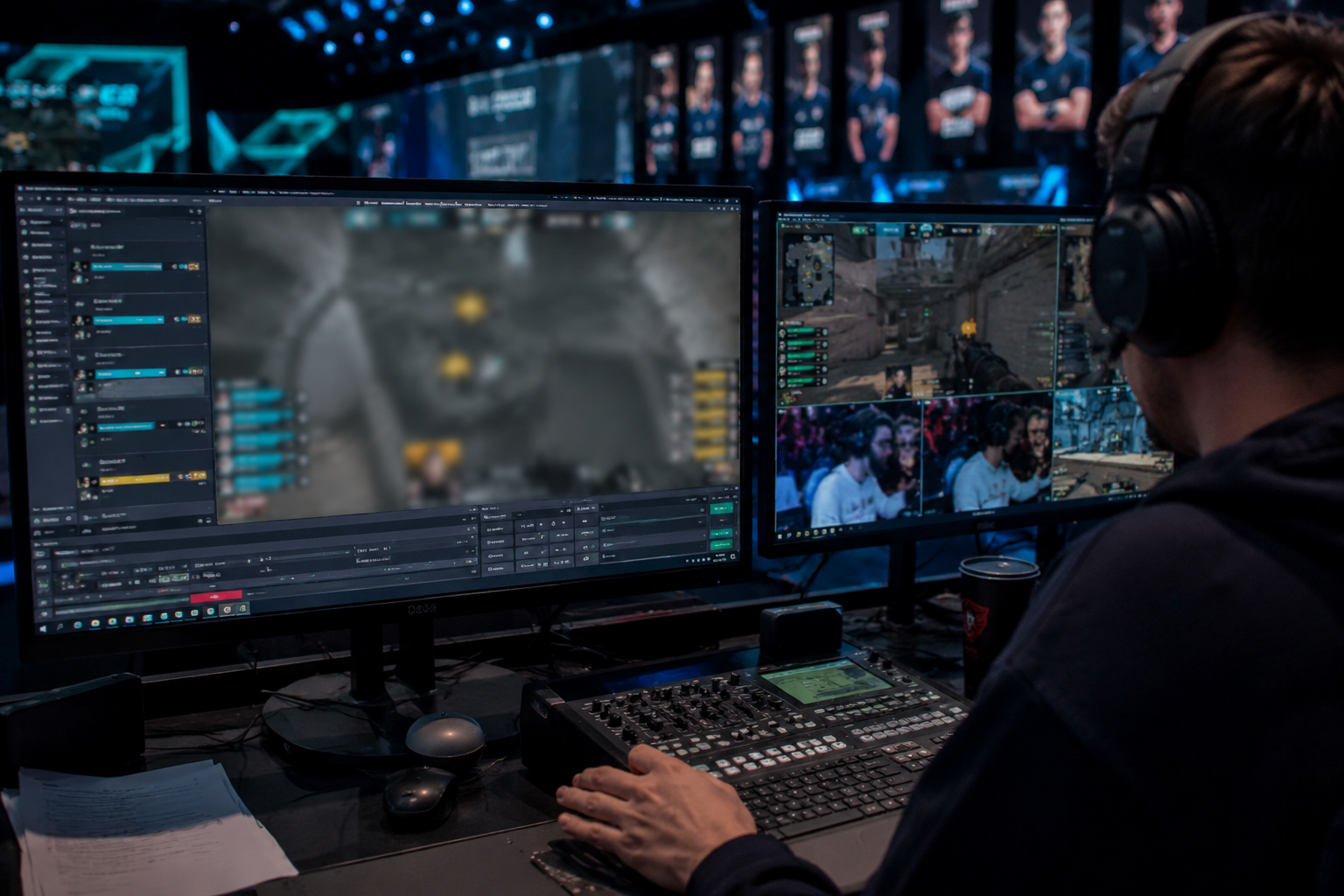
What this example demonstrates
Post-stream blur for VODs and highlight reels gives you a safety net: catch leaked information before clips go viral or get reuploaded by viewers.
Why teams use this pattern
Combine regional blur with OBS scene overlays—blur protects past streams while overlays prevent future leaks during live broadcasts.
Common use cases
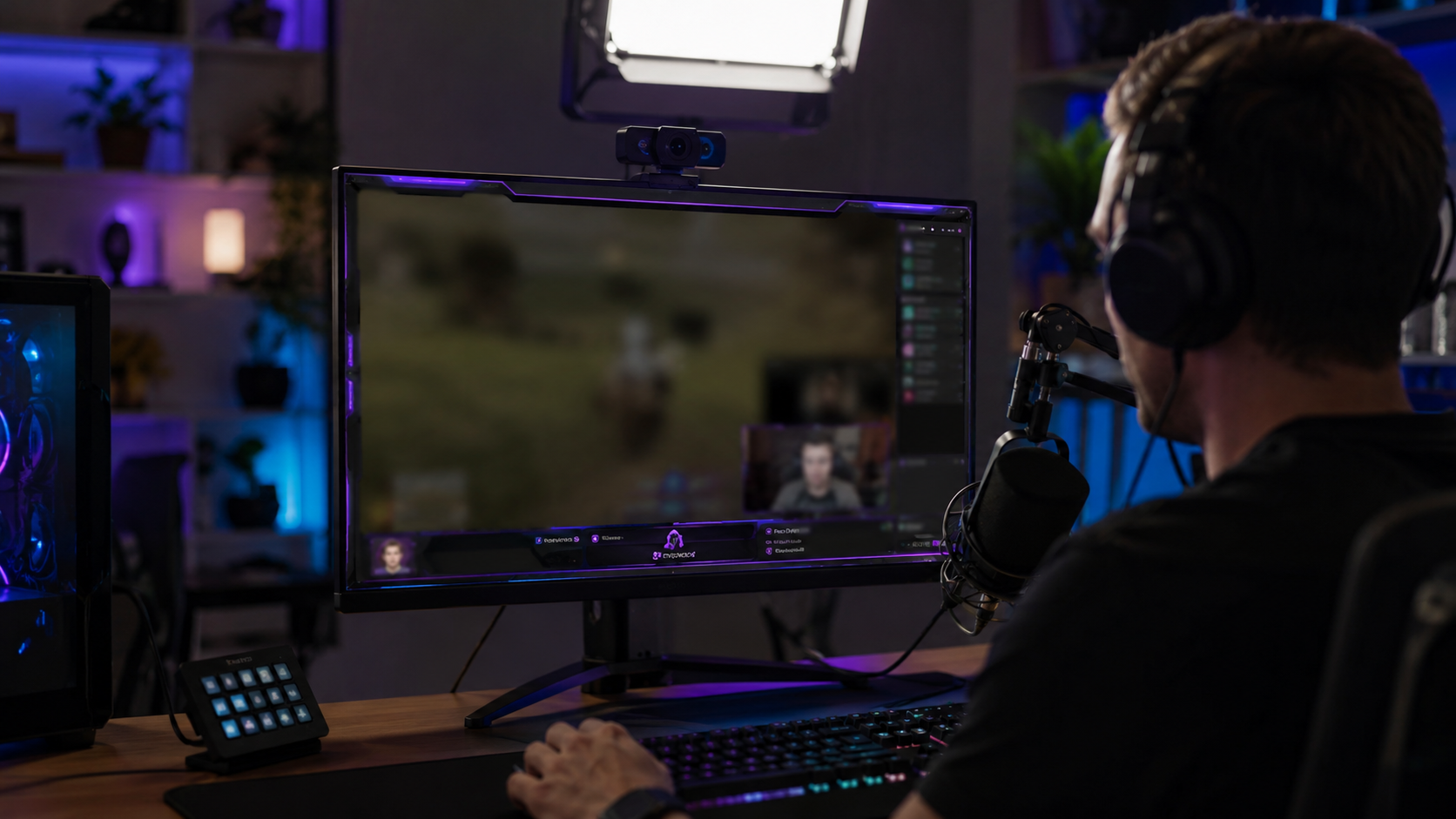
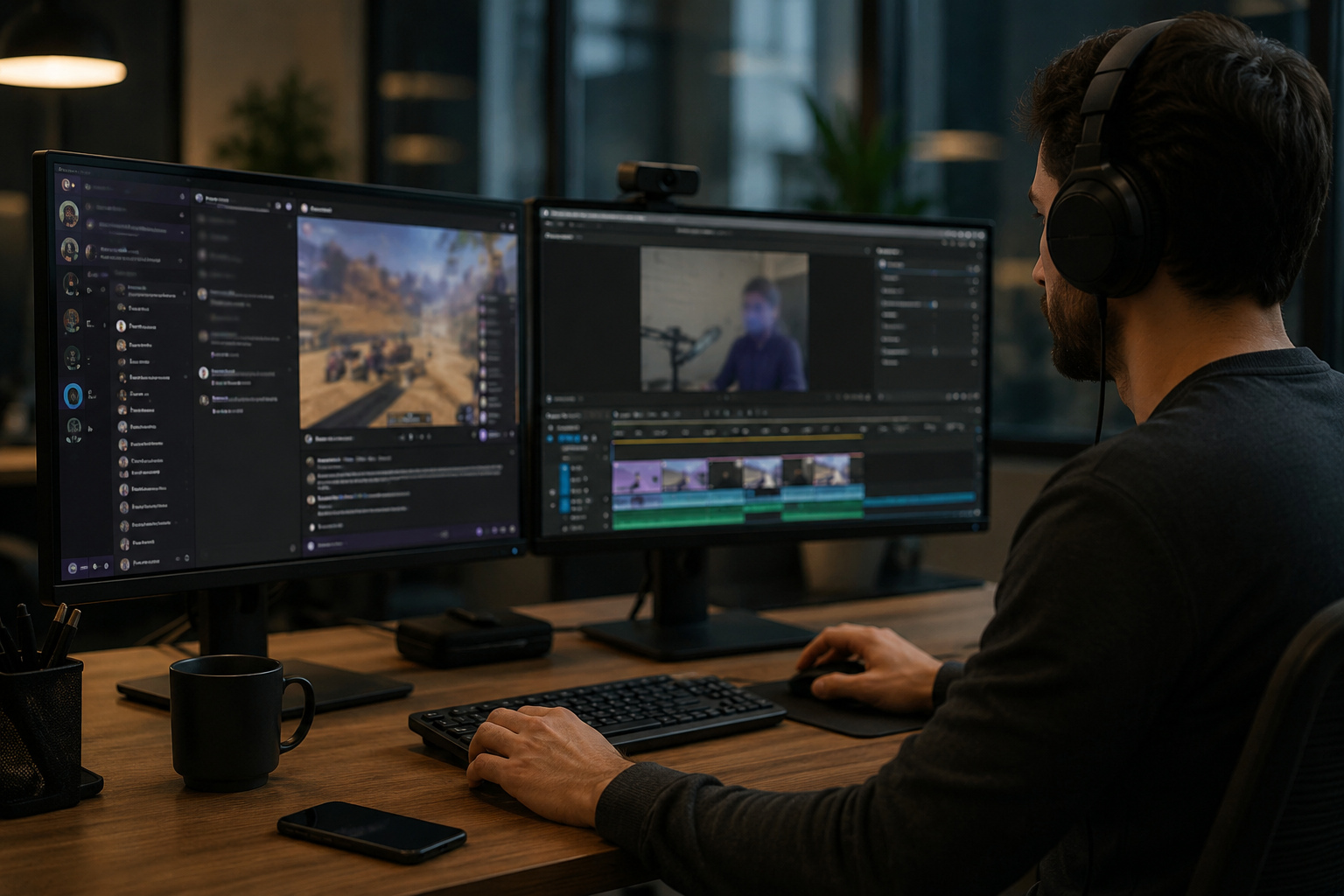
Teams reach for this workflow when twitch vod cleanup before highlight compilation; youtube gaming uploads with accidental notifications; discord screen shares showing private channels; stream recap videos with chat or ui containing pii. BGBlur automates detection so these scenarios stay publishable without days in a timeline.
Built for Twitch and YouTube Gaming streamers and Esports content creators
Ideal audiences include Twitch and YouTube Gaming streamers, Esports content creators, Gaming clip channels and highlight editors, VTubers with face cam overlays. Pair this example with your policy review when footage is sensitive or public-facing.
Use cases
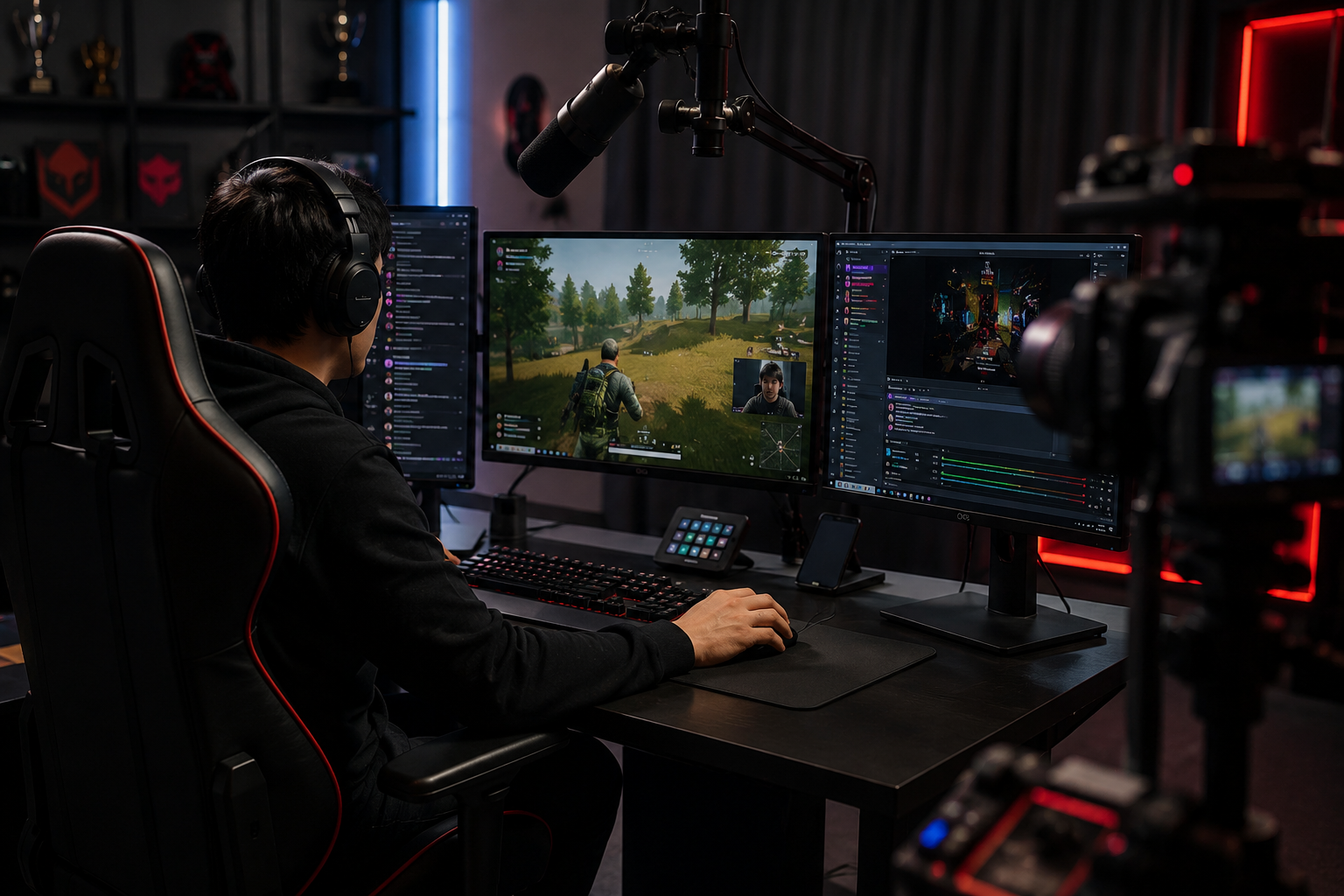
- Twitch VOD cleanup before highlight compilation
- YouTube Gaming uploads with accidental notifications
- Discord screen shares showing private channels
- Stream recap videos with chat or UI containing PII
Who it's for
- Twitch and YouTube Gaming streamers
- Esports content creators
- Gaming clip channels and highlight editors
- VTubers with face cam overlays
More video blur examples
Explore similar scenarios with the same demo clips and step-by-step guidance.
Screen recording blur for tutorials & demos
Hide passwords, API keys, emails, and personal data in screen captures—essential for software demos and support videos.
Blur anything: logos, text & custom regions
Target arbitrary areas—logos on hoodies, on-screen addresses, signage—with precise AI-assisted selection.
Face blur in talking-head video
Automatic face detection and blur for interviews, podcasts, and vlogs—motion-tracked so identities stay protected.
Background blur for cinematic focus
Soften or replace busy backgrounds so subjects stand out—great for webinars, reviews, and product demos filmed at home.
Frequently asked questions
- Can I blur moving UI elements like chat scrolls?
- Yes—motion tracking keeps blur locked to moving overlays like chat windows, kill feeds, and notification pop-ups throughout the clip.
- What if someone sends my address in Twitch chat?
- Blur the chat overlay entirely or selectively mask specific messages; always moderate chat actively to prevent harassment beyond just visual blur.
- Should I blur my webcam too?
- If your real identity is private, face blur or VTuber avatars are common; many streamers pair webcam blur with voice modulation for full anonymity.
Ready to try this on your footage?
Upload MP4, MOV, or M4V and apply the same blur modes shown in this example.
Try BGBlur free