गेमिंग और लाइव स्ट्रीम गोपनीयता ब्लर
Protect streamers from doxxing: blur on-screen notifications, chat messages, Discord pings, and accidental personal info during gameplay.
Live streamers face constant doxxing risks: a Windows notification showing your real name, a Discord ping with your address, or an accidental browser tab revealing private information can all appear on stream in seconds.
Clean up stream VODs and gaming footage in three steps
Built for Twitch, YouTube Gaming, and esports creators who need privacy cleanup before clips go public.
Download your stream VOD
Export gameplay footage or Twitch VOD before highlight compilation or upload.
Identify sensitive timestamps
Find moments where notifications, chat, or personal info appeared on screen.
Apply selective blur and export
Blur those regions and export for upload or archival—no timeline software required.
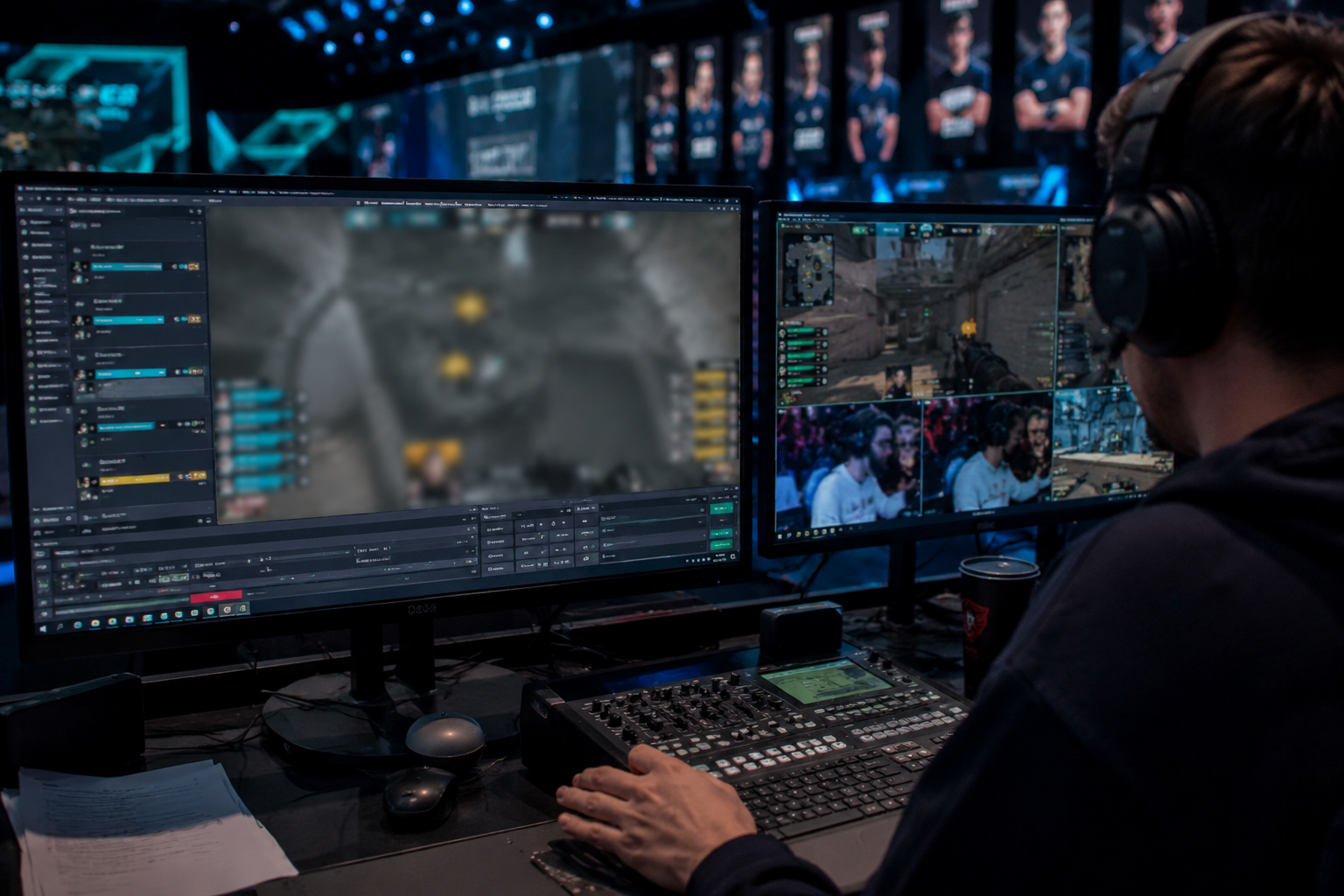
What this example demonstrates
Post-stream blur for VODs and highlight reels gives you a safety net: catch leaked information before clips go viral or get reuploaded by viewers.
Why teams use this pattern
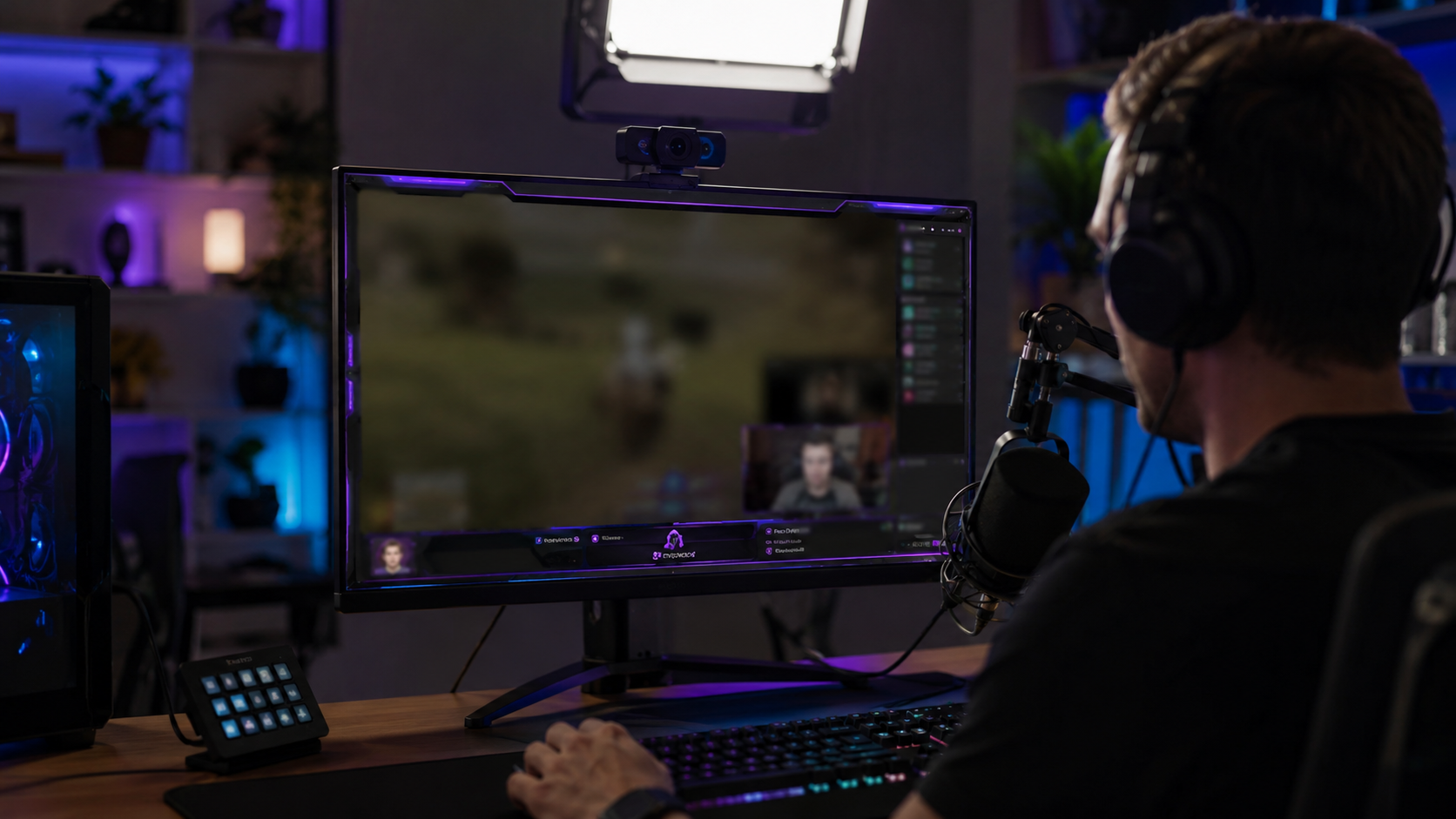
Combine regional blur with OBS scene overlays—blur protects past streams while overlays prevent future leaks during live broadcasts.
Common use cases
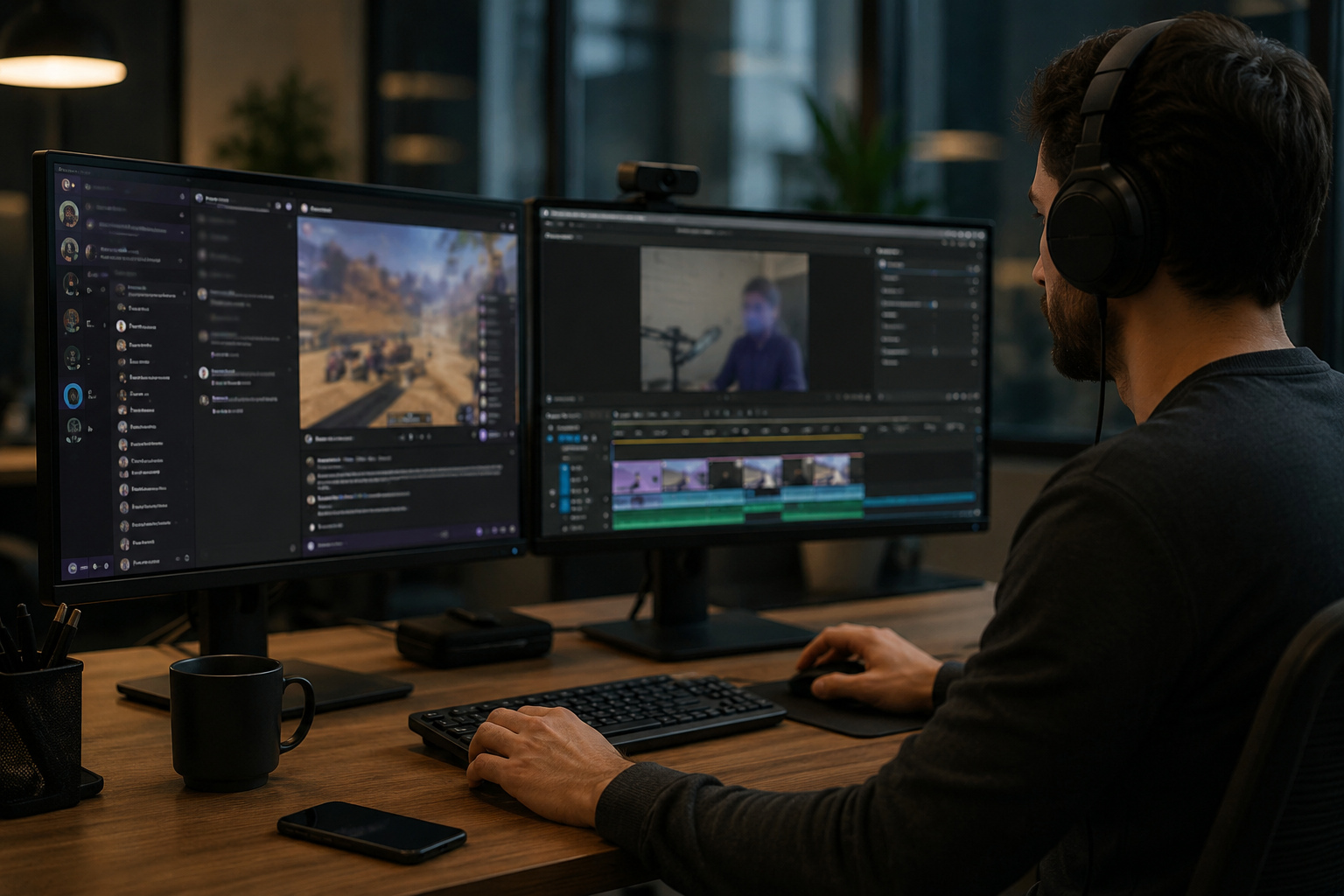
Teams reach for this workflow when twitch vod cleanup before highlight compilation; youtube gaming uploads with accidental notifications; discord screen shares showing private channels; stream recap videos with chat or ui containing pii. BGBlur automates detection so these scenarios stay publishable without days in a timeline.
Built for Twitch and YouTube Gaming streamers and Esports content creators
Ideal audiences include Twitch and YouTube Gaming streamers, Esports content creators, Gaming clip channels and highlight editors, VTubers with face cam overlays. Pair this example with your policy review when footage is sensitive or public-facing.
उपयोग के मामले
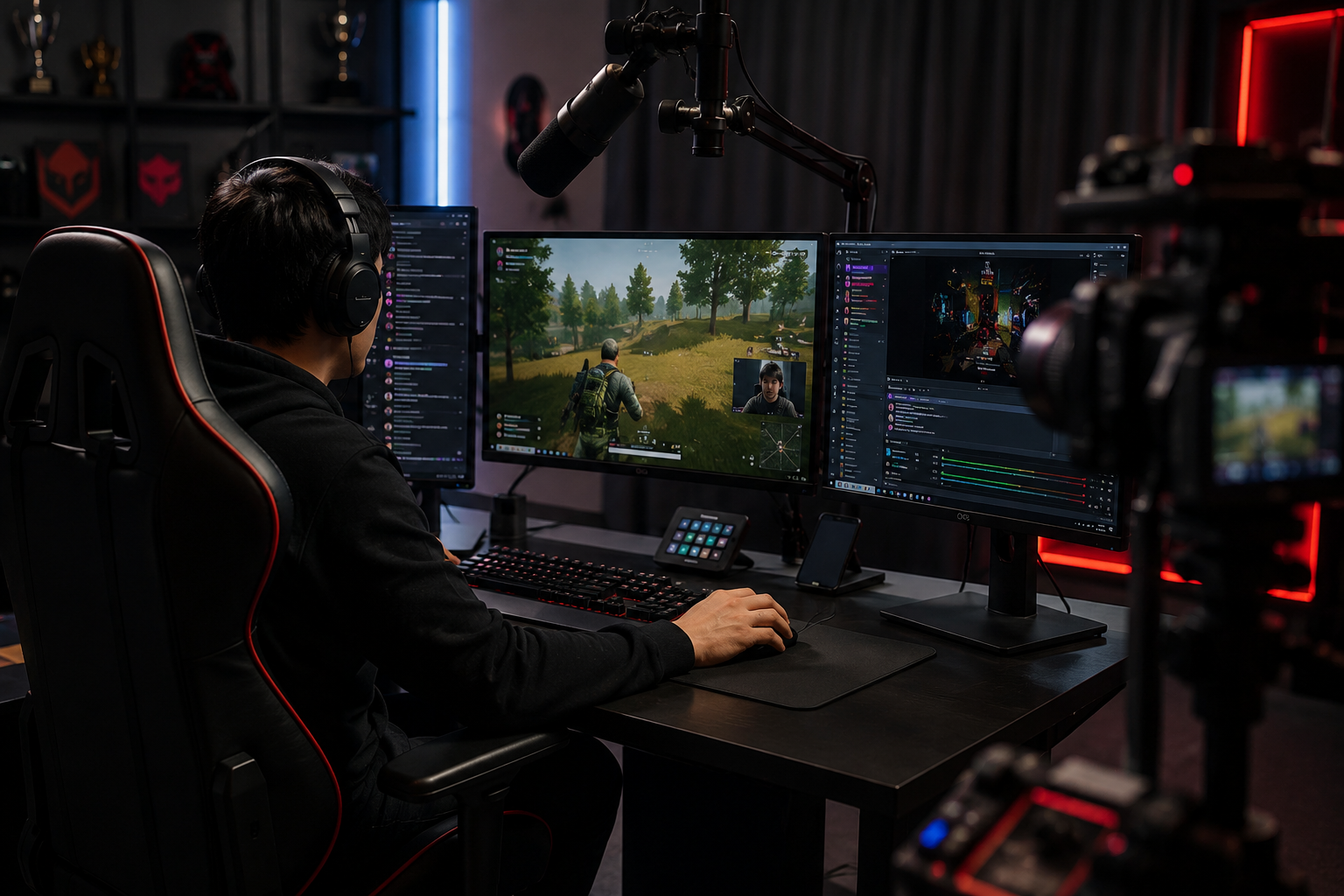
- संकलन को हाइलाइट करने से पहले विच VOD क्लीनअप
- यूट्यूब गेमिंग ने आकस्मिक अधिसूचनाओं के साथ अपलोड किया
- डिस्कार्ड स्क्रीन शेयर निजी चैनल दिखा रहा है
- PII युक्त चैट या UI के साथ स्ट्रीम रीकैप वीडियो
यह किसके लिए है
- Twitch and YouTube Gaming streamers
- Esports सामग्री निर्माताओं
- गेमिंग क्लिप चैनल और हाइलाइट संपादक
- VTubers चेहरे कैम ओवरले के साथ
अधिक वीडियो ब्लर उदाहरण
उन्हीं डेमो क्लिप और चरण-दर-चरण मार्गदर्शन के साथ समान परिदृश्यों का पता लगाएं।
ट्यूटोरियल और डेमो के लिए स्क्रीन रिकॉर्डिंग ब्लर
स्क्रीन कैप्चर में पासवर्ड, API कुंजियां, ईमेल और निजी डेटा छिपाएं, सॉफ्टवेयर डेमो और सपोर्ट वीडियो के लिए जरूरी।
कुछ भी ब्लर करें: लोगो, टेक्स्ट और कस्टम क्षेत्र
हुडी पर लोगो, स्क्रीन पर पते या साइनेज जैसे मनचाहे हिस्सों को सटीक AI-सहायता वाली चयन प्रक्रिया से ब्लर करें।
टॉकिंग-हेड वीडियो में चेहरा धुंधला करें
इंटरव्यू, पॉडकास्ट और व्लॉग के लिए अपने-आप चेहरा पहचान और मोशन-ट्रैक्ड ब्लर, ताकि पहचान सुरक्षित रहे।
सिनेमैटिक फोकस के लिए बैकग्राउंड ब्लर
व्यस्त बैकग्राउंड को नरम करें या बदलें ताकि विषय साफ दिखे, वेबिनार, रिव्यू और घर में शूट किए गए प्रोडक्ट डेमो के लिए अच्छा।
अक्सर पूछे जाने वाले प्रश्न
- क्या मैं चैट स्क्रॉल जैसे यूआई तत्वों को धुंधला कर सकता हूं?
- हाँ-मिशन ट्रैकिंग ने ओवरले जैसे चैट विंडो, किल फीड्स, और पूरे क्लिप में अधिसूचना पॉप-अप को स्थानांतरित करने के लिए ब्लर लॉक किया है।.
- यदि कोई Twitch चैट में अपना पता भेजता है तो क्या होगा?
- पूरी तरह से या चुनिंदा विशिष्ट संदेशों को मास्क करने के लिए चैट को धुंधला करें; केवल दृश्य ब्लर से परे उत्पीड़न को रोकने के लिए हमेशा मध्यम चैट सक्रिय रूप से।.
- क्या मैं अपने वेबकैम को भी धुंधला हूँ?
- यदि आपकी वास्तविक पहचान निजी है, तो चेहरा धुंधला या VTuber अवतार आम हैं; कई स्ट्रीमर पूर्ण गुमनामी के लिए आवाज मॉडुलन के साथ वेबकैम ब्लूर जोड़े हैं।.
क्या आप इसे अपनी फ़ुटेज पर आज़माने के लिए तैयार हैं?
MP4, MOV, या M4V अपलोड करें और इस उदाहरण में दिखाए गए समान ब्लर मोड लागू करें।
BGBlur मुफ़्त में आज़माएं