ट्यूटोरियल और डेमो के लिए स्क्रीन रिकॉर्डिंग ब्लर
Blur passwords, API keys, and PII in screen recordings—tracked through cuts and edits without manual frame-by-frame masking.
Screen recordings for tutorials, customer support, and product demos routinely capture sensitive data: login credentials, API tokens, personal emails, and internal URLs that should never reach public documentation.
Redact sensitive data in screen recordings in three steps
Built for DevRel, customer success, and product teams publishing tutorials or support walkthroughs.
Upload your screen recording
Drop MP4, MOV, or M4V captures into BGBlur—no timeline project or desktop software required.
Select regions with sensitive data
Paint over passwords, emails, API keys, or any UI element that should not appear in the published video.
Preview and export
Scrub the timeline to verify coverage, then export for documentation portals, YouTube, or support tickets.
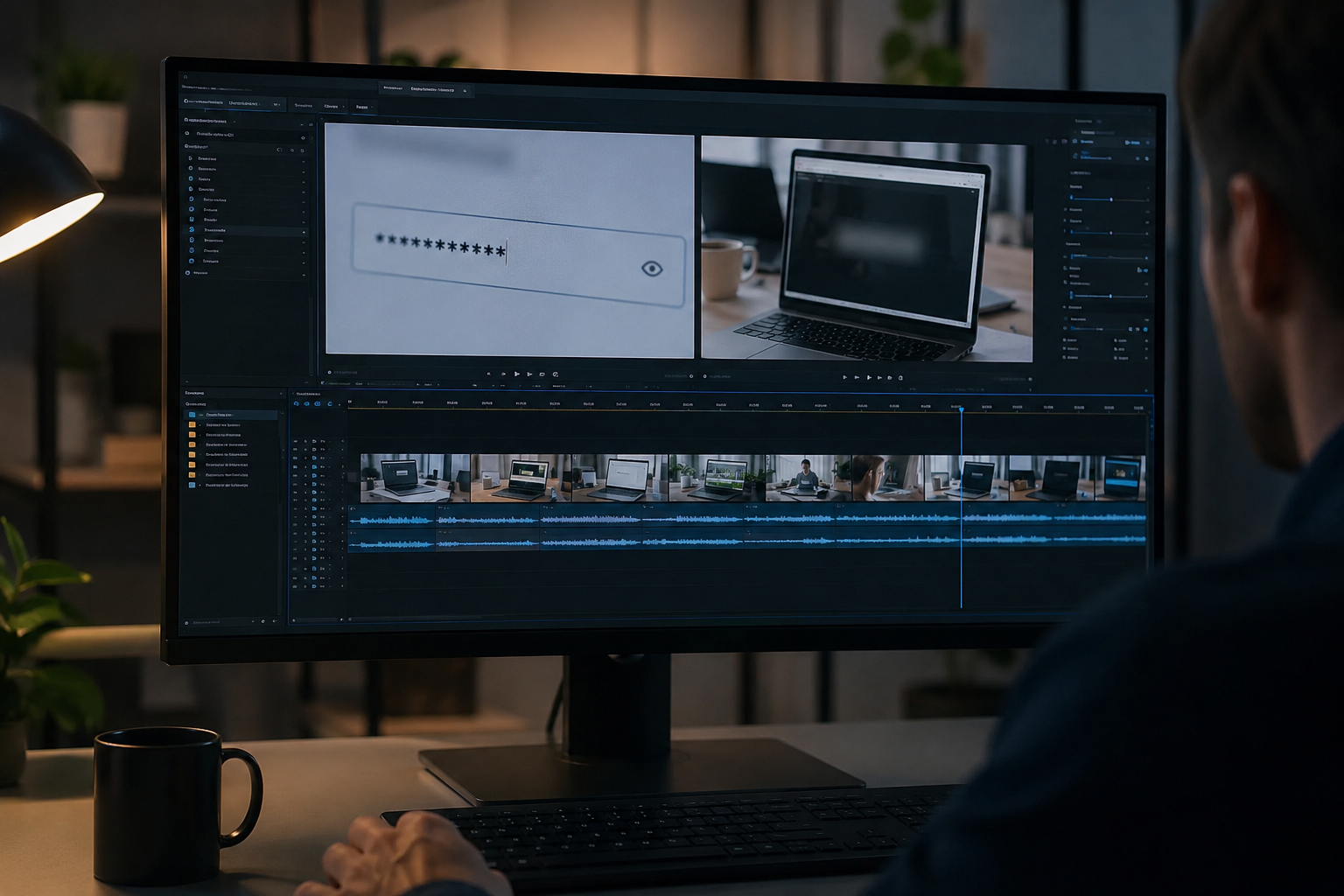
What this example demonstrates
Manual frame-by-frame redaction is impractical for long recordings. AI-assisted blur detects and tracks text regions so passwords entered at 0:30 stay masked through cuts and edits.
Why teams use this pattern
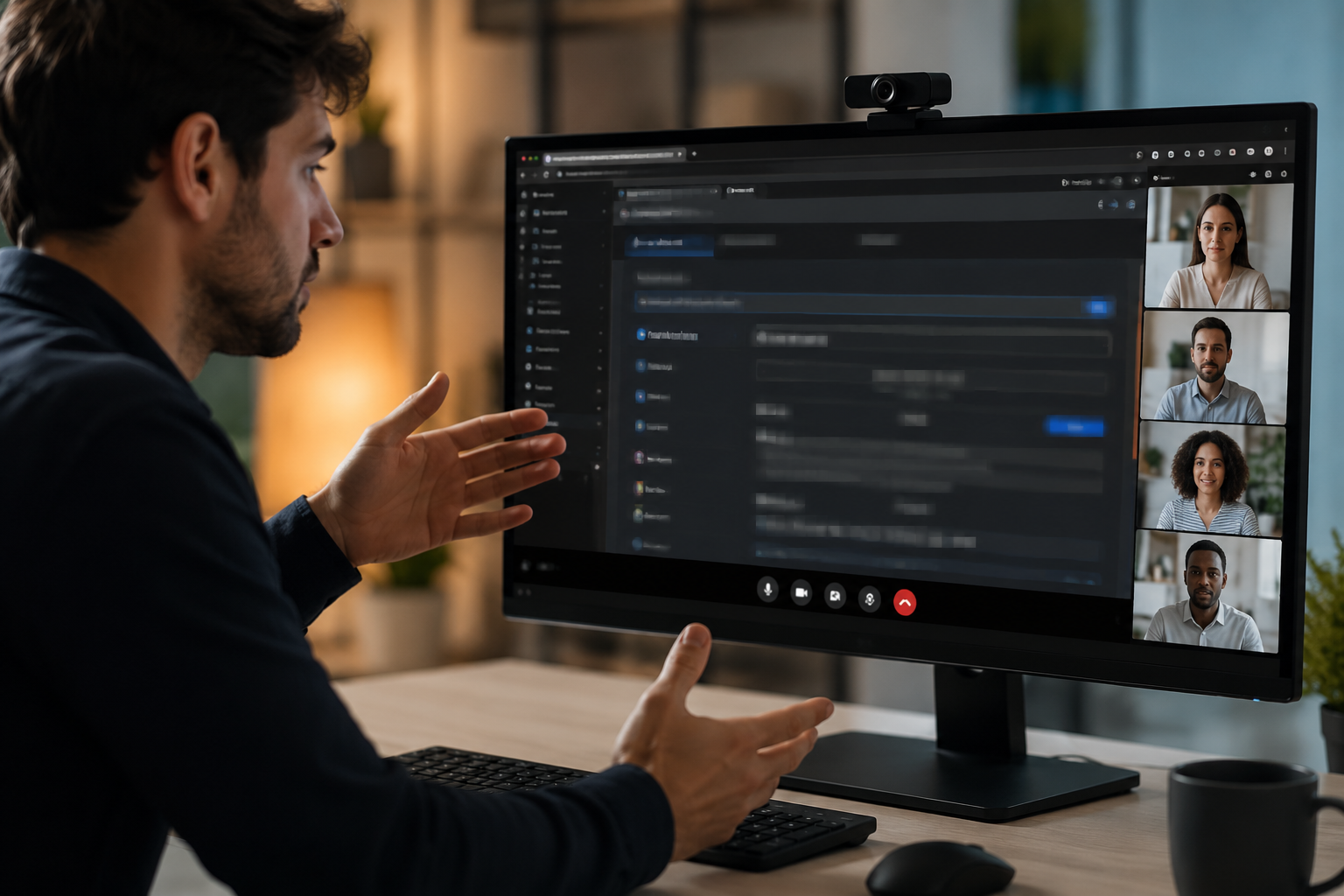
Pair selective text blur with audio scrubbing when you verbally mention credentials or read sensitive information aloud during the demo.
Common use cases
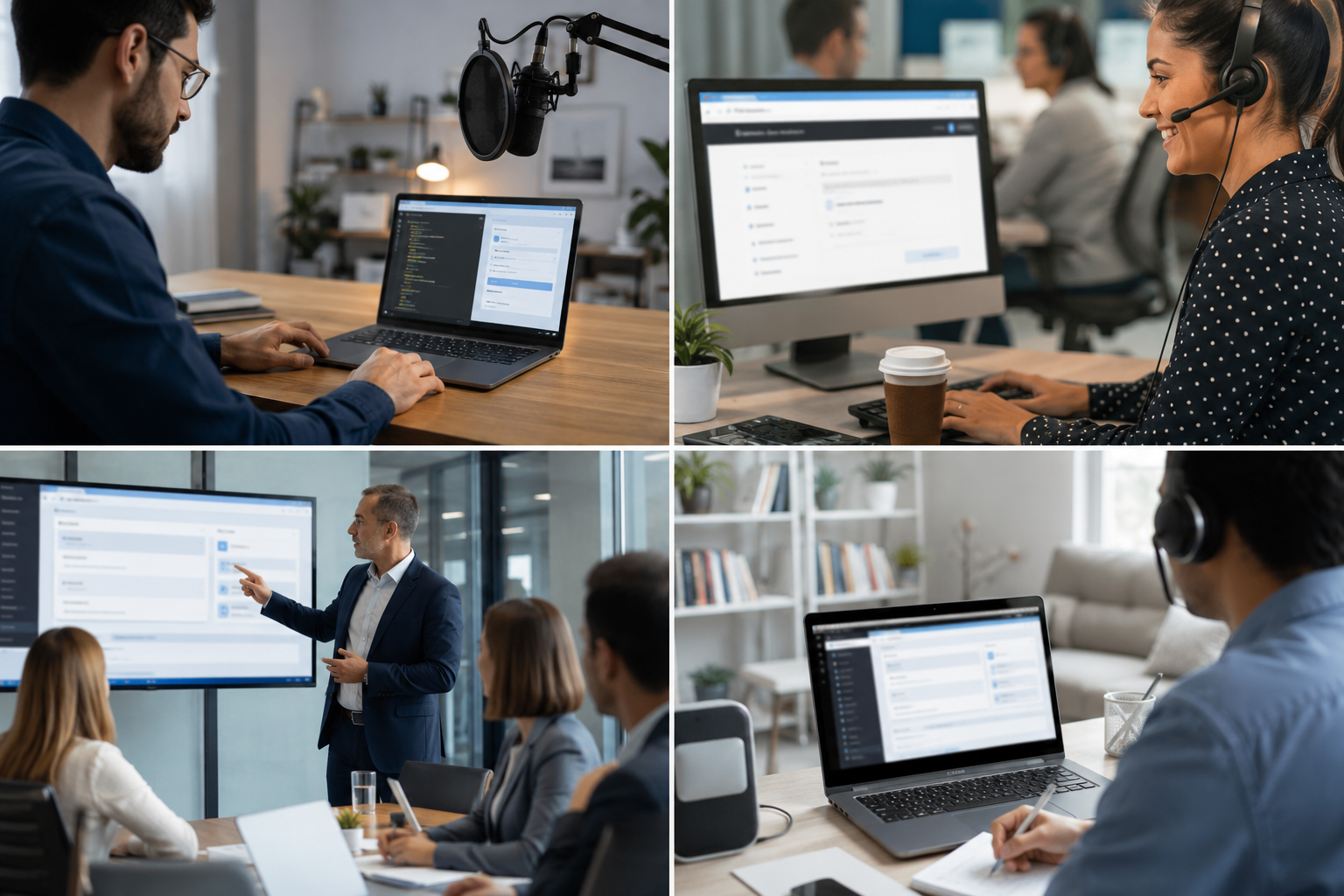
Teams reach for this workflow when developer tutorials showing authentication flows; customer support screen shares with account details; saas product demos with test customer data; it training videos with system credentials. BGBlur automates detection so these scenarios stay publishable without days in a timeline.
Built for DevRel and developer advocates and Customer success teams
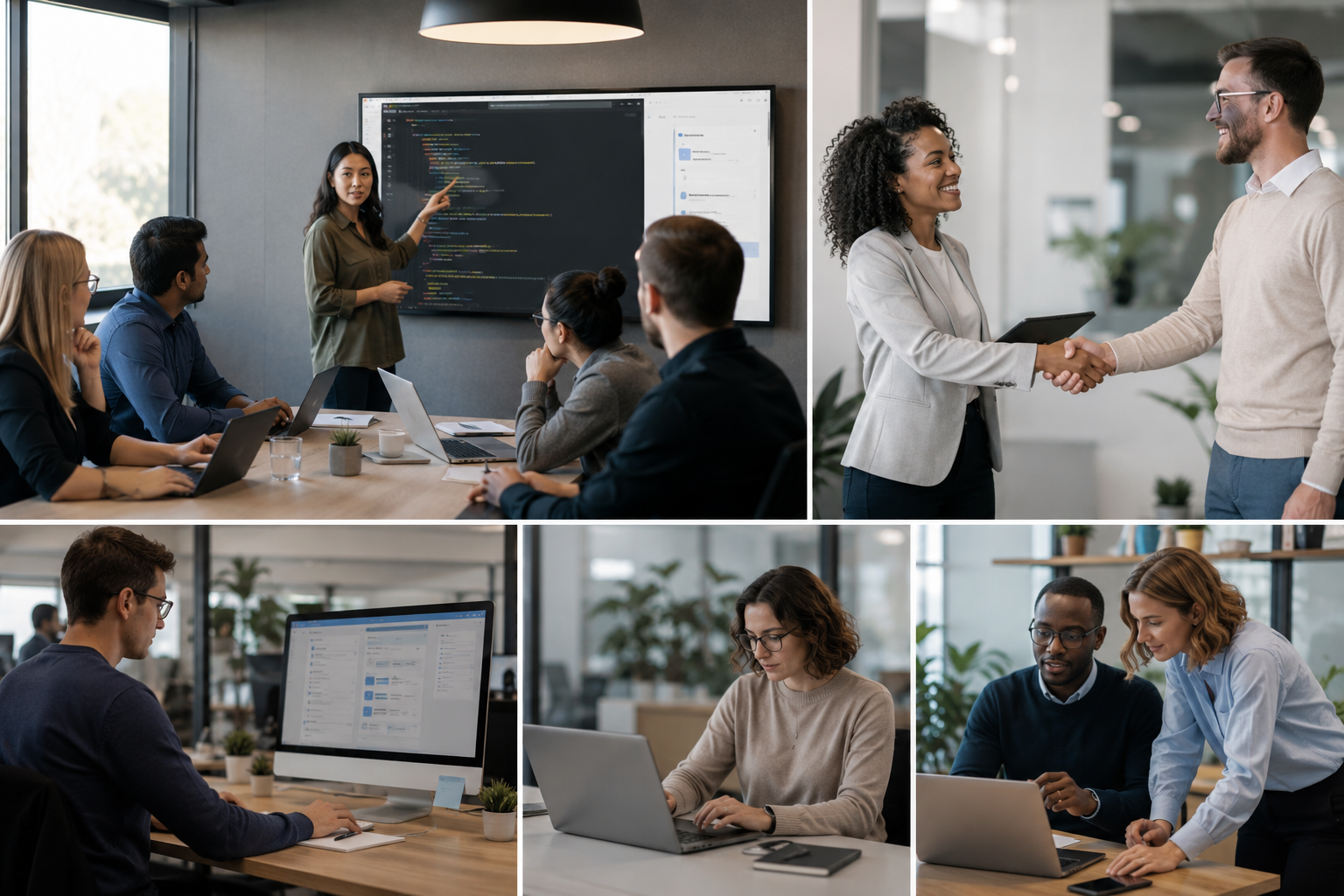
Ideal audiences include DevRel and developer advocates, Customer success teams, Product marketing, IT trainers and technical writers. Pair this example with your policy review when footage is sensitive or public-facing.
उपयोग के मामले
- प्रमाणीकरण प्रवाह दिखाने वाले डेवलपर ट्यूटोरियल
- खाता विवरण के साथ ग्राहक समर्थन स्क्रीन शेयर
- परीक्षण ग्राहक डेटा के साथ सास उत्पाद डेमो
- सिस्टम क्रेडेंशियल के साथ आईटी प्रशिक्षण वीडियो
यह किसके लिए है
- देवरेल और डेवलपर वकील
- ग्राहक सफलता टीमों
- उत्पाद विपणन
- आईटी प्रशिक्षकों और तकनीकी लेखकों
अधिक वीडियो ब्लर उदाहरण
उन्हीं डेमो क्लिप और चरण-दर-चरण मार्गदर्शन के साथ समान परिदृश्यों का पता लगाएं।
कुछ भी ब्लर करें: लोगो, टेक्स्ट और कस्टम क्षेत्र
हुडी पर लोगो, स्क्रीन पर पते या साइनेज जैसे मनचाहे हिस्सों को सटीक AI-सहायता वाली चयन प्रक्रिया से ब्लर करें।
टॉकिंग-हेड वीडियो में चेहरा धुंधला करें
इंटरव्यू, पॉडकास्ट और व्लॉग के लिए अपने-आप चेहरा पहचान और मोशन-ट्रैक्ड ब्लर, ताकि पहचान सुरक्षित रहे।
सिनेमैटिक फोकस के लिए बैकग्राउंड ब्लर
व्यस्त बैकग्राउंड को नरम करें या बदलें ताकि विषय साफ दिखे, वेबिनार, रिव्यू और घर में शूट किए गए प्रोडक्ट डेमो के लिए अच्छा।
सड़क और डैशकैम फुटेज में लाइसेंस प्लेट ब्लर
ट्रैफिक, पार्किंग और राइड-अलॉन्ग फुटेज में पढ़ी जा सकने वाली प्लेट छिपाएं, मोटोग्लॉग और लोकेशन शूट के लिए उपयोगी।
अक्सर पूछे जाने वाले प्रश्न
- क्या यह स्वचालित रूप से पाठ का पता लगा सकता है?
- पाठ का पता लगाने से क्षेत्रों को धुंधला करने में मदद मिलती है; हमेशा मैन्युअल रूप से सत्यापित करें कि प्रकाशन से पहले सभी संवेदनशील डेटा को कवर किया गया है।.
- क्या कॉपी पेस्ट क्रियाओं के बारे में क्रेडेंशियल दिखा?
- किसी भी ऑन-स्क्रीन टेक्स्ट को धुंधला किया जा सकता है, जिसमें क्लिपबोर्ड पेस्ट, टर्मिनल कमांड और ब्राउजर ऑटोफिल शामिल हैं - समीक्षा के लिए उन टाइमटैम्प्स को चिह्नित करें।.
- क्या मुझे पूरी स्क्रीन या सिर्फ संवेदनशील क्षेत्रों को धुंधला करना चाहिए?
- चुनिंदा ब्लर दर्शकों के लिए संदर्भ और उपयोगिता को बनाए रखता है; केवल गोपनीयता अनुपालन के लिए न्यूनतम आवश्यक डेटा को अस्पष्ट करता है।.
क्या आप इसे अपनी फ़ुटेज पर आज़माने के लिए तैयार हैं?
MP4, MOV, या M4V अपलोड करें और इस उदाहरण में दिखाए गए समान ब्लर मोड लागू करें।
BGBlur मुफ़्त में आज़माएं