Gaming & live stream privacy blur
Protect streamers from doxxing: blur on-screen notifications, chat messages, Discord pings, and accidental personal info during gameplay.
Live streamers face constant doxxing risks: a Windows notification showing your real name, a Discord ping with your address, or an accidental browser tab revealing private information can all appear on stream in seconds.
Clean up stream VODs and gaming footage in three steps
Built for Twitch, YouTube Gaming, and esports creators who need privacy cleanup before clips go public.
Download your stream VOD
Export gameplay footage or Twitch VOD before highlight compilation or upload.
Identify sensitive timestamps
Find moments where notifications, chat, or personal info appeared on screen.
Apply selective blur and export
Blur those regions and export for upload or archival—no timeline software required.
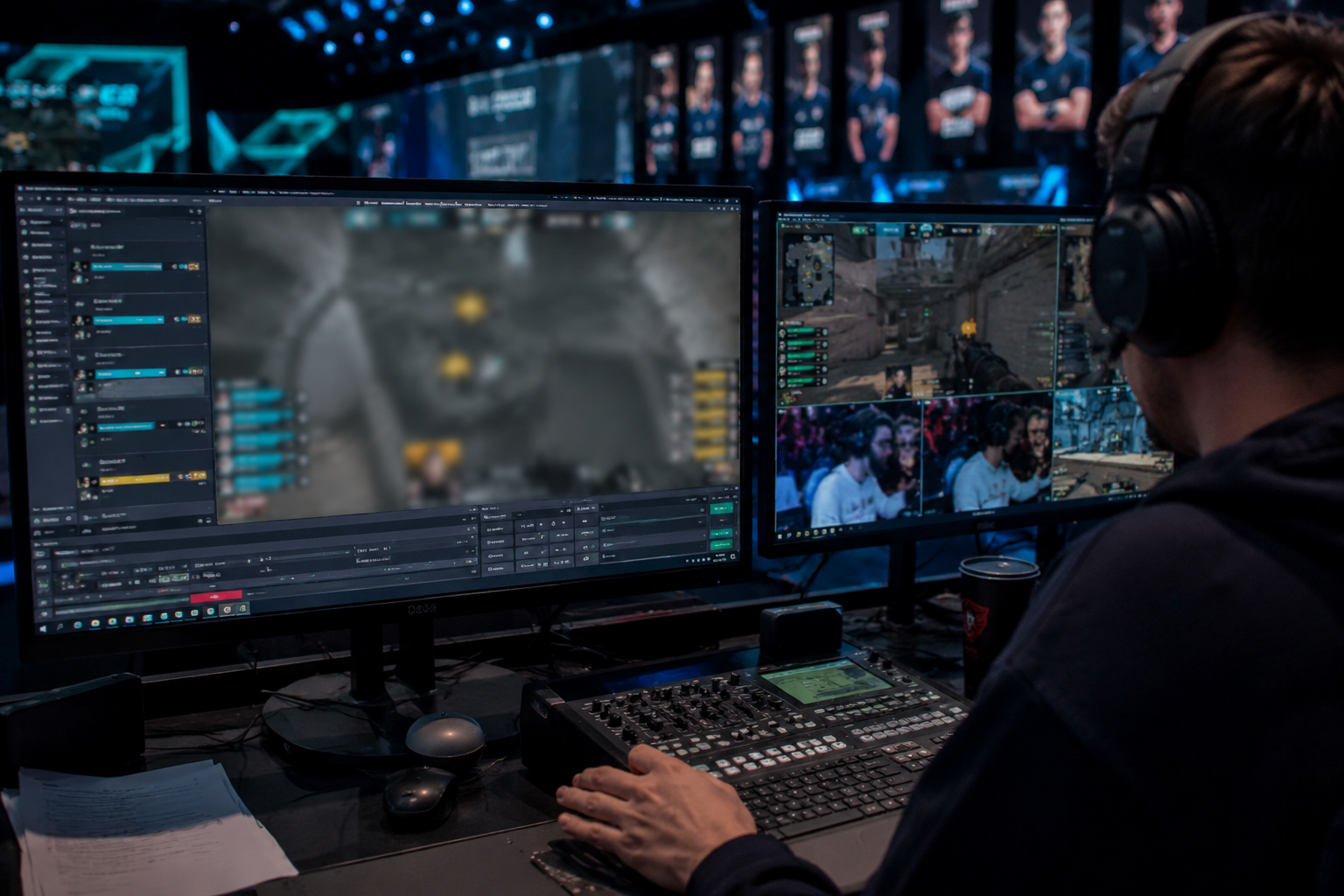
What this example demonstrates
Post-stream blur for VODs and highlight reels gives you a safety net: catch leaked information before clips go viral or get reuploaded by viewers.
Why teams use this pattern
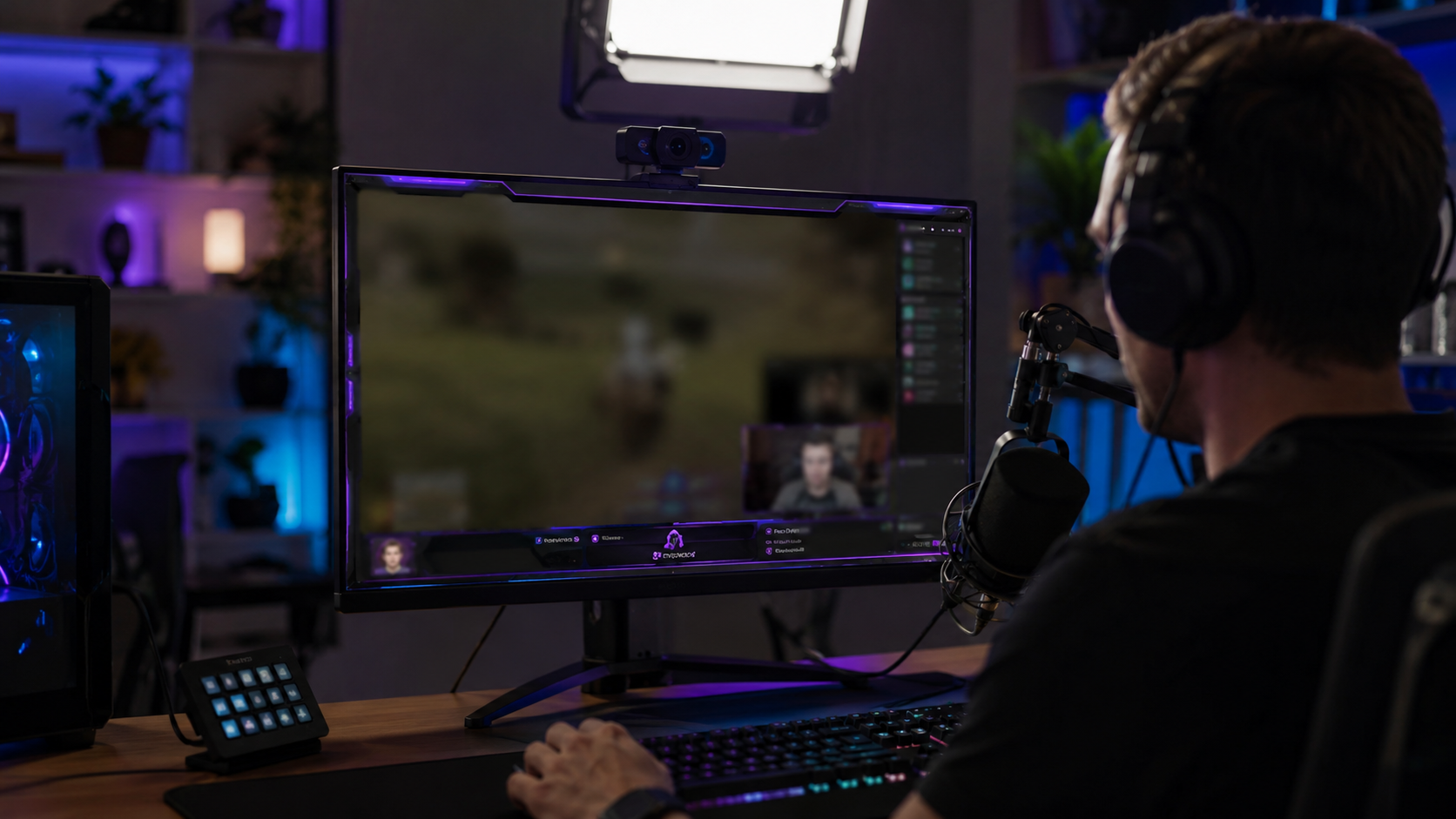
Combine regional blur with OBS scene overlays—blur protects past streams while overlays prevent future leaks during live broadcasts.
Common use cases
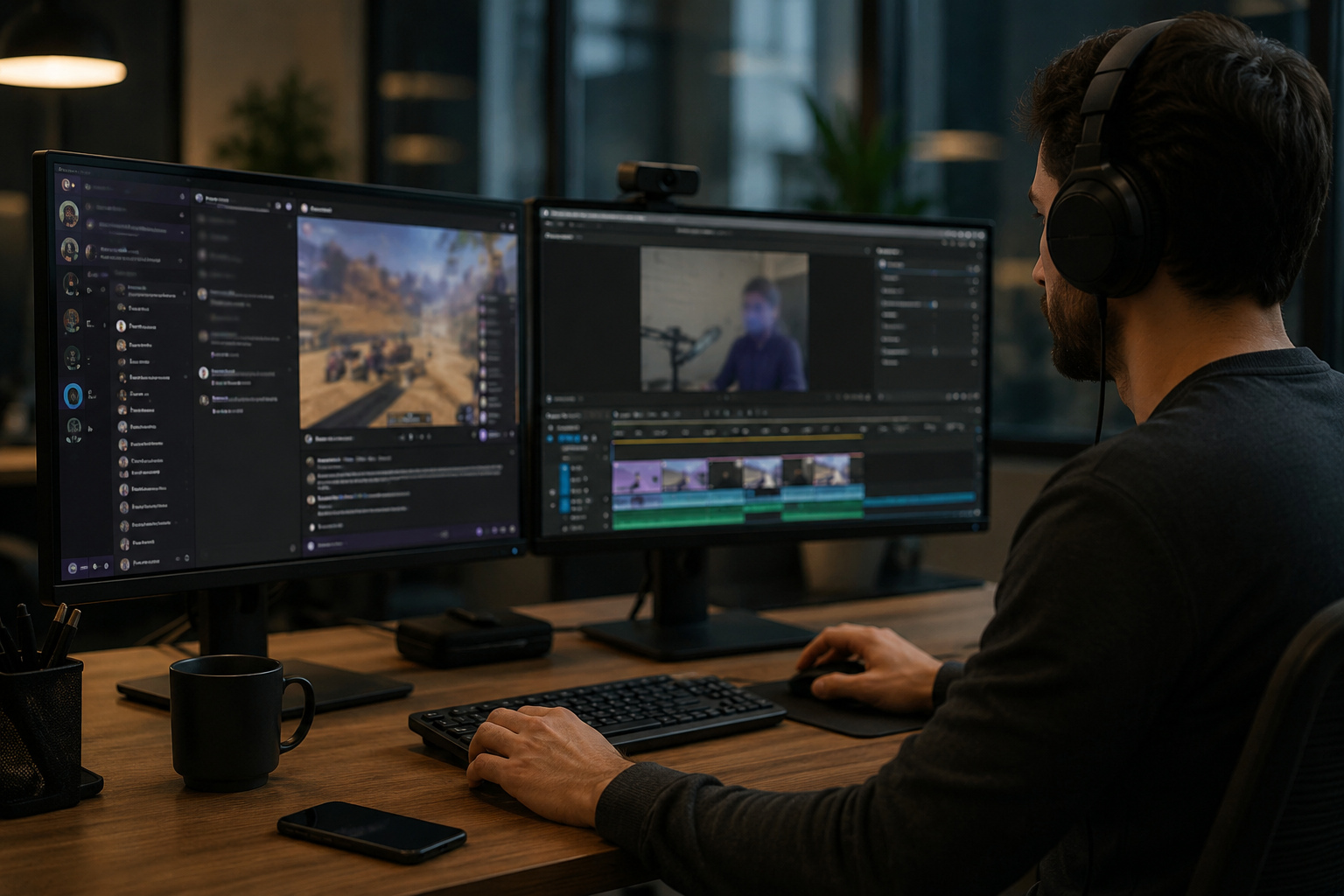
Teams reach for this workflow when twitch vod cleanup before highlight compilation; youtube gaming uploads with accidental notifications; discord screen shares showing private channels; stream recap videos with chat or ui containing pii. BGBlur automates detection so these scenarios stay publishable without days in a timeline.
Built for Twitch and YouTube Gaming streamers and Esports content creators
Ideal audiences include Twitch and YouTube Gaming streamers, Esports content creators, Gaming clip channels and highlight editors, VTubers with face cam overlays. Pair this example with your policy review when footage is sensitive or public-facing.
Casi d'uso
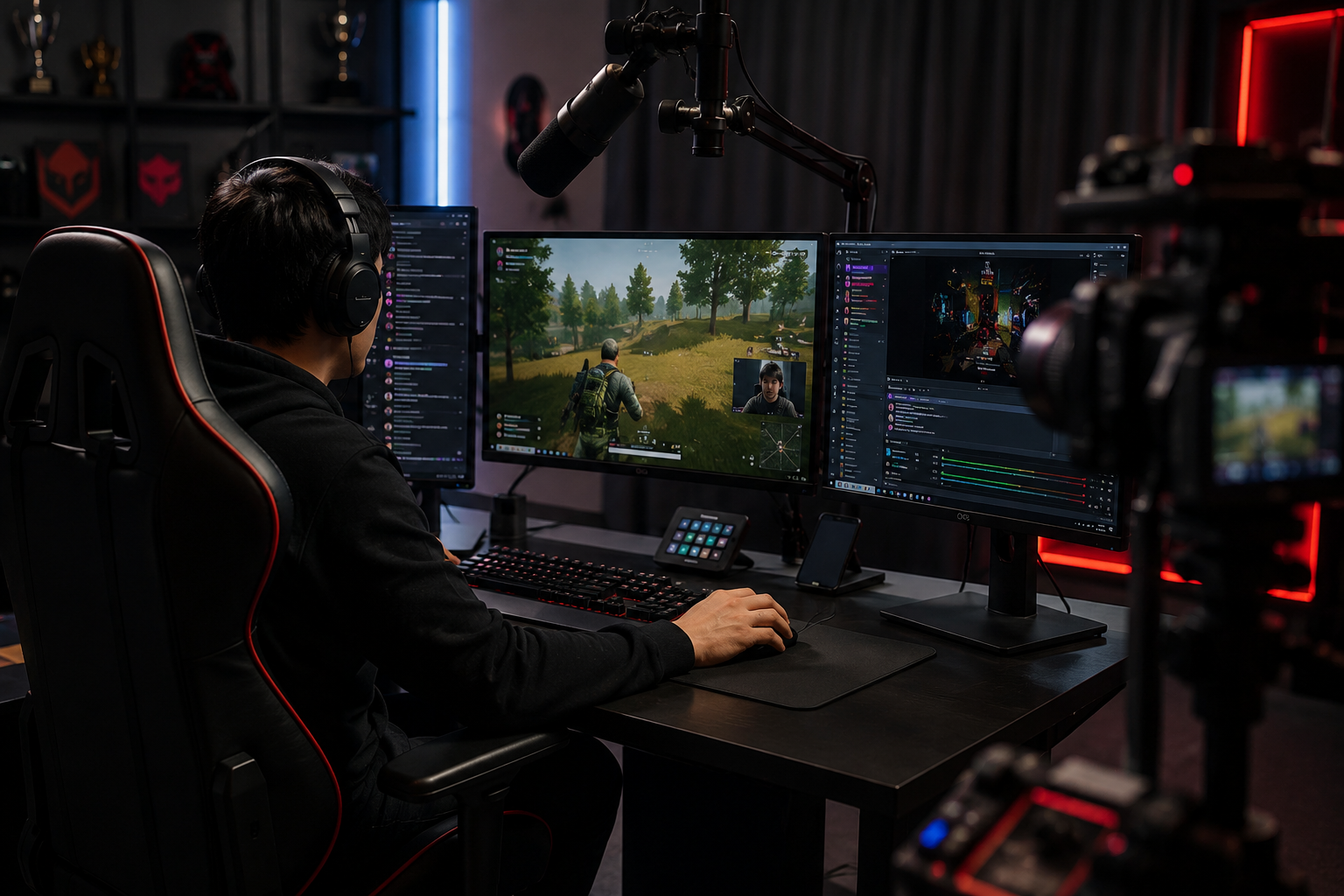
- Twitch pulizia VOD prima di evidenziare la compilazione
- Caricamenti su YouTube Gaming con notifiche accidentali
- Condivisione dello schermo del disco con canali privati
- Stream recap video con chat o UI contenente PII
A chi è rivolto
- Twitch e YouTube Streamer di gioco
- Creatori di contenuti Esports
- Canali di clip di gioco ed editor di evidenziazione
- VTubers con overlays cam viso
Altri esempi di sfocatura video
Esplora scenari simili con le stesse clip demo e una guida passo-passo.
Blur di registrazione dello schermo per tutorial e demo
Nascondi password, chiavi API, e-mail e dati personali nelle cattura dello schermo—essenziale per demo software e video di supporto.
Blur nulla: loghi, testi e regioni personalizzate
Aree arbitrarie di destinazione—loghi su felpe, indirizzi sullo schermo, segnaletica—con una precisa selezione assistita da AI.
Arrossire di faccia nel video parlante
Rilevamento automatico del viso e sfocatura per interviste, podcast e vlogs—motion-tracked in modo che le identità rimangano protette.
Blur sfondo per la messa a fuoco cinematografica
Ammorbidire o sostituire sfondi occupati in modo che i soggetti si distinguono—grande per webinar, recensioni e demo di prodotto filmati a casa.
Esplora le funzionalità di BGBlur
Domande frequenti
- Posso blur muovendo elementi UI come le pergamene di chat?
- Si—motion tracking mantiene sfocatura bloccato per spostare overlays come finestre di chat, uccidere feed, e pop-up di notifica durante la clip.
- E se qualcuno mandasse il mio indirizzo in chat Twitch?
- Sfoca la chat sovrapporre completamente o selettivamente mascherare messaggi specifici; sempre moderata chat attivamente per prevenire molestie oltre solo sfocatura visiva.
- Dovrei blur la mia webcam troppo?
- Se la tua vera identità è privata, sfocatura facciale o avatar VTuber sono comuni; molti streamers accoppiano webcam blur con modulazione vocale per l'anonimato completo.
Pronto a provare sul tuo filmato?
Carica MP4, MOV o M4V e applica le stesse modalità di sfocatura mostrate in questo esempio.
Prova BGBlur gratuitamente