Blur di registrazione dello schermo per tutorial e demo
Blur passwords, API keys, and PII in screen recordings—tracked through cuts and edits without manual frame-by-frame masking.
Screen recordings for tutorials, customer support, and product demos routinely capture sensitive data: login credentials, API tokens, personal emails, and internal URLs that should never reach public documentation.
Redact sensitive data in screen recordings in three steps
Built for DevRel, customer success, and product teams publishing tutorials or support walkthroughs.
Upload your screen recording
Drop MP4, MOV, or M4V captures into BGBlur—no timeline project or desktop software required.
Select regions with sensitive data
Paint over passwords, emails, API keys, or any UI element that should not appear in the published video.
Preview and export
Scrub the timeline to verify coverage, then export for documentation portals, YouTube, or support tickets.
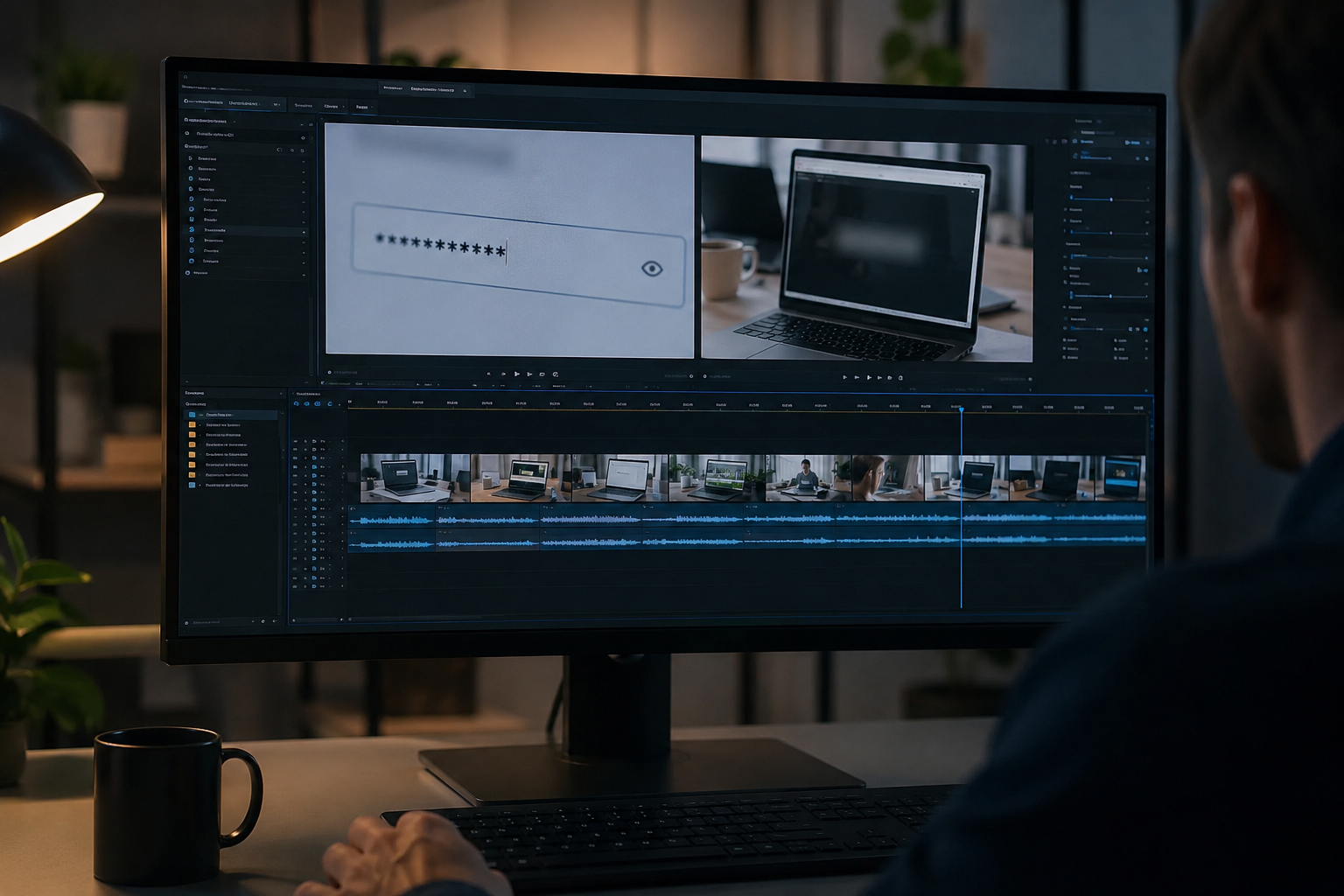
What this example demonstrates
Manual frame-by-frame redaction is impractical for long recordings. AI-assisted blur detects and tracks text regions so passwords entered at 0:30 stay masked through cuts and edits.
Why teams use this pattern
Pair selective text blur with audio scrubbing when you verbally mention credentials or read sensitive information aloud during the demo.
Common use cases
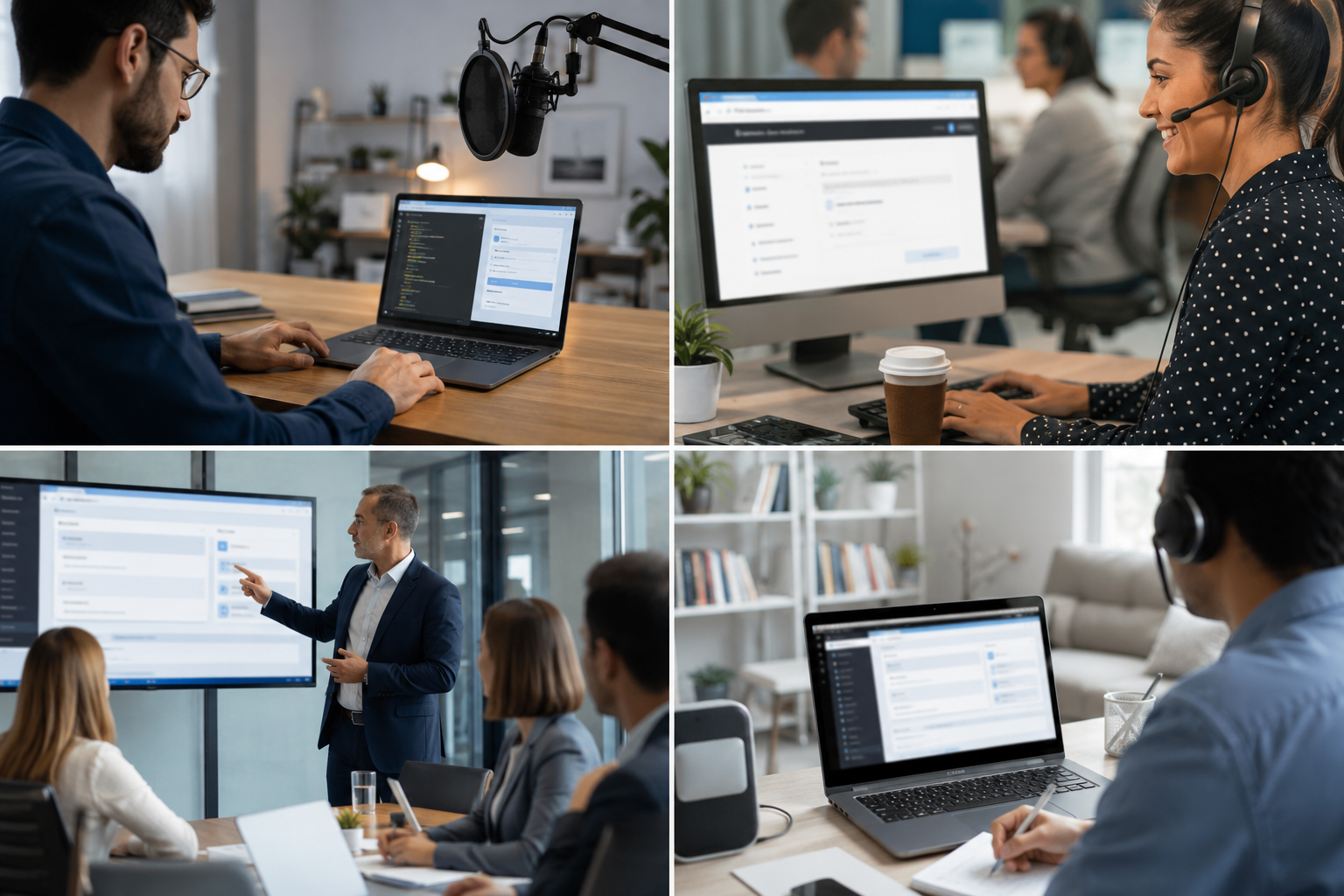
Teams reach for this workflow when developer tutorials showing authentication flows; customer support screen shares with account details; saas product demos with test customer data; it training videos with system credentials. BGBlur automates detection so these scenarios stay publishable without days in a timeline.
Built for DevRel and developer advocates and Customer success teams
Ideal audiences include DevRel and developer advocates, Customer success teams, Product marketing, IT trainers and technical writers. Pair this example with your policy review when footage is sensitive or public-facing.

Casi d'uso
- Tutorial per sviluppatori che mostrano flussi di autenticazione
- Supporto del cliente schermo azioni con i dettagli del conto
- Demo di prodotti SaaS con dati dei clienti di prova
- Video di formazione IT con credenziali di sistema
A chi è rivolto
- DevRel e i sostenitori dello sviluppatore
- Team di successo del cliente
- Marketing del prodotto
- IT trainer e scrittori tecnici
Altri esempi di sfocatura video
Esplora scenari simili con le stesse clip demo e una guida passo-passo.
Blur nulla: loghi, testi e regioni personalizzate
Aree arbitrarie di destinazione—loghi su felpe, indirizzi sullo schermo, segnaletica—con una precisa selezione assistita da AI.
Arrossire di faccia nel video parlante
Rilevamento automatico del viso e sfocatura per interviste, podcast e vlogs—motion-tracked in modo che le identità rimangano protette.
Blur sfondo per la messa a fuoco cinematografica
Ammorbidire o sostituire sfondi occupati in modo che i soggetti si distinguono—grande per webinar, recensioni e demo di prodotto filmati a casa.
Blur targa in strada e filmati dashcam
Nascondi le targhe leggibili nel traffico, nel parcheggio e nel filmato lungo il tragitto, ideale per i motovlog e per le riprese di posizione.
Esplora le funzionalità di BGBlur
Domande frequenti
- Può rilevare il testo automaticamente?
- Il rilevamento del testo aiuta a identificare le regioni a sfocarsi; verifica sempre manualmente che tutti i dati sensibili siano coperti prima della pubblicazione.
- E le azioni di copy-paste che mostrano le credenziali?
- Qualsiasi testo sullo schermo può essere offuscato, comprese le paste di appunti, i comandi terminali e l'autofill del browser, contrassegnare quei timestamp per la revisione.
- Dovrei blur l'intero schermo o solo aree sensibili?
- Blur selettivo mantiene il contesto e l'usabilità per gli spettatori; solo oscurare i dati minimi necessari per la conformità alla privacy.
Pronto a provare sul tuo filmato?
Carica MP4, MOV o M4V e applica le stesse modalità di sfocatura mostrate in questo esempio.
Prova BGBlur gratuitamente