ゲーミング&ライブストリームプライバシーブラー
Protect streamers from doxxing: blur on-screen notifications, chat messages, Discord pings, and accidental personal info during gameplay.
Live streamers face constant doxxing risks: a Windows notification showing your real name, a Discord ping with your address, or an accidental browser tab revealing private information can all appear on stream in seconds.
Clean up stream VODs and gaming footage in three steps
Built for Twitch, YouTube Gaming, and esports creators who need privacy cleanup before clips go public.
Download your stream VOD
Export gameplay footage or Twitch VOD before highlight compilation or upload.
Identify sensitive timestamps
Find moments where notifications, chat, or personal info appeared on screen.
Apply selective blur and export
Blur those regions and export for upload or archival—no timeline software required.
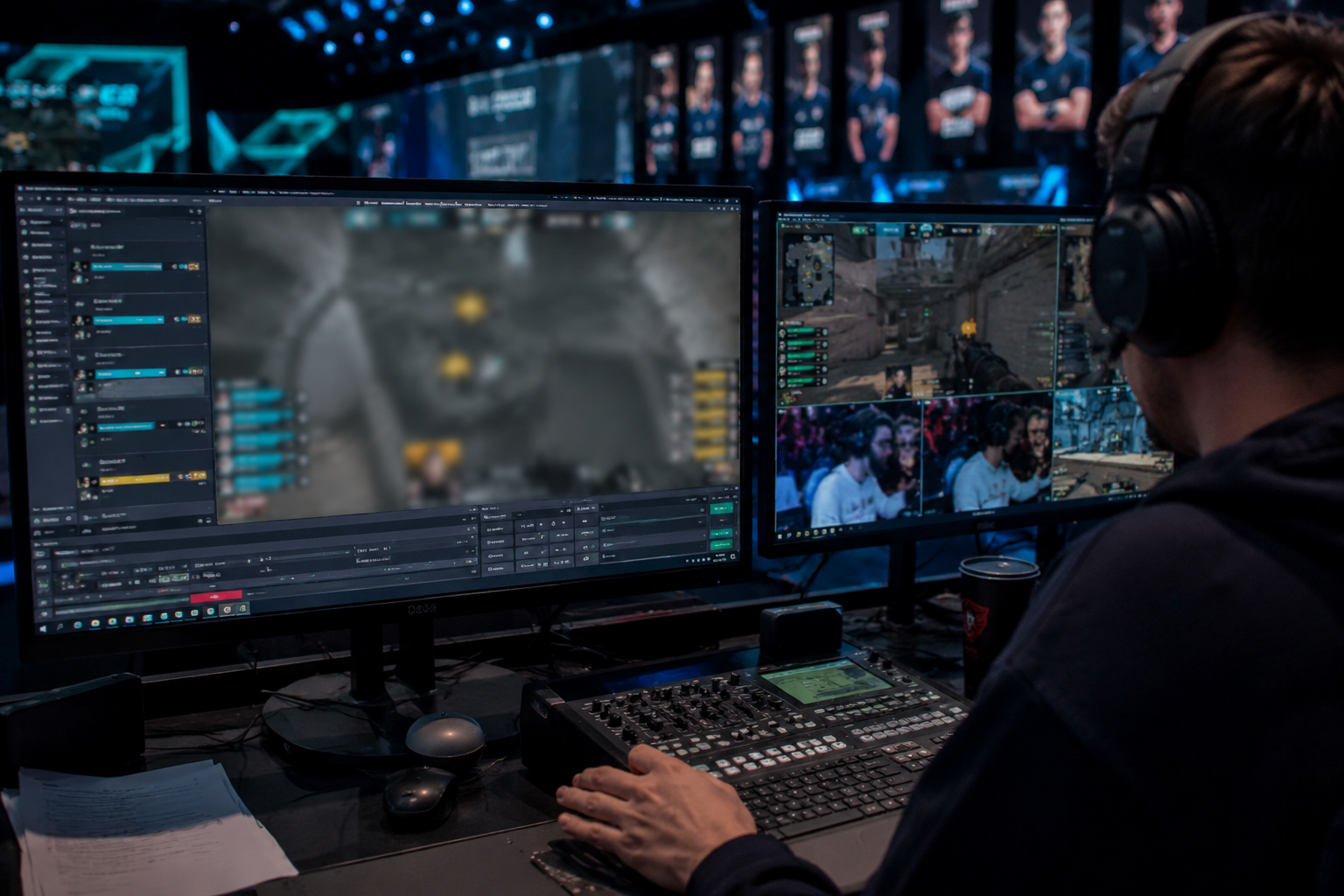
What this example demonstrates
Post-stream blur for VODs and highlight reels gives you a safety net: catch leaked information before clips go viral or get reuploaded by viewers.
Why teams use this pattern
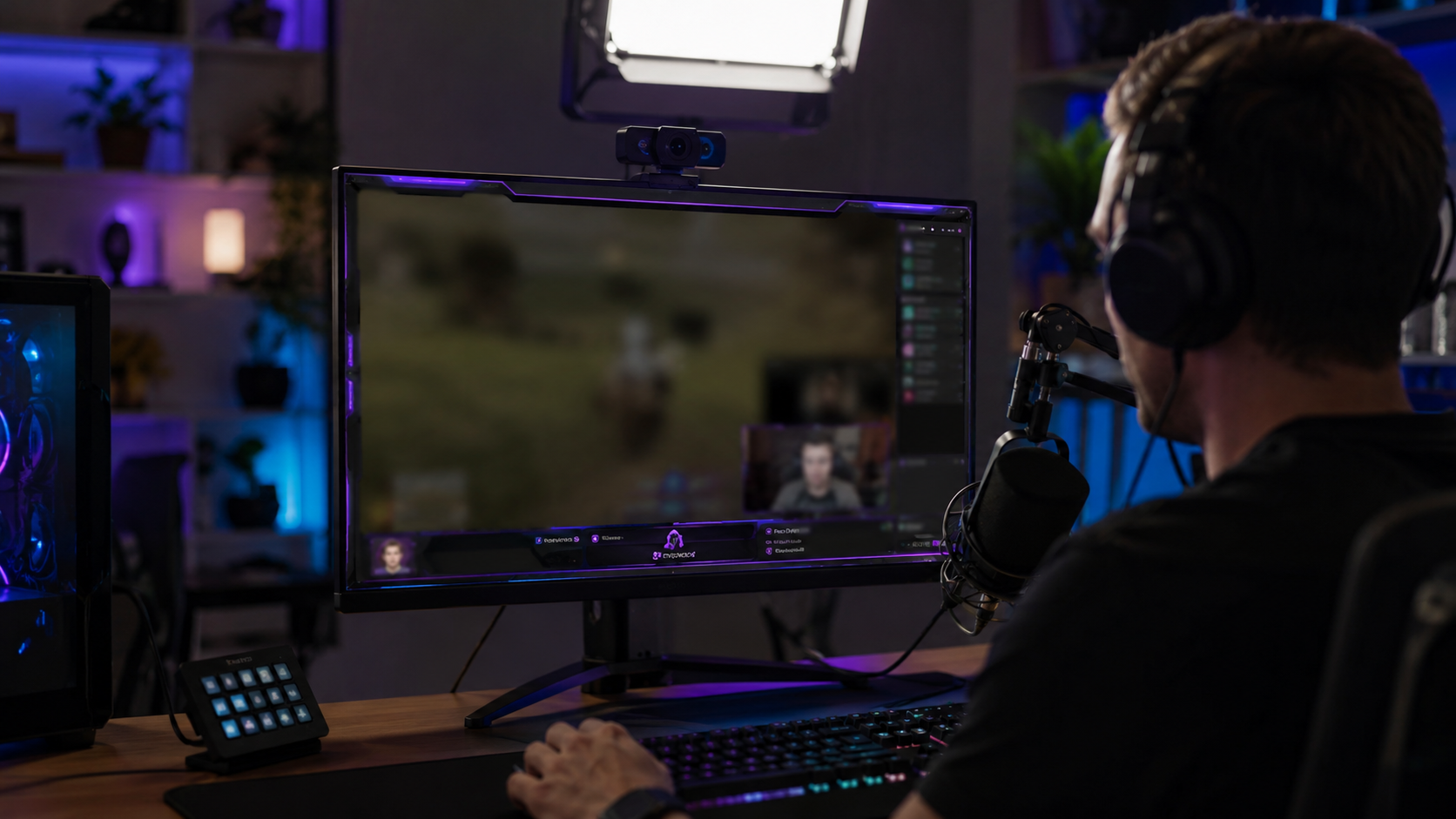
Combine regional blur with OBS scene overlays—blur protects past streams while overlays prevent future leaks during live broadcasts.
Common use cases
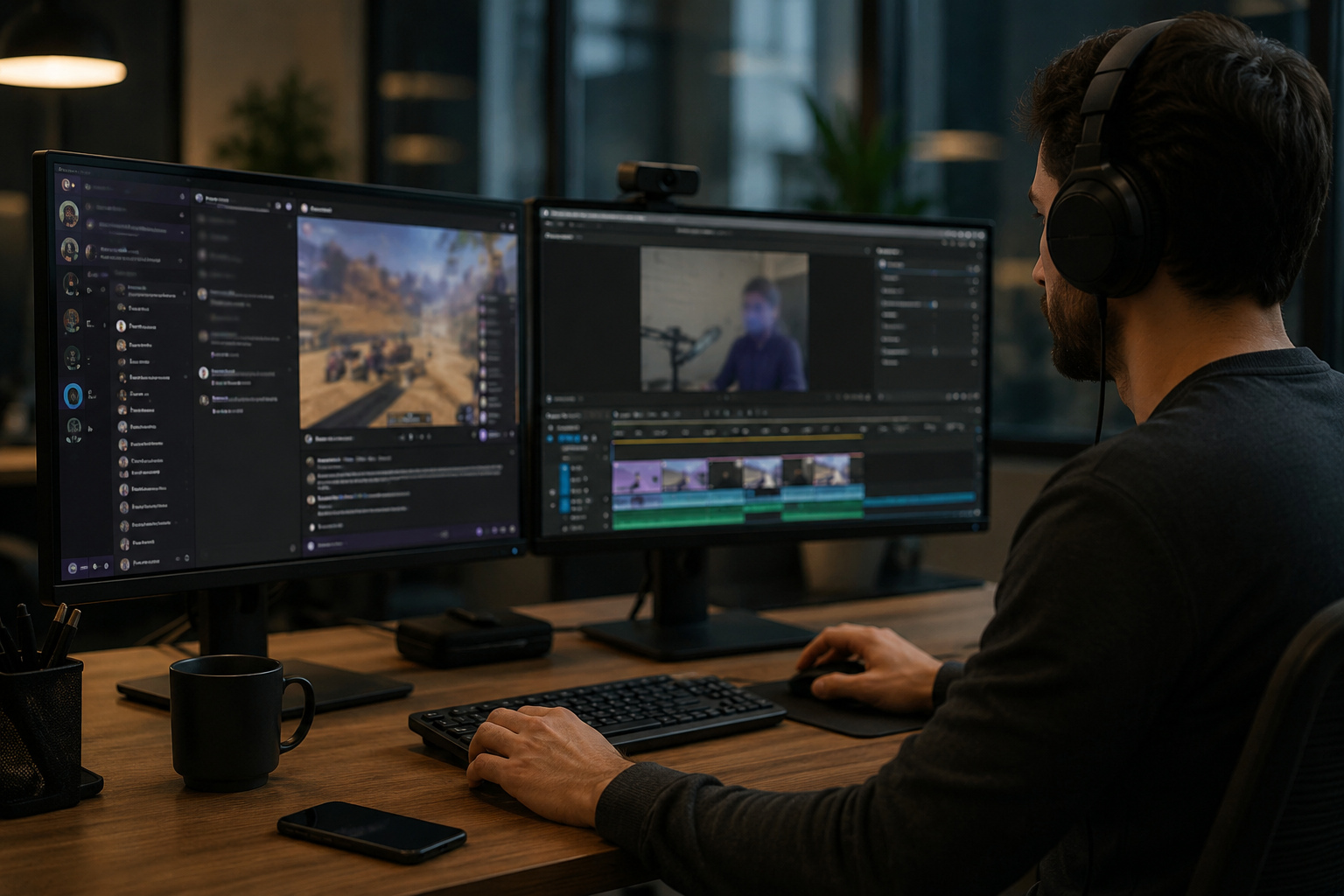
Teams reach for this workflow when twitch vod cleanup before highlight compilation; youtube gaming uploads with accidental notifications; discord screen shares showing private channels; stream recap videos with chat or ui containing pii. BGBlur automates detection so these scenarios stay publishable without days in a timeline.
Built for Twitch and YouTube Gaming streamers and Esports content creators
Ideal audiences include Twitch and YouTube Gaming streamers, Esports content creators, Gaming clip channels and highlight editors, VTubers with face cam overlays. Pair this example with your policy review when footage is sensitive or public-facing.
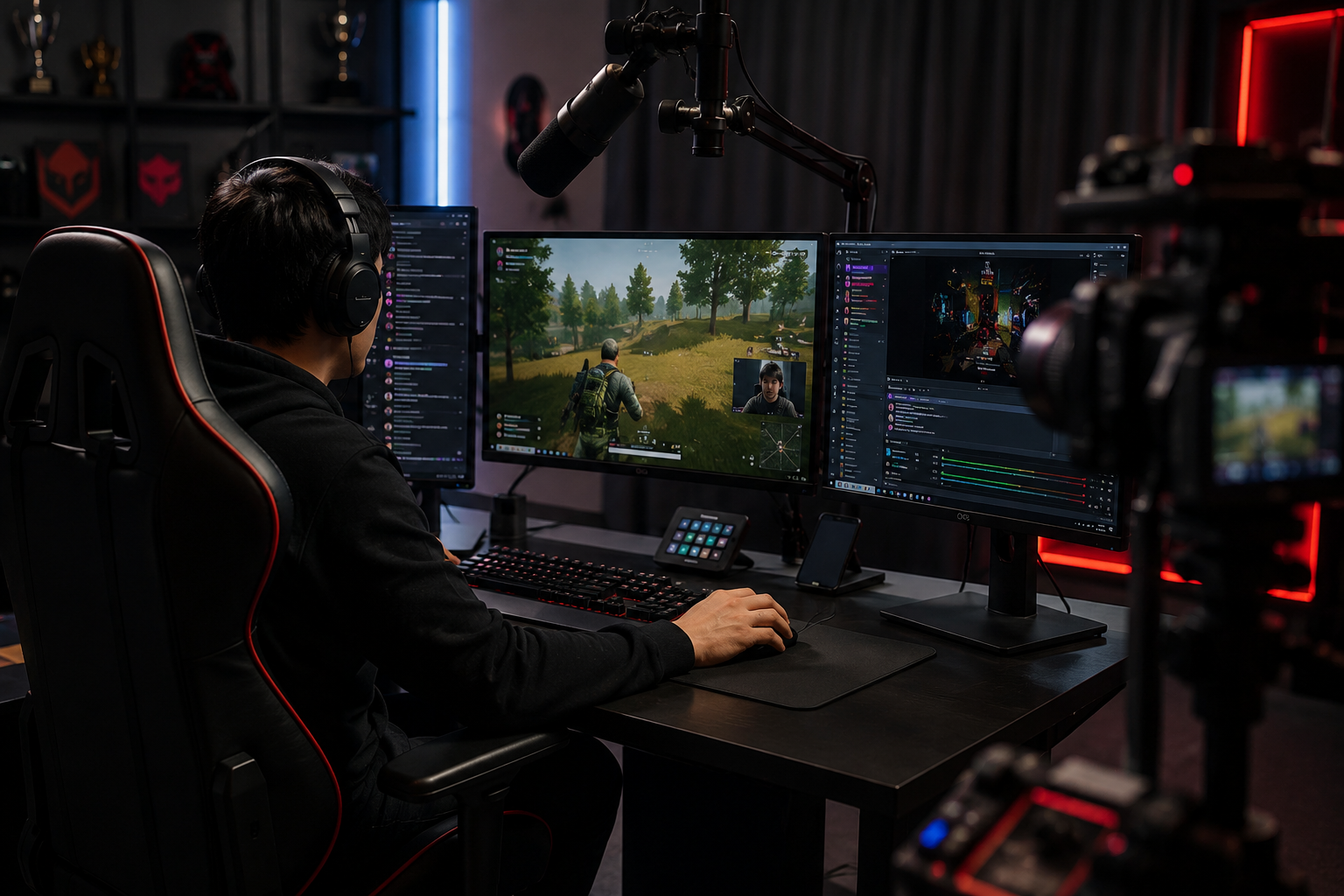
ユースケース
- Twitch VOD cleanup before ハイライトコンパイル
- YouTube 不正通知によるゲームアップロード
- プライベートチャネルを示すDiscord画面株式
- PII を含むチャットまたは UI でビデオをストリーミングする
対象者
- TwitchとYouTubeのゲーミングストリーム
- Esportsコンテンツクリエイター
- ゲームクリップチャンネルとハイライトエディタ
- 顔カムオーバーレイ付きVTubers
他のビデオぼかしサンプル
同じデモクリップとステップバイステップのガイダンスで、同様のシナリオを探索します。
よくある質問
- チャットのスクロールのようなUI要素を移動することはできますか?
- はい。感情トラッキングは、チャットウィンドウのようなオーバーレイを移動するためにロックされたブラーキーを保持し、フィードをキル化し、クリップ全体でポップアップ通知します.
- Twitchチャットでアドレスを送ったらどうなりますか?
- チャットのオーバーレイを完全にまたは選択的に特定のメッセージをマスクします。視覚的なブラーを超えてハラスメントを防ぐため、常に適度なチャットが積極的に行われます.
- 私のウェブカムを汚す必要がありますか?
- あなたの本当のアイデンティティがプライベートであるならば、顔のぼるか、またはVTuberのアバターは共通です;多くの中継器は完全な匿名性のための声の調節とウェブカムのぼかします.