チュートリアルとデモ用のスクリーン録画ブラー
Blur passwords, API keys, and PII in screen recordings—tracked through cuts and edits without manual frame-by-frame masking.
Screen recordings for tutorials, customer support, and product demos routinely capture sensitive data: login credentials, API tokens, personal emails, and internal URLs that should never reach public documentation.
Redact sensitive data in screen recordings in three steps
Built for DevRel, customer success, and product teams publishing tutorials or support walkthroughs.
Upload your screen recording
Drop MP4, MOV, or M4V captures into BGBlur—no timeline project or desktop software required.
Select regions with sensitive data
Paint over passwords, emails, API keys, or any UI element that should not appear in the published video.
Preview and export
Scrub the timeline to verify coverage, then export for documentation portals, YouTube, or support tickets.
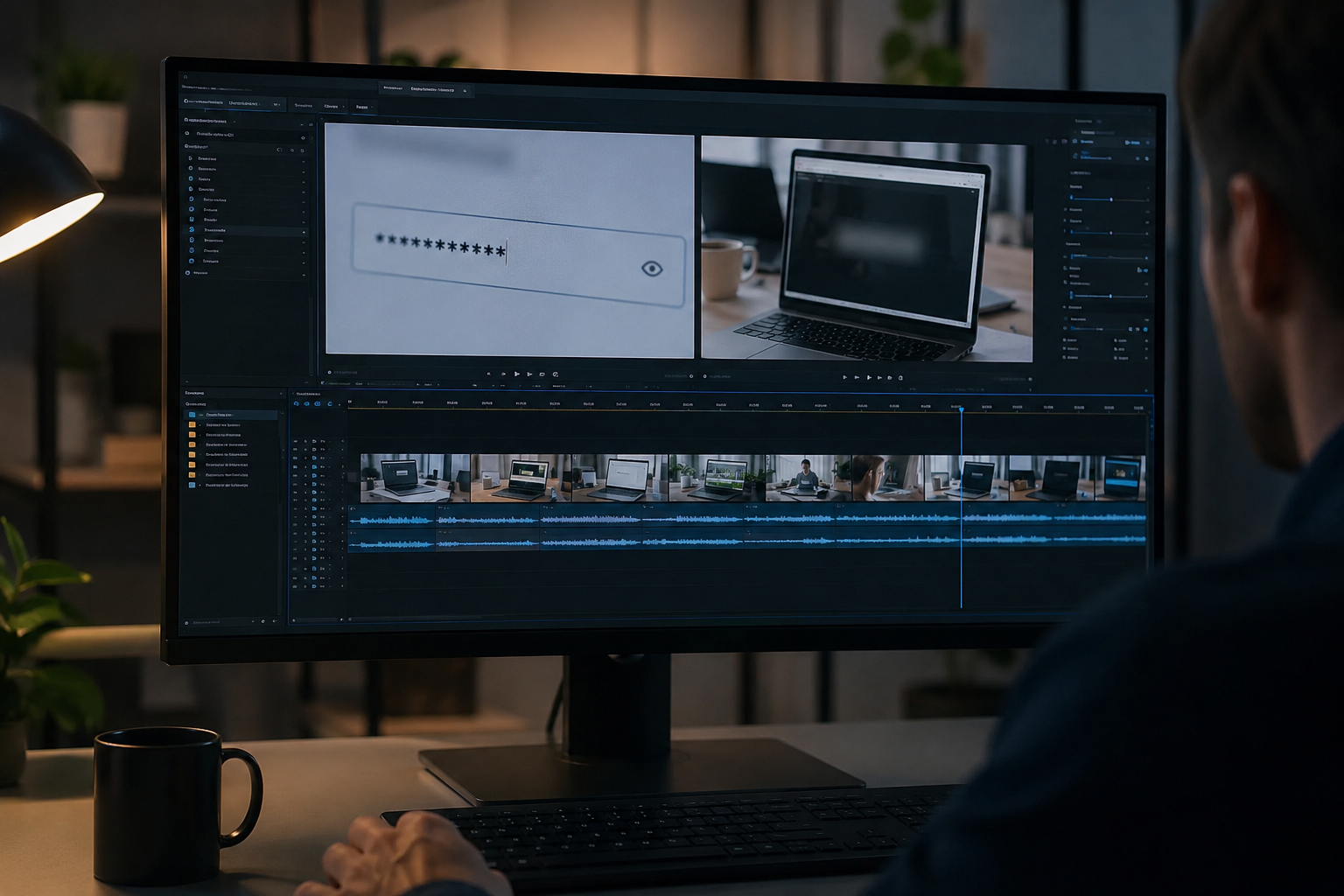
What this example demonstrates
Manual frame-by-frame redaction is impractical for long recordings. AI-assisted blur detects and tracks text regions so passwords entered at 0:30 stay masked through cuts and edits.
Why teams use this pattern
Pair selective text blur with audio scrubbing when you verbally mention credentials or read sensitive information aloud during the demo.
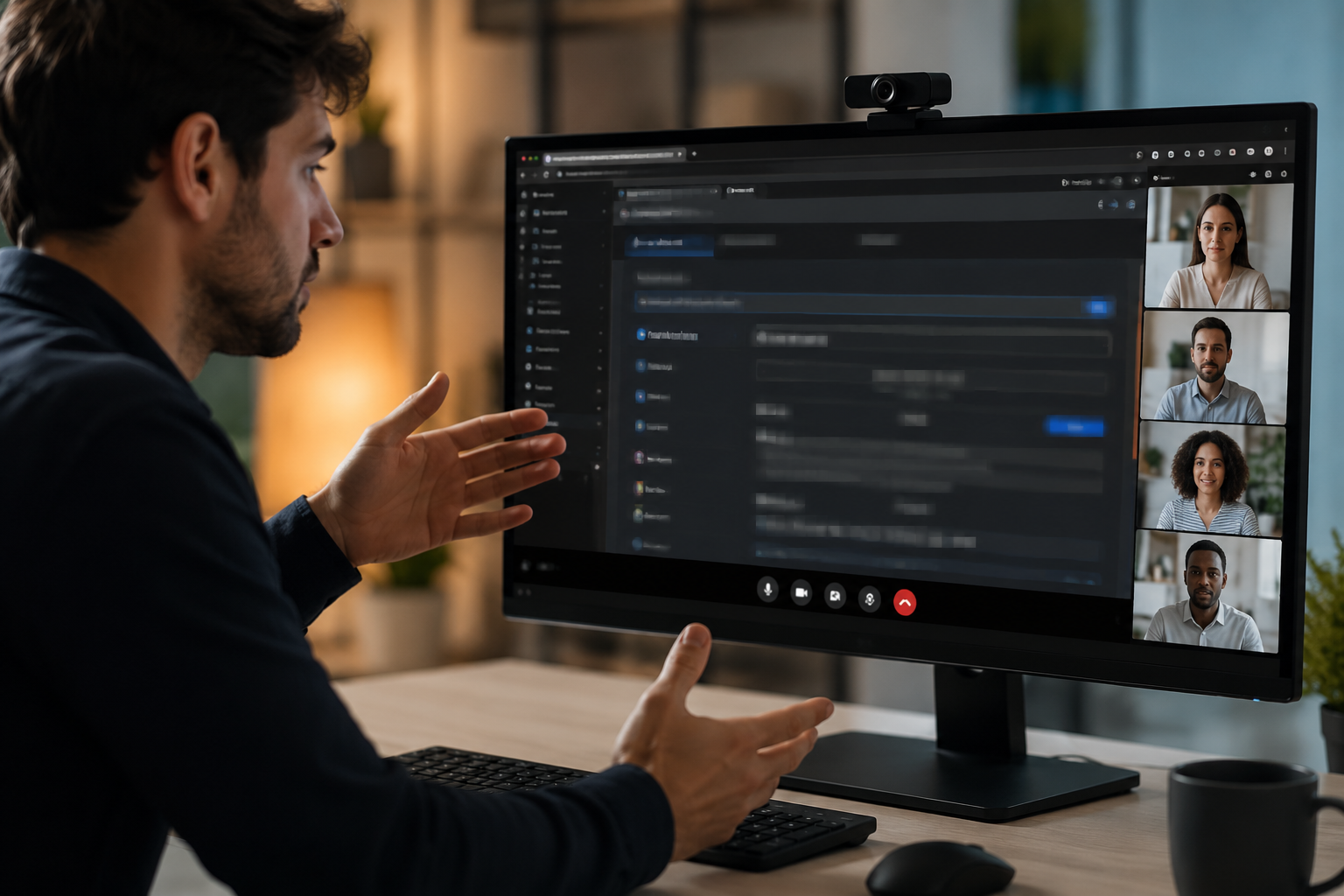
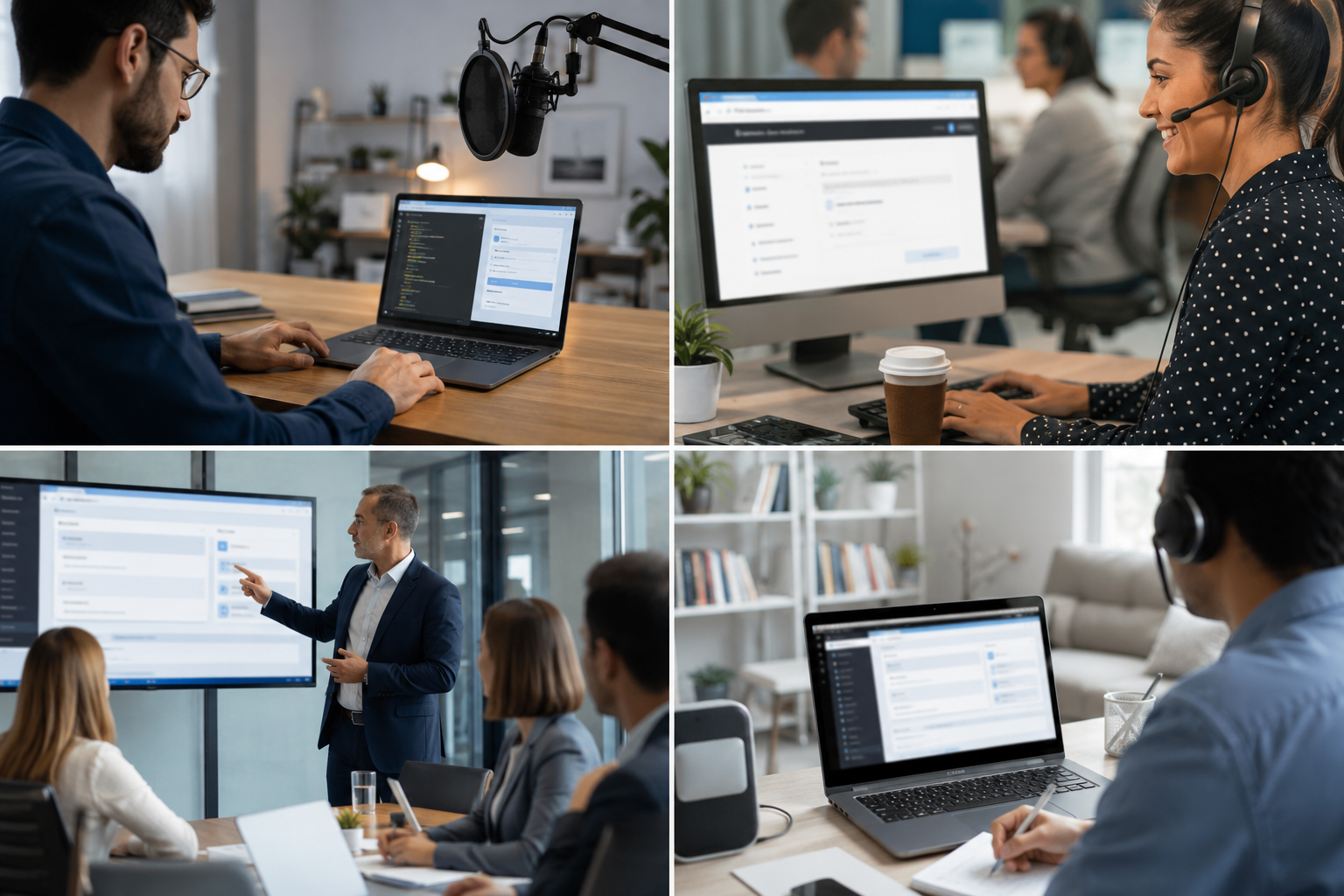
Common use cases
Teams reach for this workflow when developer tutorials showing authentication flows; customer support screen shares with account details; saas product demos with test customer data; it training videos with system credentials. BGBlur automates detection so these scenarios stay publishable without days in a timeline.
Built for DevRel and developer advocates and Customer success teams
Ideal audiences include DevRel and developer advocates, Customer success teams, Product marketing, IT trainers and technical writers. Pair this example with your policy review when footage is sensitive or public-facing.
ユースケース
- 認証フローを示す開発者チュートリアル
- 顧客サポート画面は、アカウントの詳細と共有
- テスト顧客データによるSaaS製品デモ
- IT トレーニング ビデオ システム資格情報
対象者
- DevRelと開発者が提唱する
- 顧客の成功のチーム
- 製品マーケティング
- ITトレーナーとテクニカルライター
他のビデオぼかしサンプル
同じデモクリップとステップバイステップのガイダンスで、同様のシナリオを探索します。
よくある質問
- テキストを自動的に検出できますか?
- テキスト検出は、領域をブールに特定するのに役立ちます。 常に手動ですべての機密データを公開する前にカバーされていることを検証します.
- 認証情報を表示するコピーペーストアクションは何ですか?
- クリップボードペースト、ターミナルコマンド、ブラウザオートフィルなど、画面上のテキストを汚すことができます。これらのタイムスタンプはレビューのためにマークします.
- 画面全体や敏感な領域全体にぼかす必要がありますか?
- Selective blurはビューアのコンテキストと使いやすさを維持します。プライバシーのコンプライアンスに必要な最低限のデータを隠します.