게임 및 라이브 스트림 개인 정보 보호 blur
Protect streamers from doxxing: blur on-screen notifications, chat messages, Discord pings, and accidental personal info during gameplay.
Live streamers face constant doxxing risks: a Windows notification showing your real name, a Discord ping with your address, or an accidental browser tab revealing private information can all appear on stream in seconds.
Clean up stream VODs and gaming footage in three steps
Built for Twitch, YouTube Gaming, and esports creators who need privacy cleanup before clips go public.
Download your stream VOD
Export gameplay footage or Twitch VOD before highlight compilation or upload.
Identify sensitive timestamps
Find moments where notifications, chat, or personal info appeared on screen.
Apply selective blur and export
Blur those regions and export for upload or archival—no timeline software required.
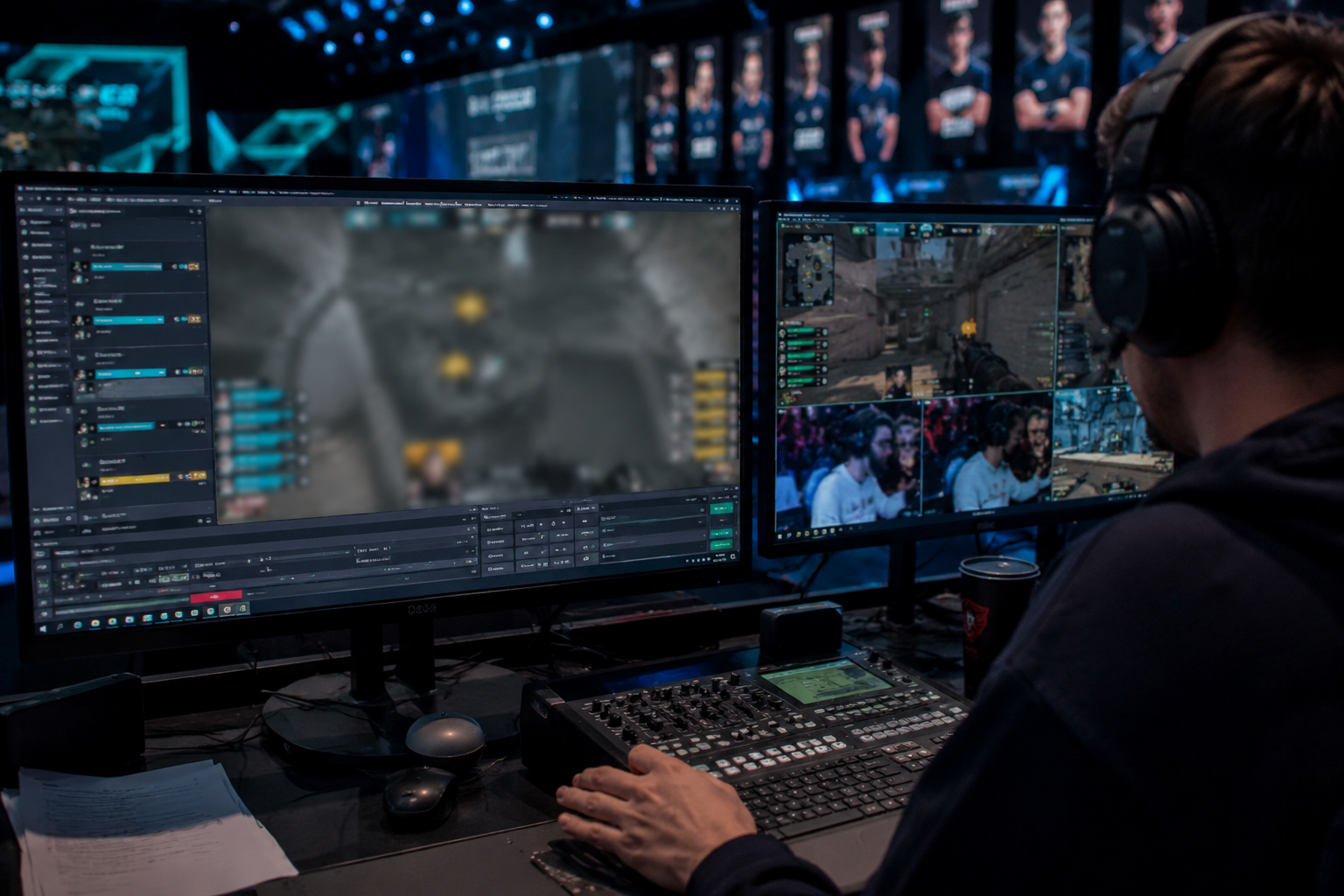
What this example demonstrates
Post-stream blur for VODs and highlight reels gives you a safety net: catch leaked information before clips go viral or get reuploaded by viewers.
Why teams use this pattern
Combine regional blur with OBS scene overlays—blur protects past streams while overlays prevent future leaks during live broadcasts.
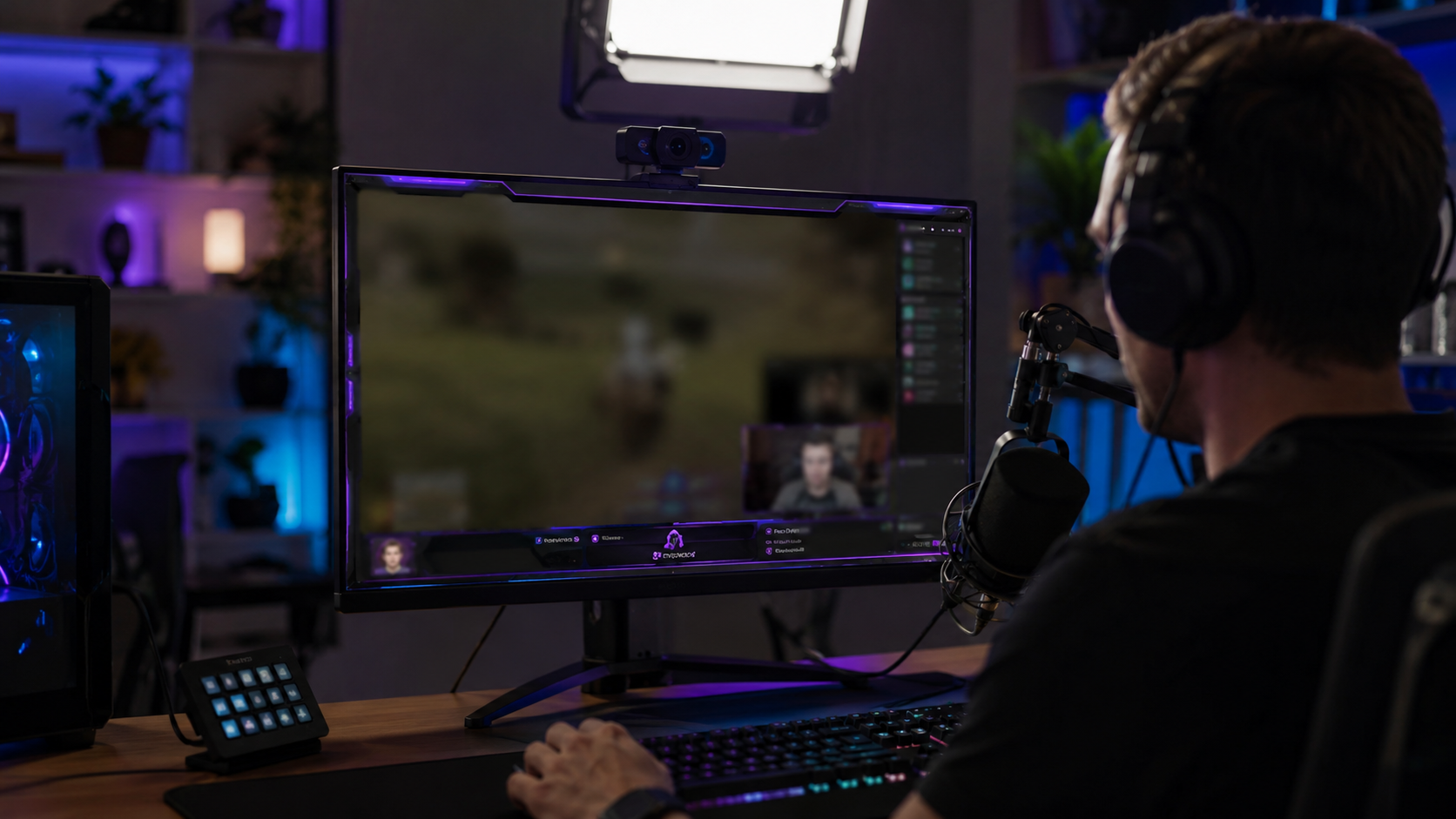
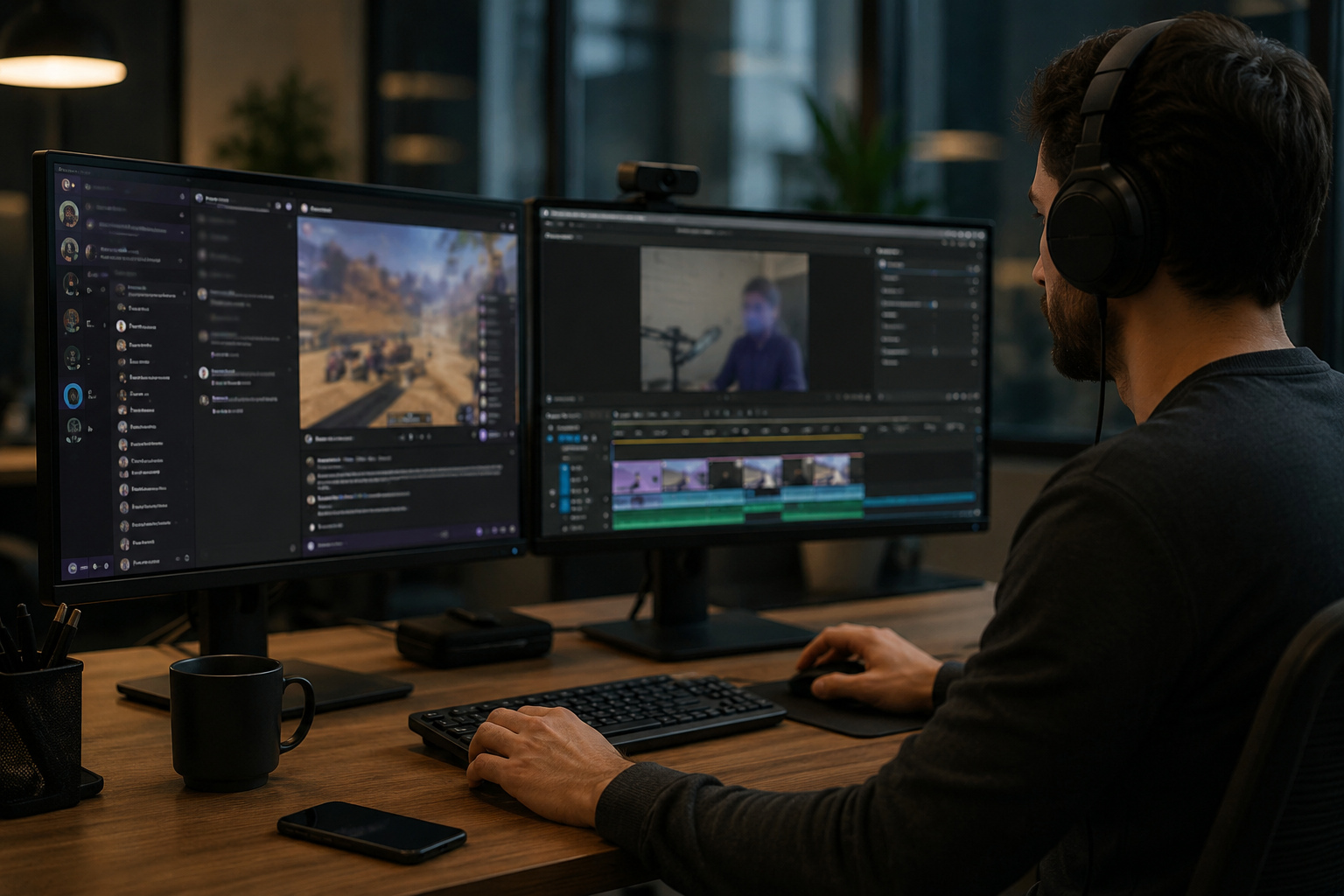
Common use cases
Teams reach for this workflow when twitch vod cleanup before highlight compilation; youtube gaming uploads with accidental notifications; discord screen shares showing private channels; stream recap videos with chat or ui containing pii. BGBlur automates detection so these scenarios stay publishable without days in a timeline.
Built for Twitch and YouTube Gaming streamers and Esports content creators
Ideal audiences include Twitch and YouTube Gaming streamers, Esports content creators, Gaming clip channels and highlight editors, VTubers with face cam overlays. Pair this example with your policy review when footage is sensitive or public-facing.
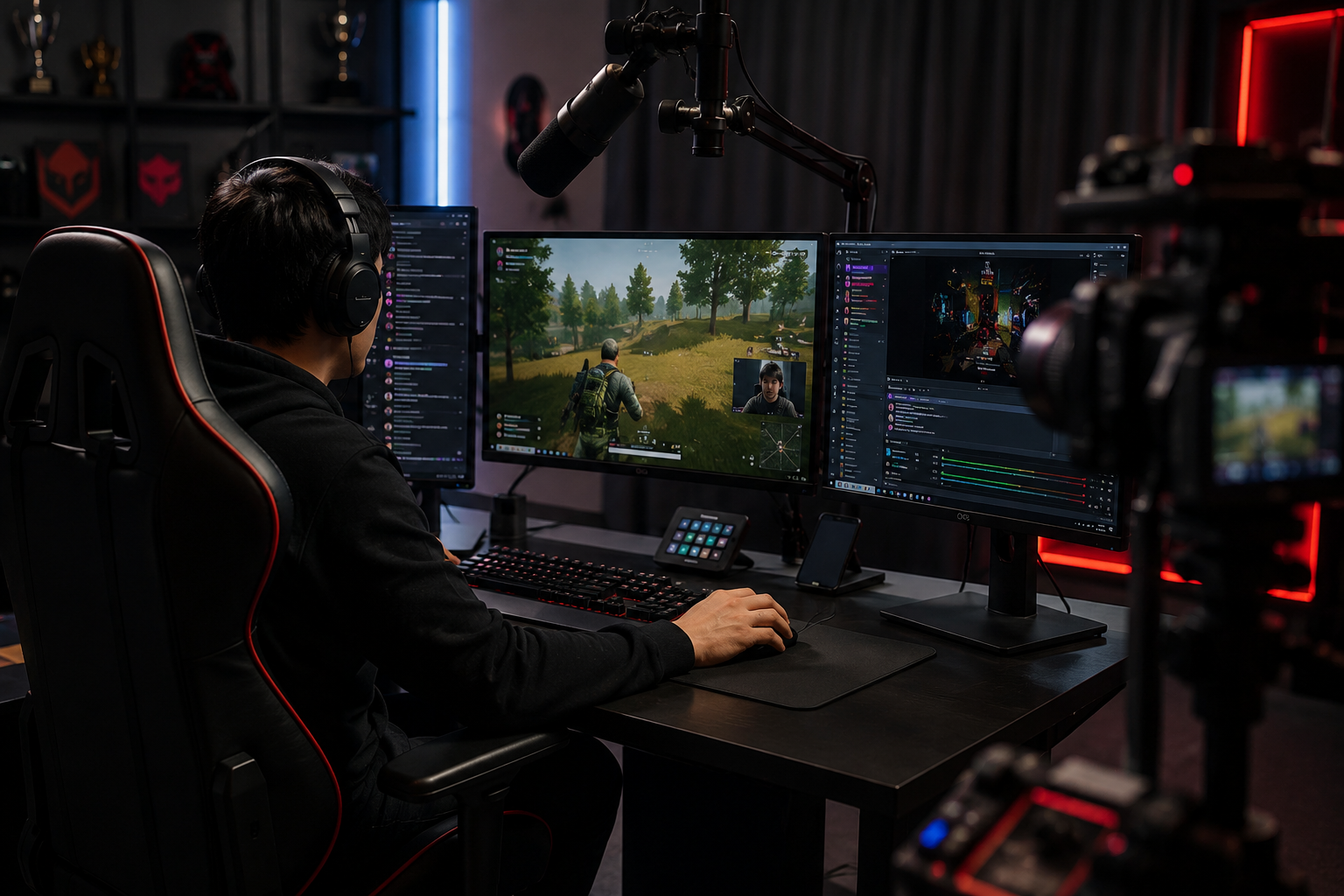
사용 사례
- Twitch VOD cleanup 전에 강조 편집
- YouTube Gaming은 사고 알림으로 업로드
- Discord 스크린 공유 표시 개인 채널
- PII를 포함하는 채팅 또는 UI를 가진 Stream recap 영상
대상 사용자
- Twitch 및 YouTube 게임 스트림
- Esports 콘텐츠 제작자
- 게임 클립 채널 및 하이라이트 편집기
- VTubers 와 얼굴 캠 overlays
기타 비디오 블러 예시
동일한 데모 클립 및 단계별 안내와 함께 유사한 시나리오를 탐색해 보세요.
튜토리얼 및 데모를 위한 화면 녹화 blur
비밀번호, API 키, 이메일 및 스크린 캡처의 개인 데이터 - 소프트웨어 데모 및 지원 동영상에 대한 필수.
Blur 아무것도: 로고, 원본 & 주문 지구
대상 임의 지역 - 후드에 로고, 화면 주소, 서명 - 정확한 AI 보조 선택.
얼굴 blur 에 talk-head 비디오
인터뷰, 팟캐스트 및 vlogs-motion-tracked에 대한 자동 얼굴 감지 및 블러드 보호.
영화 초점을위한 배경 흐림
Soften 또는 바쁜 배경을 대체하기 때문에 웹 세미나, 리뷰 및 제품 데모가 집에서 촬영됩니다.
자주 묻는 질문
- 채팅 스크롤과 같은 UI 요소를 이동할 수 있습니까?
- 예 모션 추적은 채팅 창과 같은 오버레이를 이동하는 blur 잠금을 유지, 피드를 죽이고, 클립을 통해 팝업 알림.
- 누군가가 Twitch 채팅에 내 주소를 보내는 경우?
- 채팅 오버레이 완전히 또는 선택적으로 마스크 특정 메시지; 항상 온건한 채팅은 단지 시각적 blur를 넘어 harassment를 방지하기 위해 적극적으로.
- 나는 웹캠을 너무 흐려?
- 당신의 진짜 정체성은 개인, 얼굴 blur 또는 VTuber 아바타는 일반적입니다; 가득 차있는 anonymity를 위한 음성 변조를 가진 많은 streamers 쌍 웹캠 blur.