튜토리얼 및 데모를 위한 화면 녹화 blur
Blur passwords, API keys, and PII in screen recordings—tracked through cuts and edits without manual frame-by-frame masking.
Screen recordings for tutorials, customer support, and product demos routinely capture sensitive data: login credentials, API tokens, personal emails, and internal URLs that should never reach public documentation.
Redact sensitive data in screen recordings in three steps
Built for DevRel, customer success, and product teams publishing tutorials or support walkthroughs.
Upload your screen recording
Drop MP4, MOV, or M4V captures into BGBlur—no timeline project or desktop software required.
Select regions with sensitive data
Paint over passwords, emails, API keys, or any UI element that should not appear in the published video.
Preview and export
Scrub the timeline to verify coverage, then export for documentation portals, YouTube, or support tickets.
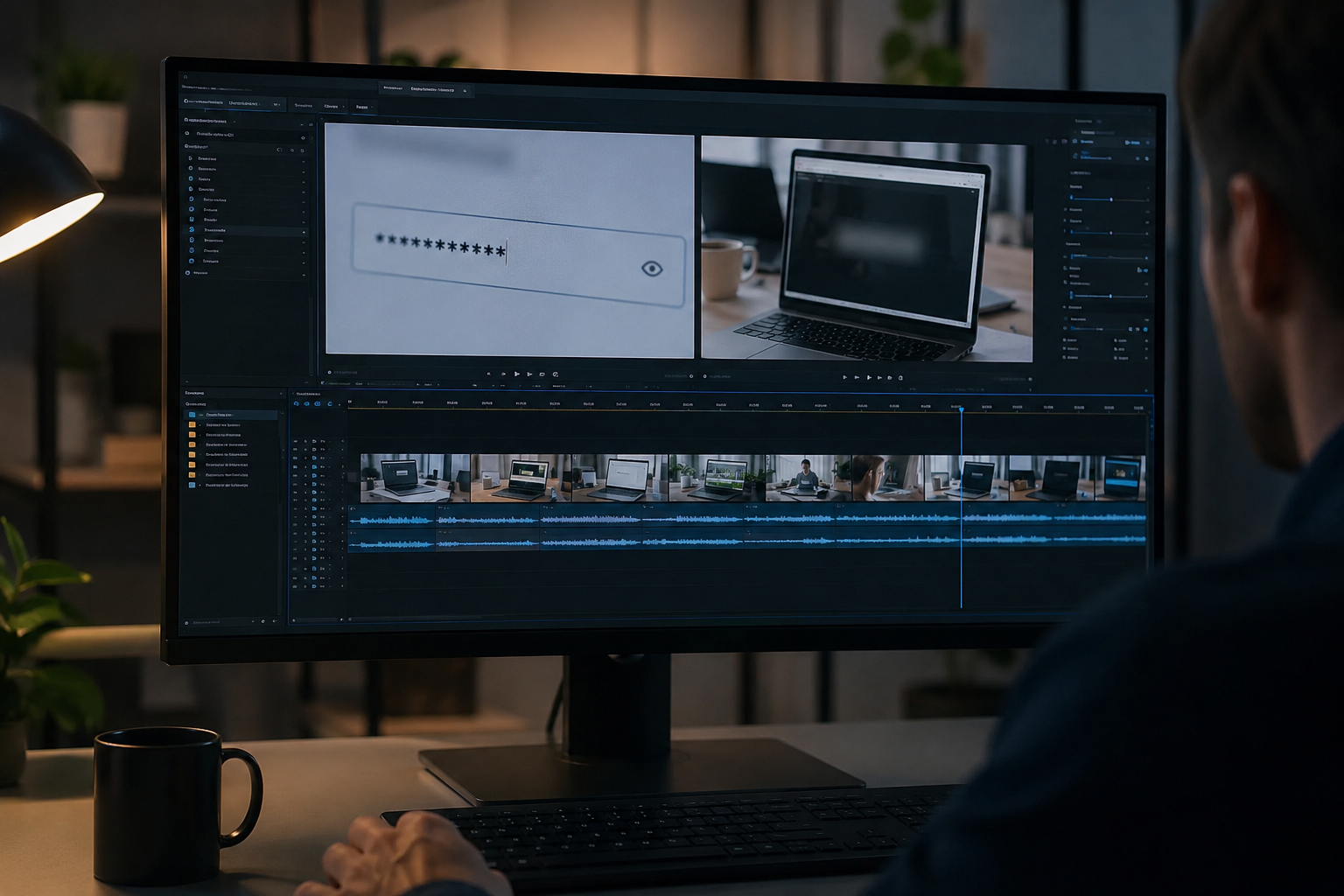
What this example demonstrates
Manual frame-by-frame redaction is impractical for long recordings. AI-assisted blur detects and tracks text regions so passwords entered at 0:30 stay masked through cuts and edits.
Why teams use this pattern
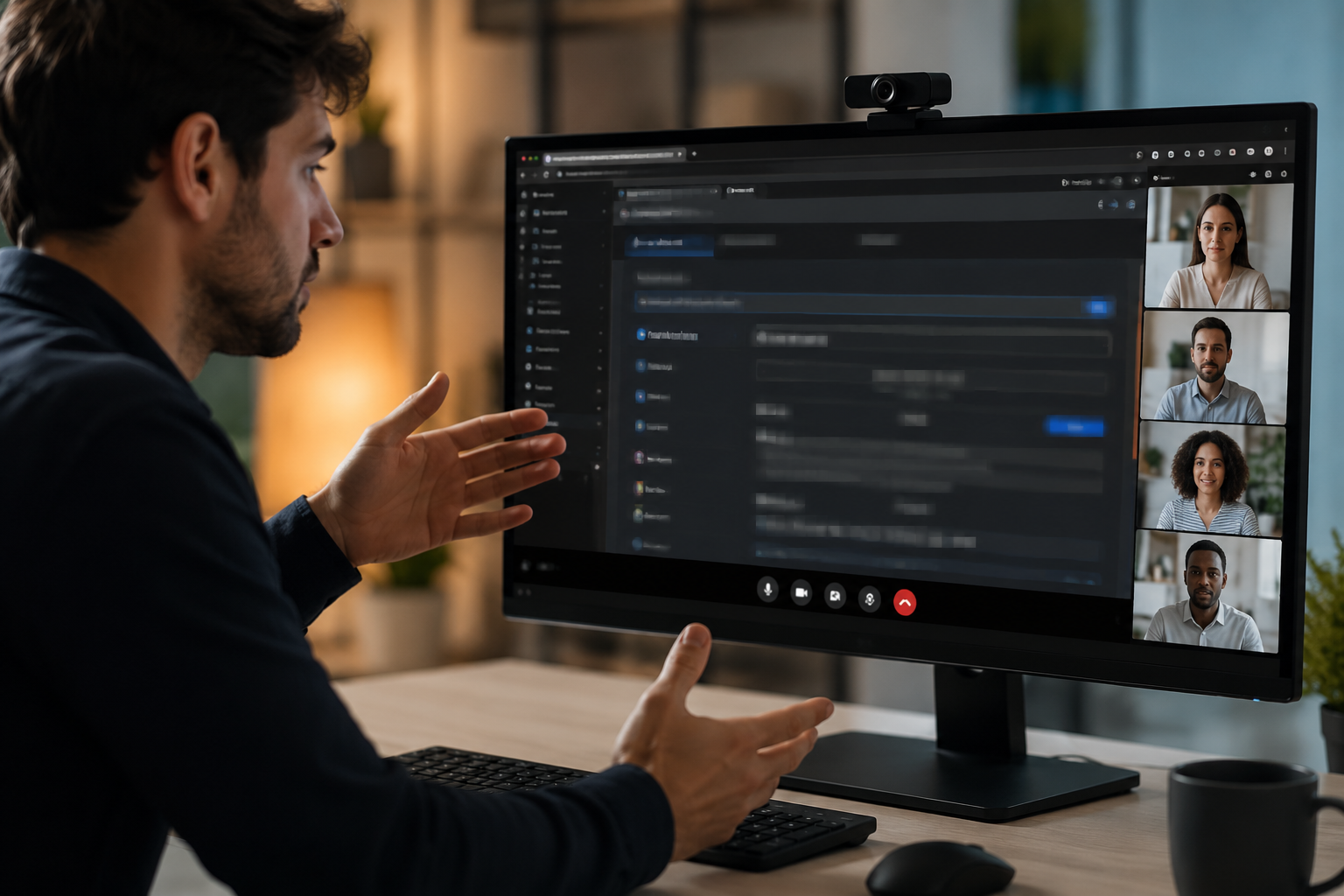
Pair selective text blur with audio scrubbing when you verbally mention credentials or read sensitive information aloud during the demo.
Common use cases
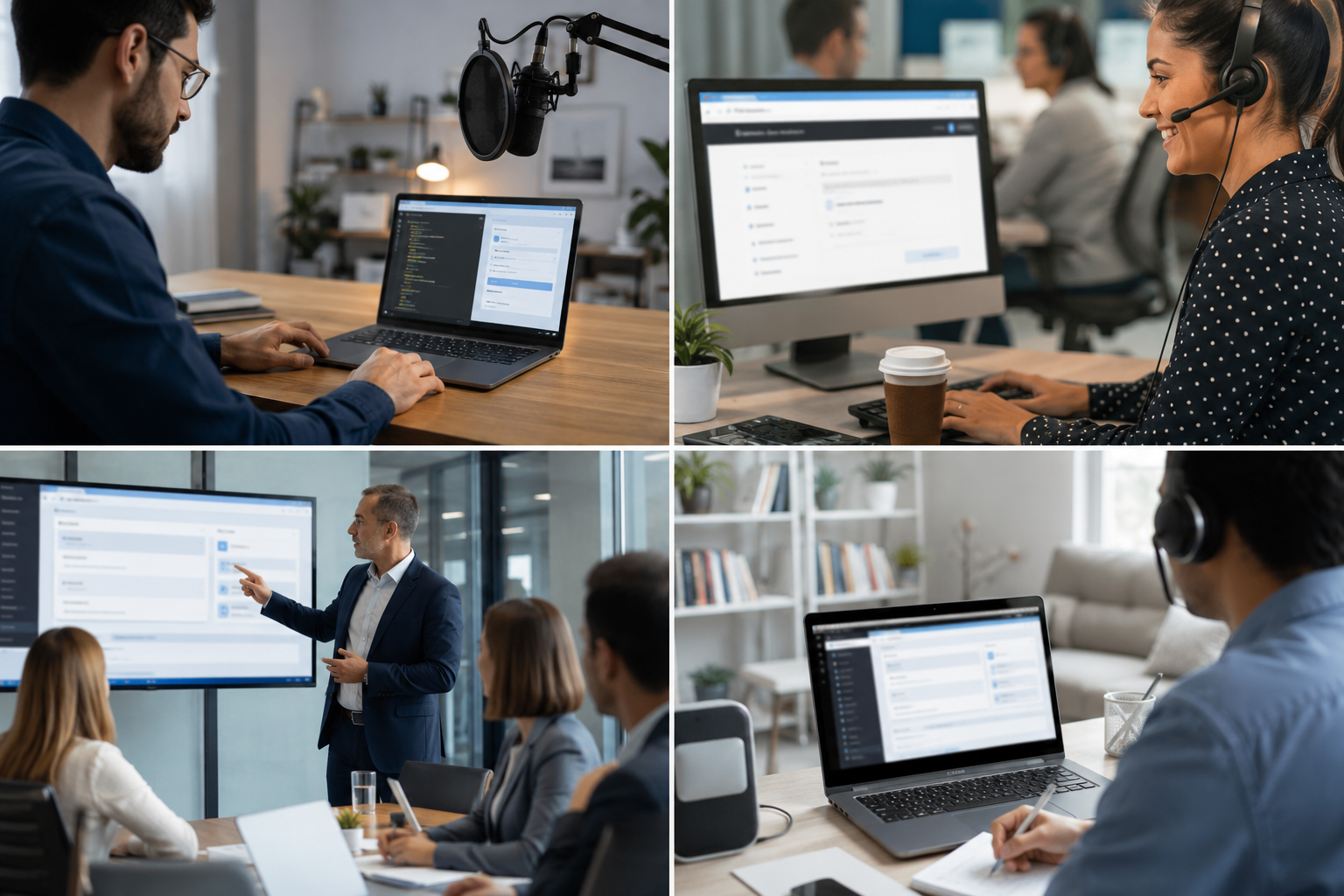
Teams reach for this workflow when developer tutorials showing authentication flows; customer support screen shares with account details; saas product demos with test customer data; it training videos with system credentials. BGBlur automates detection so these scenarios stay publishable without days in a timeline.
Built for DevRel and developer advocates and Customer success teams
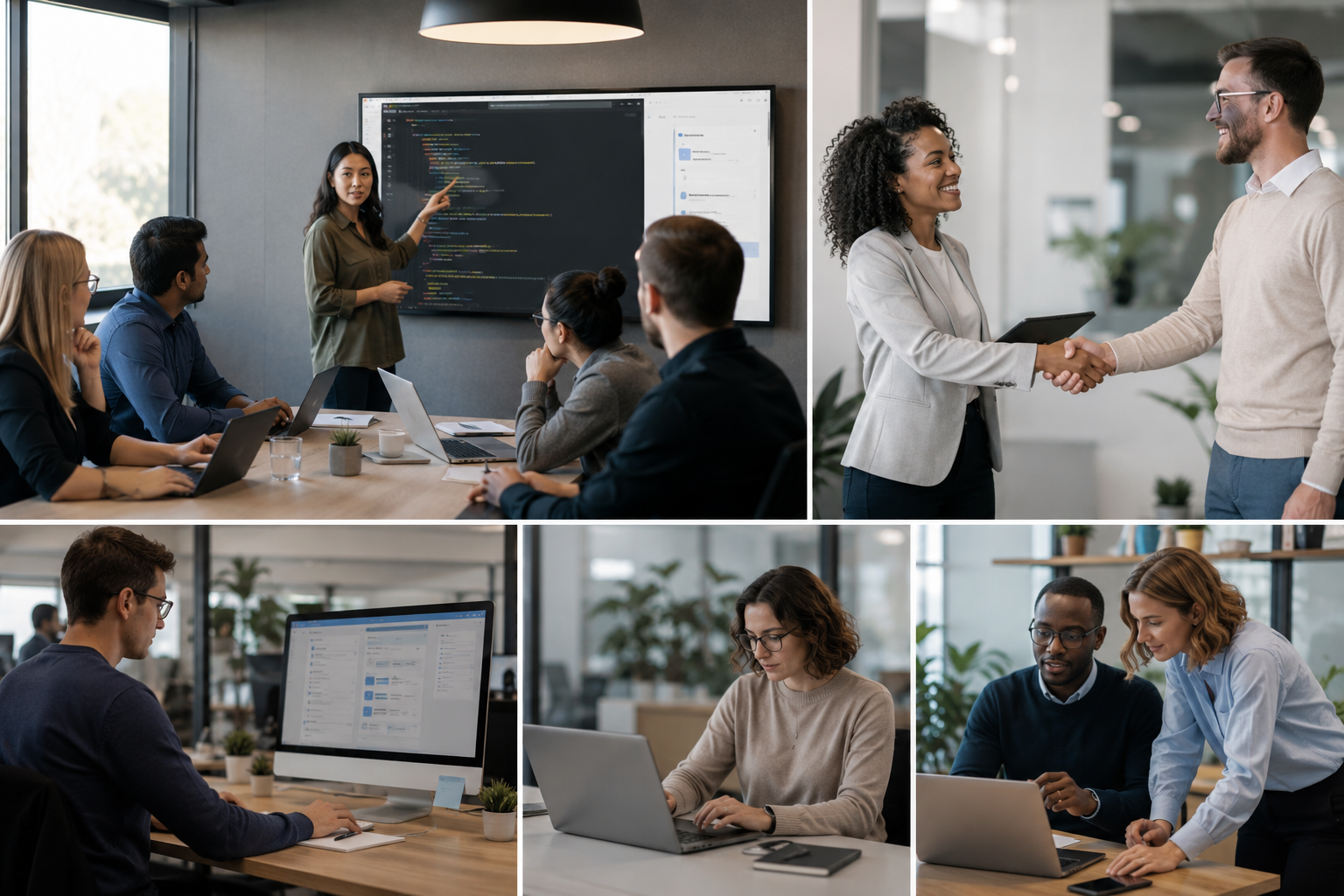
Ideal audiences include DevRel and developer advocates, Customer success teams, Product marketing, IT trainers and technical writers. Pair this example with your policy review when footage is sensitive or public-facing.
사용 사례
- 인증 흐름을 보여주는 개발자 튜토리얼
- 고객 지원 스크린 주식 계정 세부사항
- SaaS 제품 데모 테스트 고객 데이터
- IT 교육 동영상 시스템 자격 증명
대상 사용자
- DevRel 및 개발자 옹호자
- 고객 성공 팀
- 제품 마케팅
- IT 트레이너 및 기술 작가
기타 비디오 블러 예시
동일한 데모 클립 및 단계별 안내와 함께 유사한 시나리오를 탐색해 보세요.
자주 묻는 질문
- 자동으로 텍스트를 감지 할 수 있습니까?
- Text detection는 blur에 지구를 식별하는 데 도움이; 항상 수동으로 모든 민감한 데이터가 게시하기 전에 커버된다는 것을 확인합니다.
- Credentials를 보여주는 copy-paste 활동은 어떨까요?
- 모든 화면 텍스트는 클립 보드 페이스트, 터미널 명령 및 브라우저 자동 채우기를 포함하여 흐릿하게 될 수 있습니다. 리뷰에 대한 타임스탬프를 표시하십시오.
- 전체 화면 또는 단지 민감한 영역을 blur해야?
- Selective blur는 컨텍스트를 유지하고 뷰어에 대한 유용성; 개인 정보 보호 규정에 대한 최소한의 필요한 데이터 만 손상.