Gaming & livestream privacy vervaging
Protect streamers from doxxing: blur on-screen notifications, chat messages, Discord pings, and accidental personal info during gameplay.
Live streamers face constant doxxing risks: a Windows notification showing your real name, a Discord ping with your address, or an accidental browser tab revealing private information can all appear on stream in seconds.
Clean up stream VODs and gaming footage in three steps
Built for Twitch, YouTube Gaming, and esports creators who need privacy cleanup before clips go public.
Download your stream VOD
Export gameplay footage or Twitch VOD before highlight compilation or upload.
Identify sensitive timestamps
Find moments where notifications, chat, or personal info appeared on screen.
Apply selective blur and export
Blur those regions and export for upload or archival—no timeline software required.
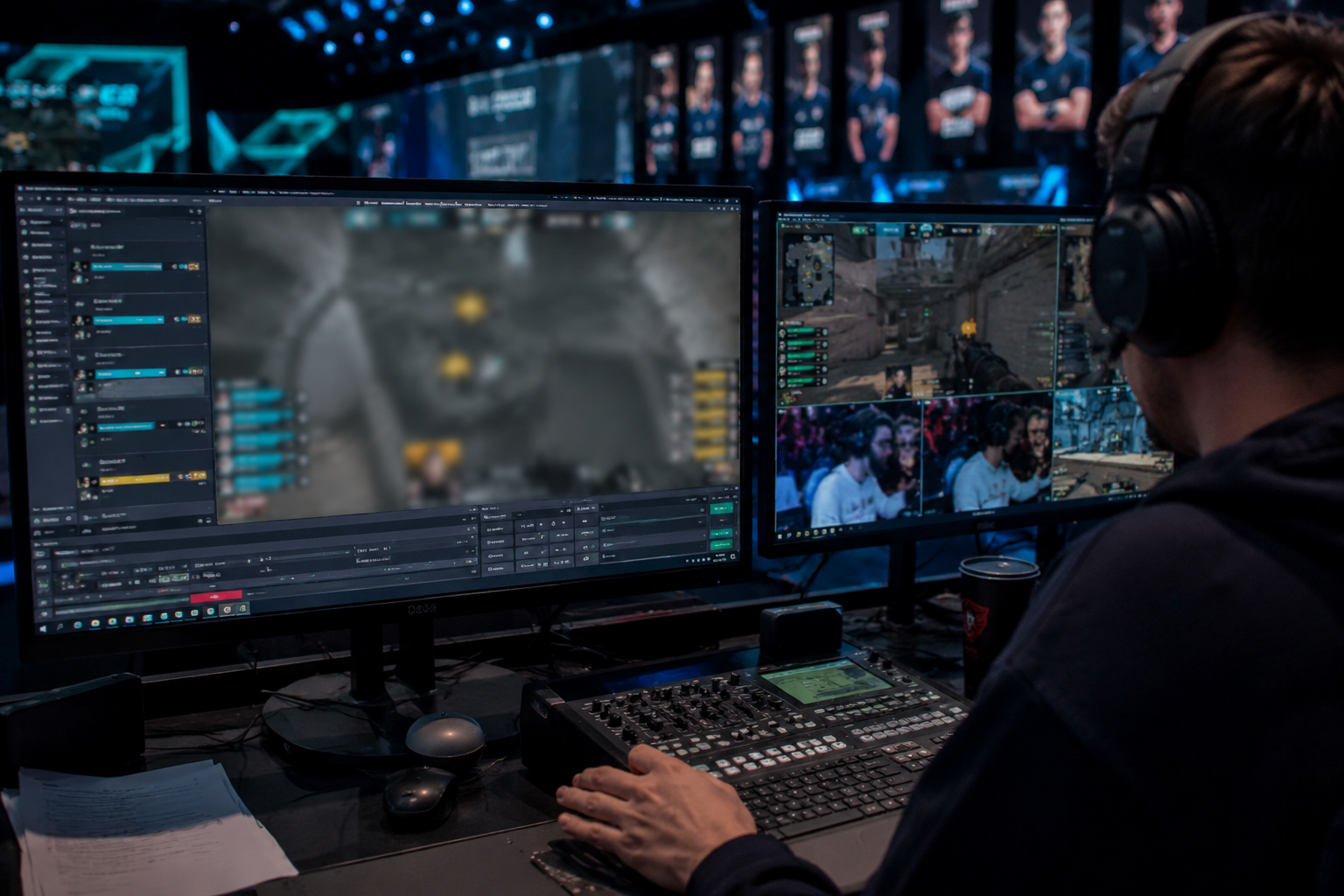
What this example demonstrates
Post-stream blur for VODs and highlight reels gives you a safety net: catch leaked information before clips go viral or get reuploaded by viewers.
Why teams use this pattern
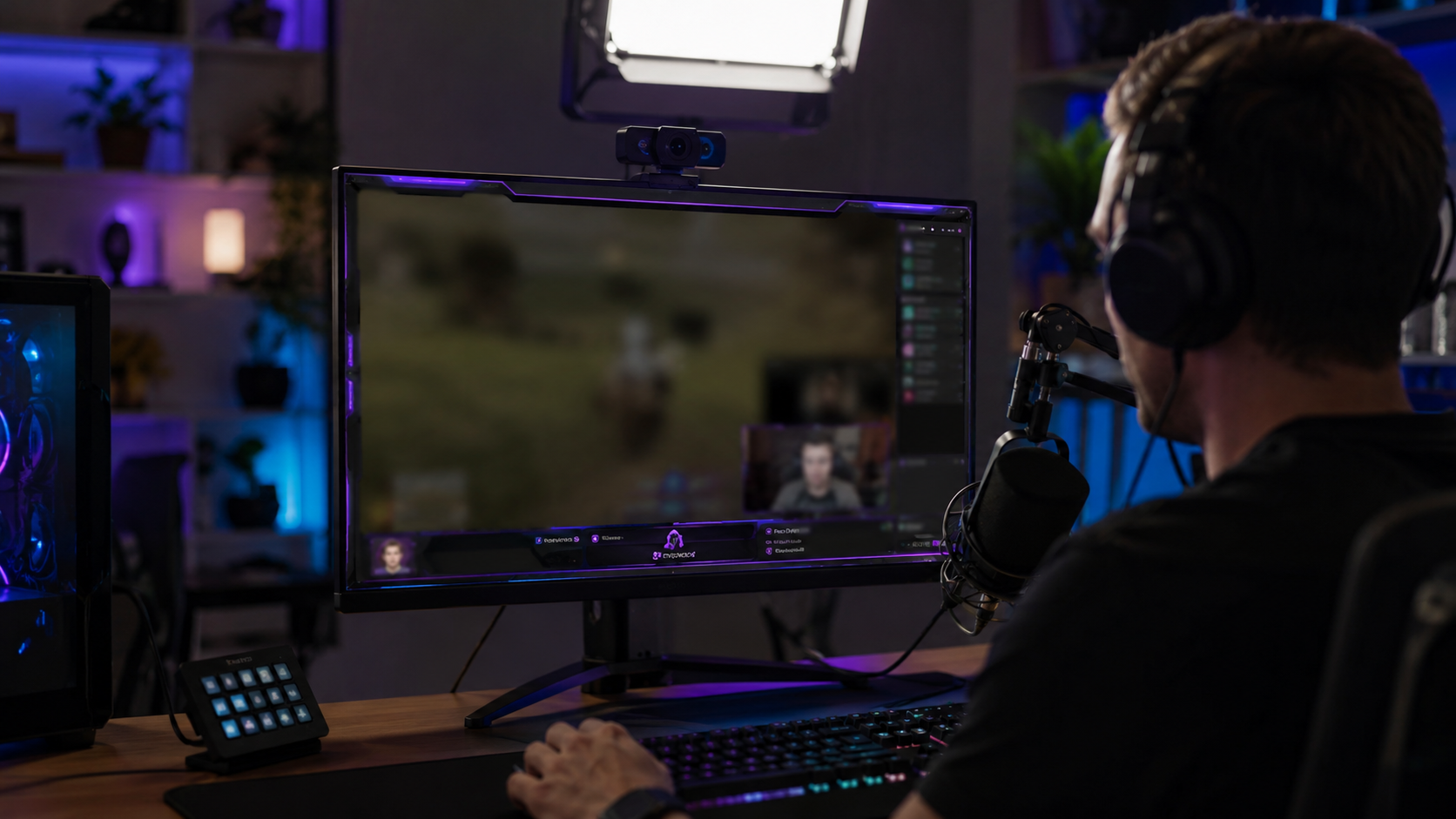
Combine regional blur with OBS scene overlays—blur protects past streams while overlays prevent future leaks during live broadcasts.
Common use cases
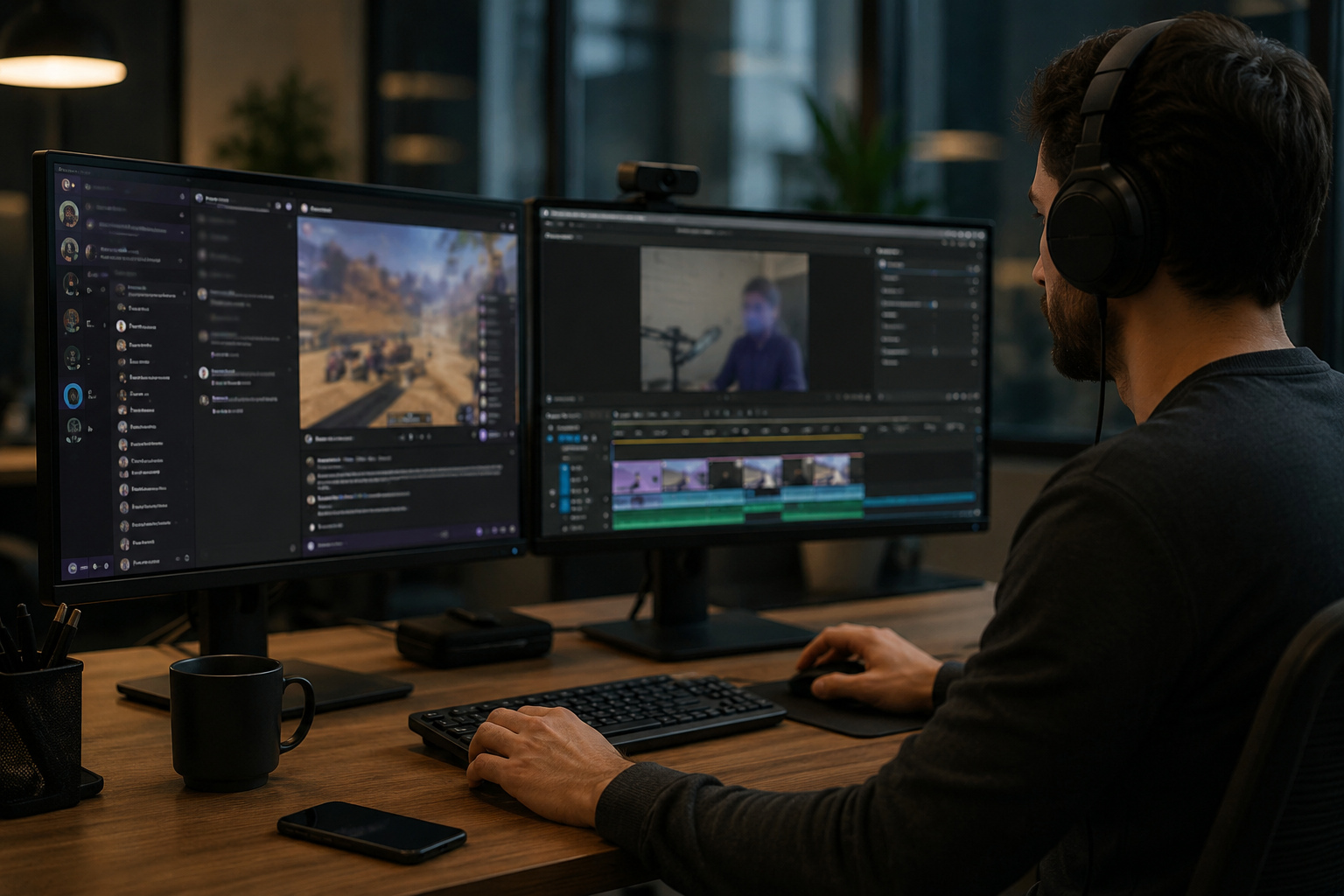
Teams reach for this workflow when twitch vod cleanup before highlight compilation; youtube gaming uploads with accidental notifications; discord screen shares showing private channels; stream recap videos with chat or ui containing pii. BGBlur automates detection so these scenarios stay publishable without days in a timeline.
Built for Twitch and YouTube Gaming streamers and Esports content creators
Ideal audiences include Twitch and YouTube Gaming streamers, Esports content creators, Gaming clip channels and highlight editors, VTubers with face cam overlays. Pair this example with your policy review when footage is sensitive or public-facing.
Toepassingen
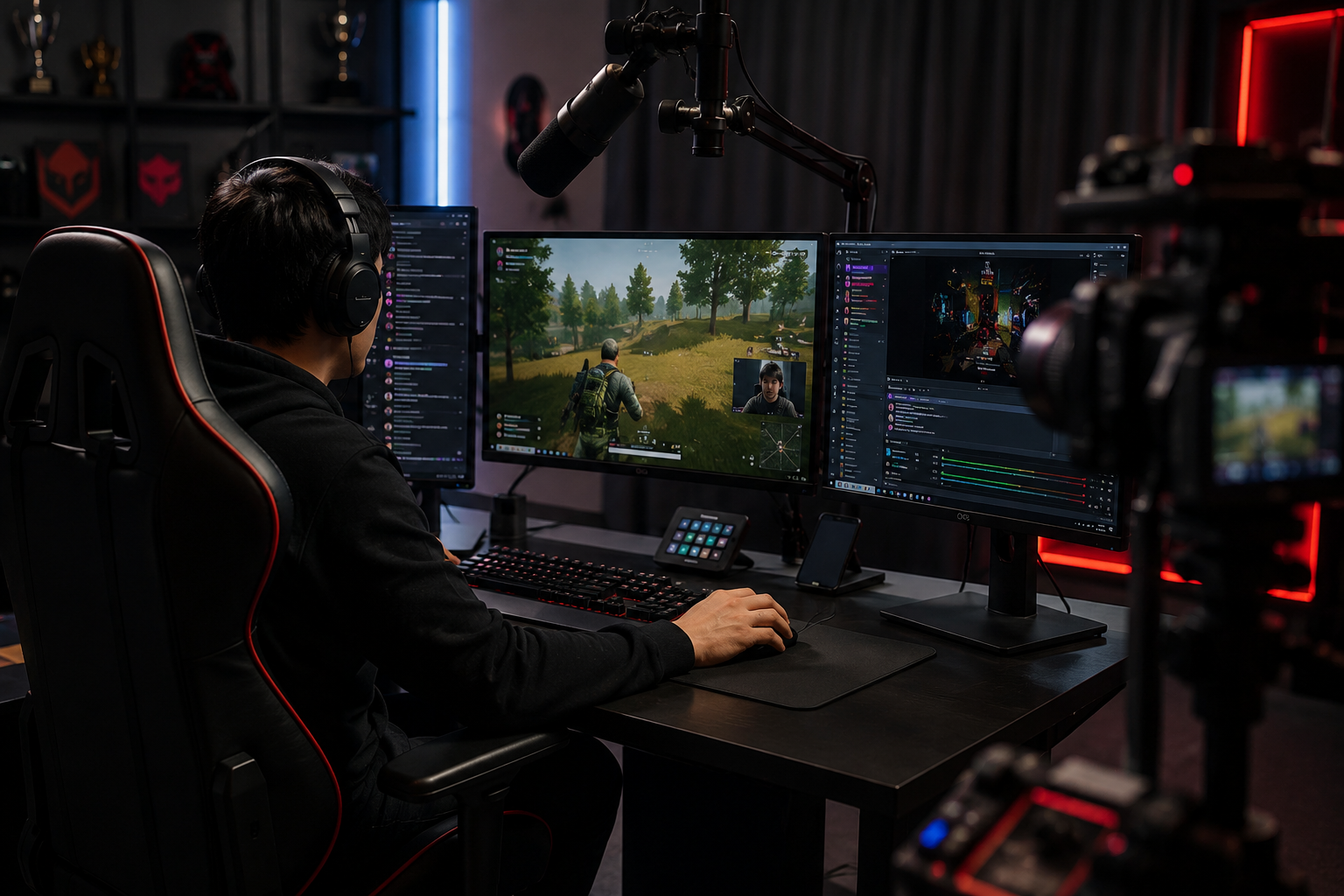
- Twitch VOD opruimen voor highlight compilatie
- YouTube Gaming uploads met toevallige meldingen
- Discord scherm delen tonen particuliere kanalen
- Stream recap video's met chat of UI die PII bevatten
Voor wie het is
- Twitch en YouTube Gaming streamers
- Esports content makers
- Gaming clip kanalen en highlight editors
- VTubers met gezichtscam-overlays
Meer video vervagen voorbeelden
Ontdek vergelijkbare scenario's met dezelfde democlips en stapsgewijze begeleiding.
Vervaging van schermopname voor tutorials & demo's
Verberg wachtwoorden, API-sleutels, e-mails en persoonlijke gegevens in het scherm vangt essentiële voor software demo's en ondersteuning video's.
Alles vervagen: logo's, tekst & aangepaste regio's
Target willekeurige gebieden...logos op hoodies, op het scherm adressen, bewegwijzering... met nauwkeurige AI-ondersteunde selectie.
Gezichtsvervaging in talking-head video
Automatische gezichtsdetectie en vervaging voor interviews, podcasts en vlogs, zodat identiteiten beschermd blijven.
Achtergrondvervaging voor filmische focus
Verzacht of vervangen drukke achtergronden zodat onderwerpen opvallen geweldig voor webinars, reviews, en product demo's gefilmd thuis.
Veelgestelde vragen
- Kan ik bewegende UI-elementen zoals chatrollen vervagen?
- Ja...motion tracking houdt wazig om overlays zoals chatvensters te verplaatsen, feeds te doden en meldingspop-ups gedurende de hele clip.
- Wat als iemand mijn adres stuurt in Twitch chat?
- Vervagen de chat overlay geheel of selectief masker specifieke berichten; altijd gematigde chat actief om intimidatie te voorkomen dan alleen visuele vervaging.
- Moet ik mijn webcam ook vervagen?
- Als uw echte identiteit privé is, gezichtsvervaging of VTuber avatars zijn gebruikelijk; veel streamers koppelen webcam vervaging met stemmodulatie voor volledige anonimiteit.
Klaar om dit op je eigen beelden te proberen?
Upload MP4, MOV of M4V en pas dezelfde vervagingsmodi toe als in dit voorbeeld.
Probeer BGBlur gratis