Vervaging van schermopname voor tutorials & demo's
Blur passwords, API keys, and PII in screen recordings—tracked through cuts and edits without manual frame-by-frame masking.
Screen recordings for tutorials, customer support, and product demos routinely capture sensitive data: login credentials, API tokens, personal emails, and internal URLs that should never reach public documentation.
Redact sensitive data in screen recordings in three steps
Built for DevRel, customer success, and product teams publishing tutorials or support walkthroughs.
Upload your screen recording
Drop MP4, MOV, or M4V captures into BGBlur—no timeline project or desktop software required.
Select regions with sensitive data
Paint over passwords, emails, API keys, or any UI element that should not appear in the published video.
Preview and export
Scrub the timeline to verify coverage, then export for documentation portals, YouTube, or support tickets.
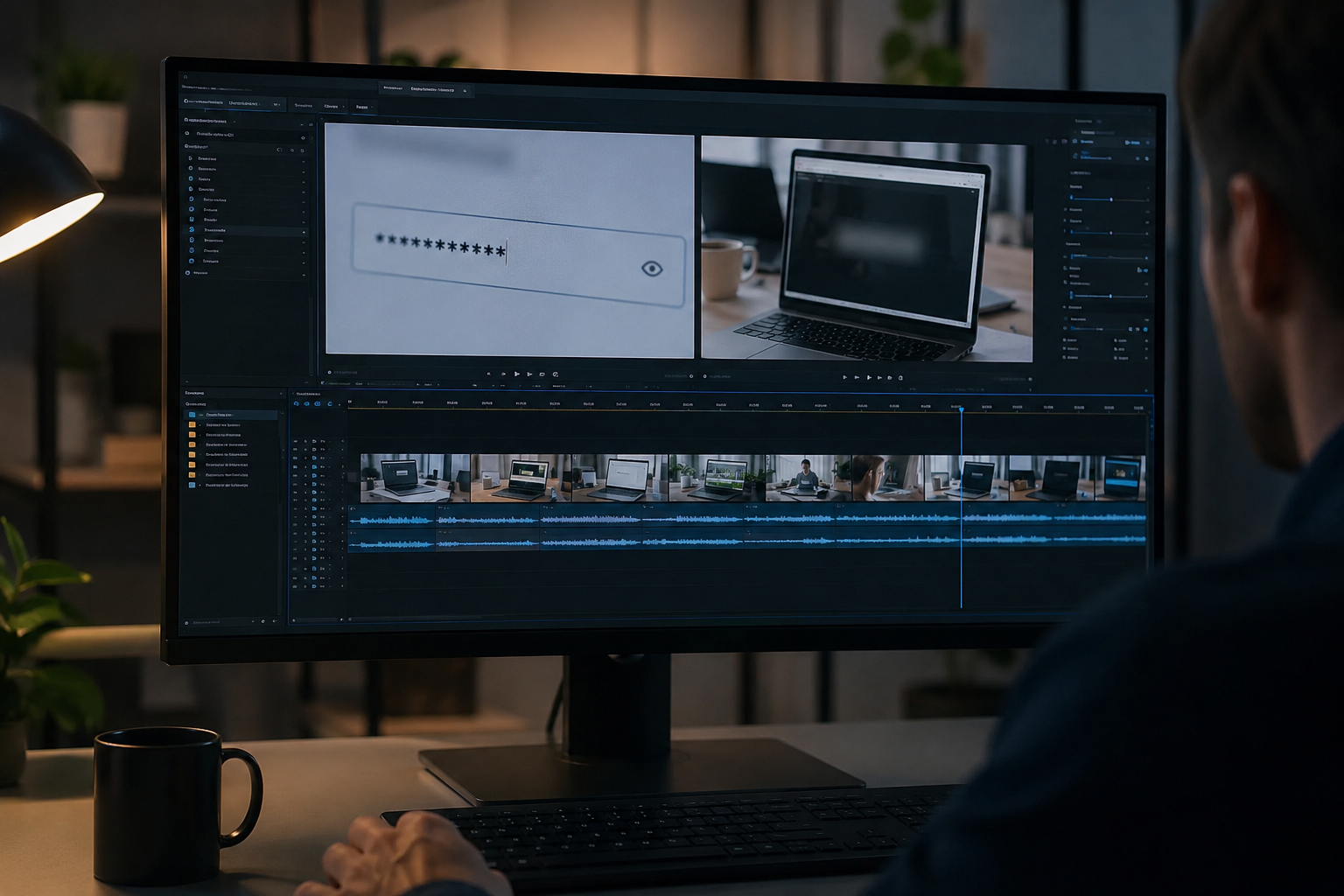
What this example demonstrates
Manual frame-by-frame redaction is impractical for long recordings. AI-assisted blur detects and tracks text regions so passwords entered at 0:30 stay masked through cuts and edits.
Why teams use this pattern
Pair selective text blur with audio scrubbing when you verbally mention credentials or read sensitive information aloud during the demo.
Common use cases
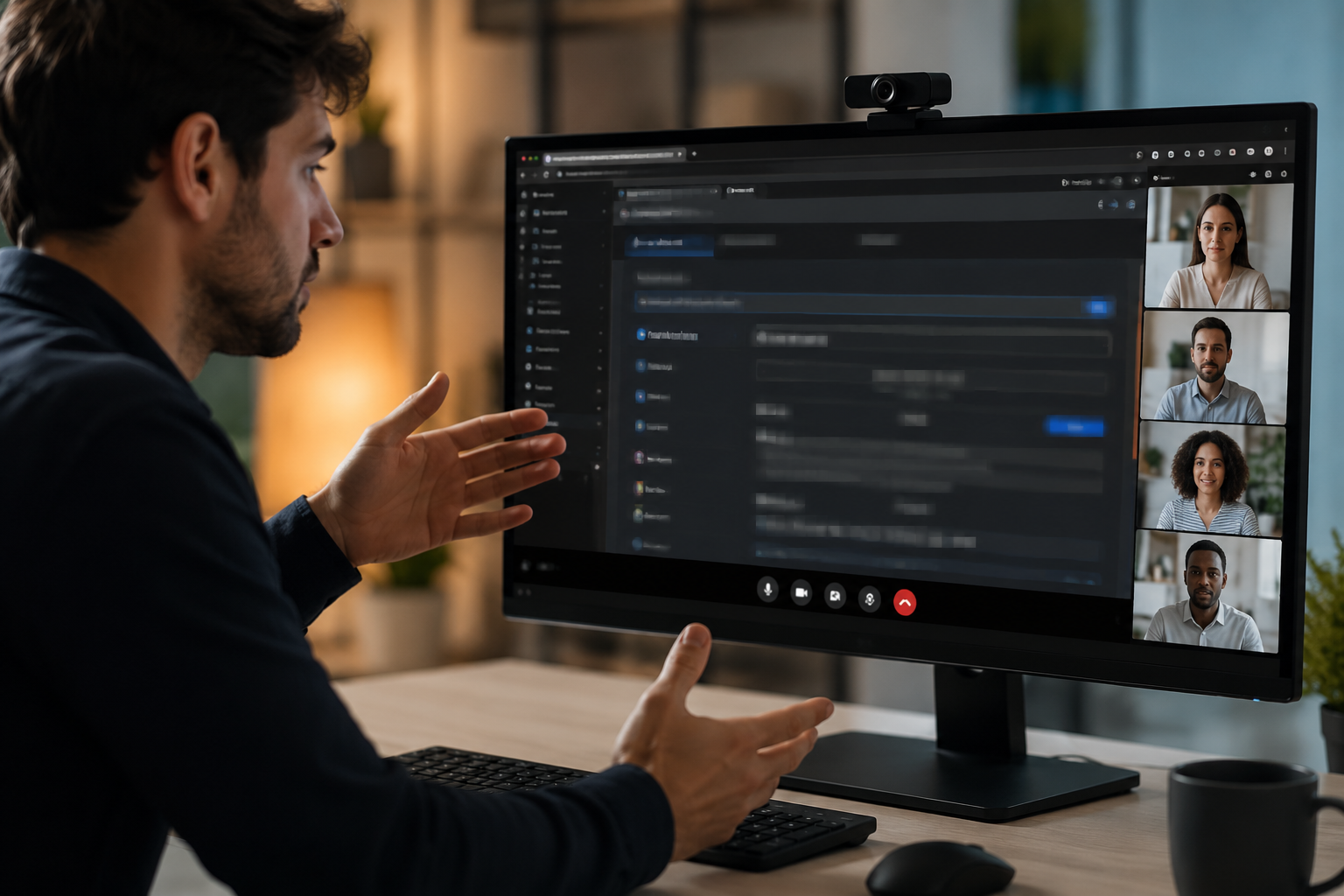
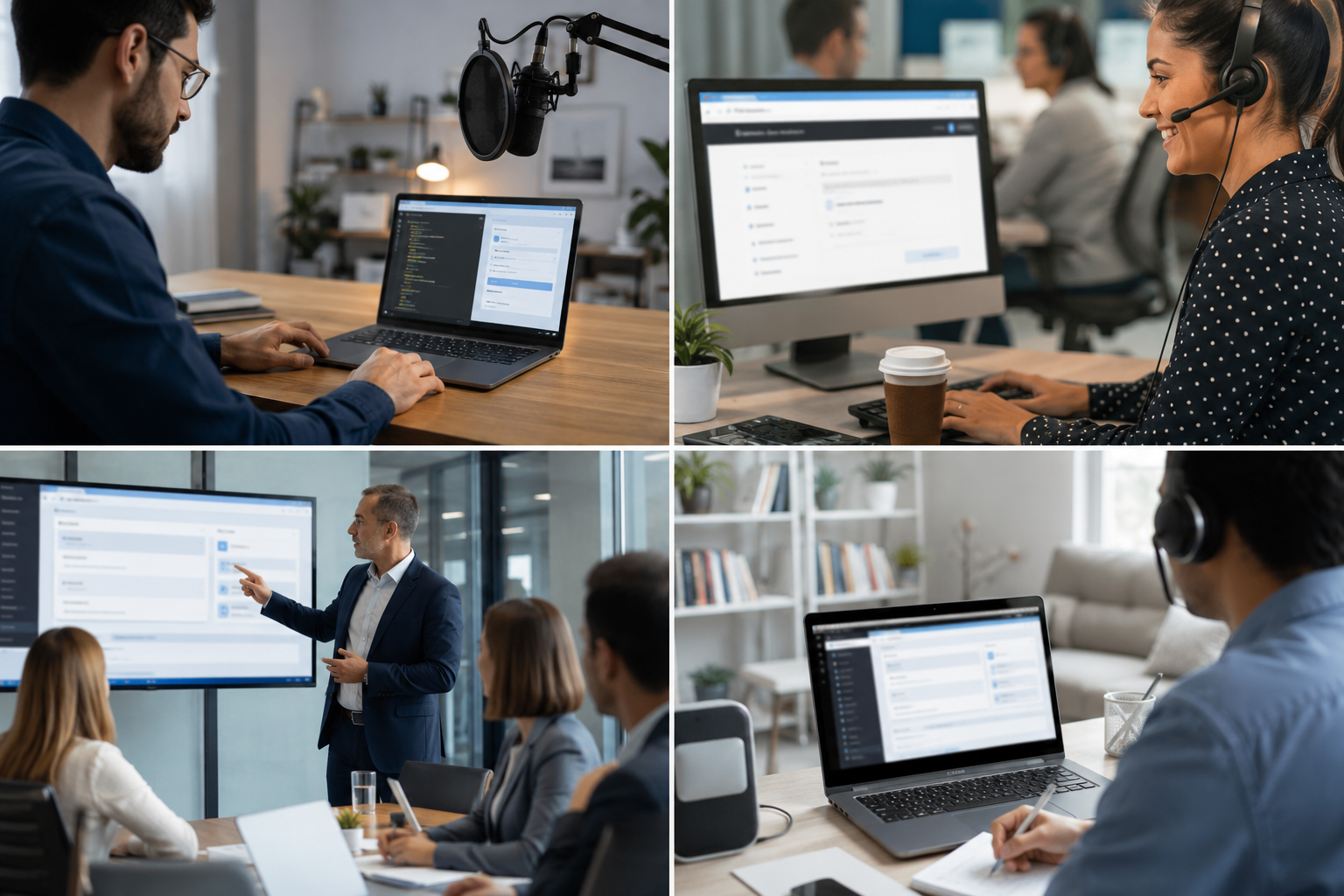
Teams reach for this workflow when developer tutorials showing authentication flows; customer support screen shares with account details; saas product demos with test customer data; it training videos with system credentials. BGBlur automates detection so these scenarios stay publishable without days in a timeline.
Built for DevRel and developer advocates and Customer success teams
Ideal audiences include DevRel and developer advocates, Customer success teams, Product marketing, IT trainers and technical writers. Pair this example with your policy review when footage is sensitive or public-facing.

Toepassingen
- Ontwikkelaar tutorials tonen authenticatiestromen
- Customer support screen shares met account details
- SaaS productdemo's met test klantgegevens
- IT-training video's met systeemgegevens
Voor wie het is
- DevRel en ontwikkelaars
- Succesteams voor klanten
- Verkoop van producten
- IT-trainers en technische schrijvers
Meer video vervagen voorbeelden
Ontdek vergelijkbare scenario's met dezelfde democlips en stapsgewijze begeleiding.
Alles vervagen: logo's, tekst & aangepaste regio's
Target willekeurige gebieden...logos op hoodies, op het scherm adressen, bewegwijzering... met nauwkeurige AI-ondersteunde selectie.
Gezichtsvervaging in talking-head video
Automatische gezichtsdetectie en vervaging voor interviews, podcasts en vlogs, zodat identiteiten beschermd blijven.
Achtergrondvervaging voor filmische focus
Verzacht of vervangen drukke achtergronden zodat onderwerpen opvallen geweldig voor webinars, reviews, en product demo's gefilmd thuis.
Kentekenplaat vervaging in straat en dashcam beelden
Verberg leesbare platen in het verkeer, parkeren, en rit-lange beelden .ideaal voor motovlogs en locatiescheuten.
Veelgestelde vragen
- Kan het automatisch tekst detecteren?
- Tekstdetectie helpt regio's te identificeren om te vervagen; controleert altijd handmatig of alle gevoelige gegevens worden behandeld voordat ze worden gepubliceerd.
- Hoe zit het met kopiëren-plakken acties tonen referenties?
- Elke tekst op het scherm kan wazig zijn, inclusief klembordpasta's, terminalcommando's en browser autofill.markeer deze tijdstempels voor herziening.
- Moet ik het hele scherm vervagen of alleen gevoelige gebieden?
- Selectieve vervaging behoudt context en bruikbaarheid voor kijkers; verduistert alleen de minimaal noodzakelijke gegevens voor privacy compliance.
Klaar om dit op je eigen beelden te proberen?
Upload MP4, MOV of M4V en pas dezelfde vervagingsmodi toe als in dit voorbeeld.
Probeer BGBlur gratis