AI-Powered Free Face Blur Tool for Images & Videos
Automatically process images and videos using advanced AI detection and editing workflows. Free Face Blur Tool reduces manual work while delivering clean, professional, and privacy-ready results.
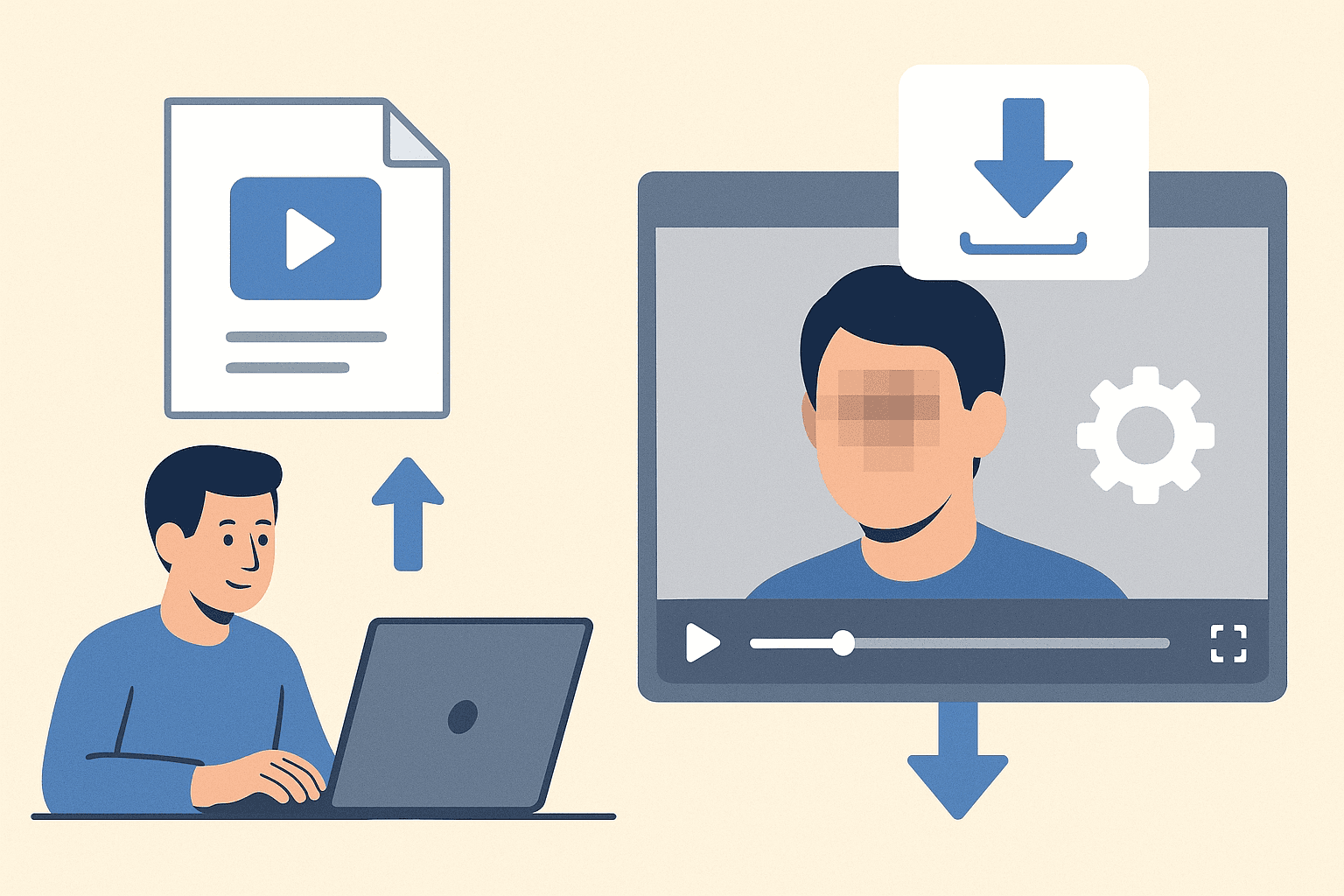
Professional Face Blurring Made Simple
Upload a photo, let AI find the faces, and export a clean privacy-safe image without opening a complex editor.
How Face Blur Works
BGBlur scans your uploaded image for visible faces, prepares privacy masks, and applies a blur effect only where identity needs protection. You keep the useful scene context while the people in the photo stay anonymous.
Use it when you need a faster way to prepare content for public pages, reports, client review, training material, social posts, or internal documentation without rebuilding the edit by hand.
Detects faces in uploaded images automatically
Works with portraits, selfies, and group photos
Supports blur and privacy-focused anonymization workflows
Keeps the original scene readable after face protection
Simple browser-based workflow with no editing timeline
Useful for GDPR, consent, and public sharing needs
Use Cases
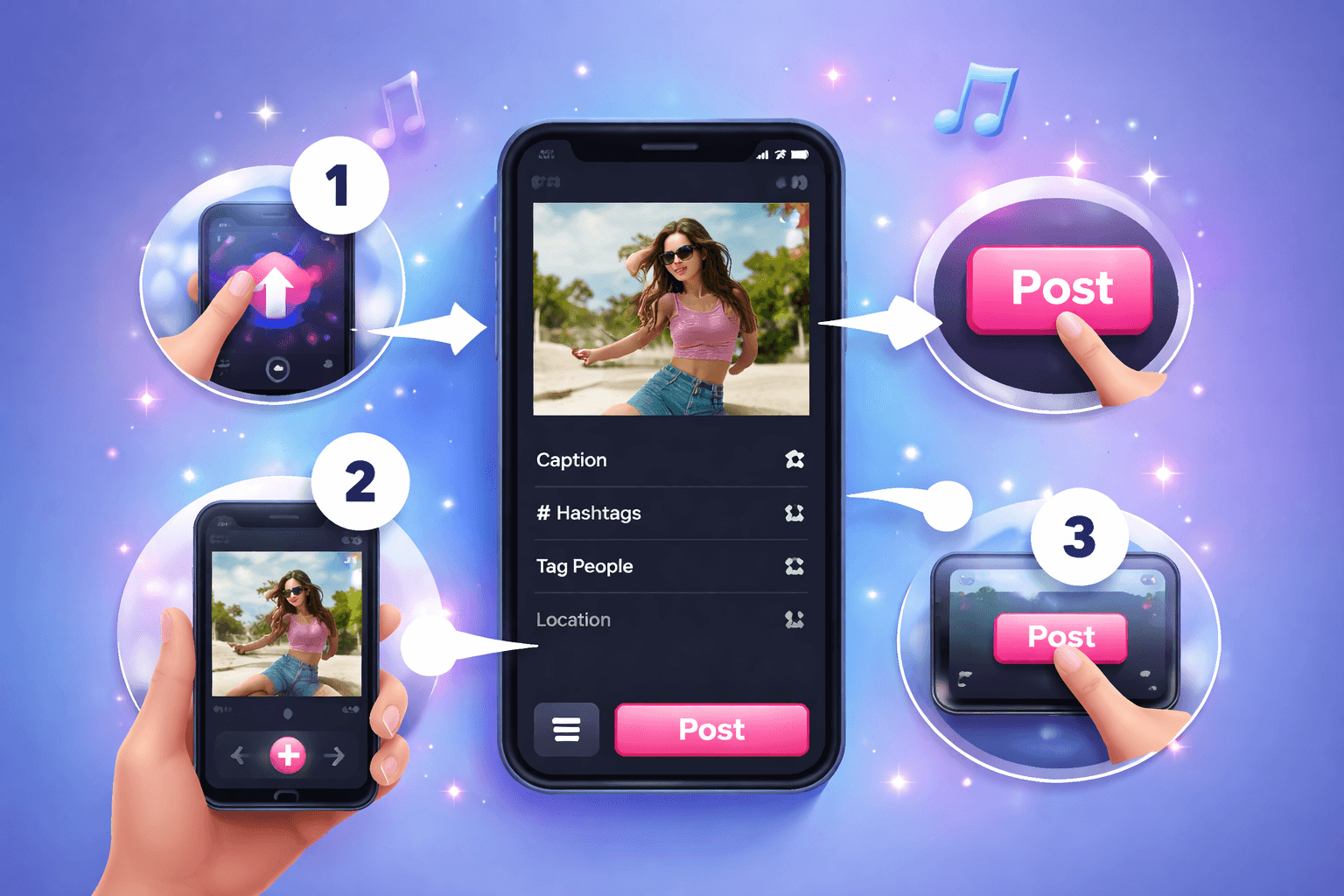
Social Posts
Hide bystanders before publishing photos online. Professional Face Blurring Made Simple keeps this workflow practical for repeated review, privacy cleanup, publishing, and team handoff without forcing editors to rebuild every mask or adjustment manually.
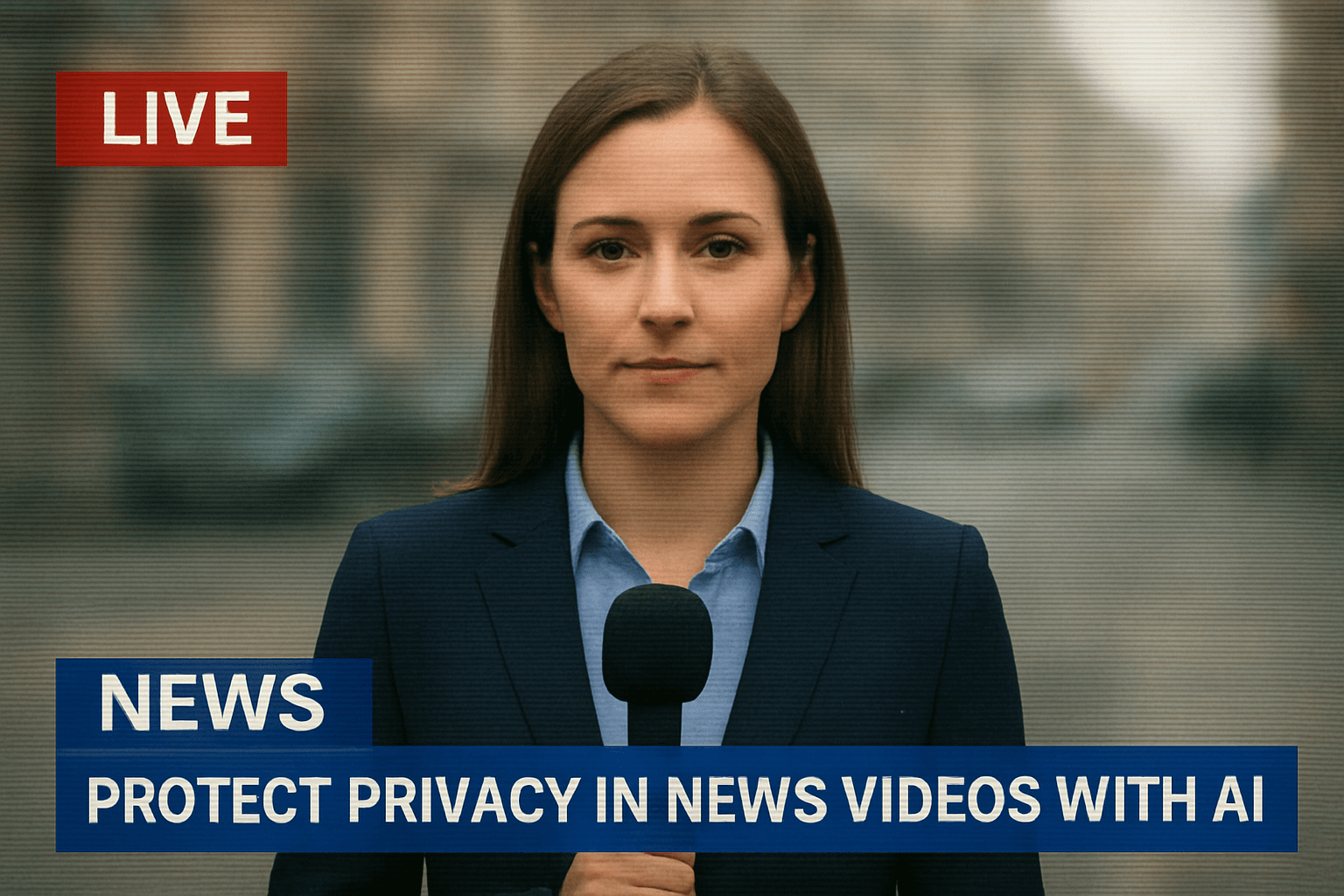
Journalism
Protect sources, witnesses, and private individuals. Professional Face Blurring Made Simple keeps this workflow practical for repeated review, privacy cleanup, publishing, and team handoff without forcing editors to rebuild every mask or adjustment manually.
Research
Anonymize image datasets before review or sharing. Professional Face Blurring Made Simple keeps this workflow practical for repeated review, privacy cleanup, publishing, and team handoff without forcing editors to rebuild every mask or adjustment manually.
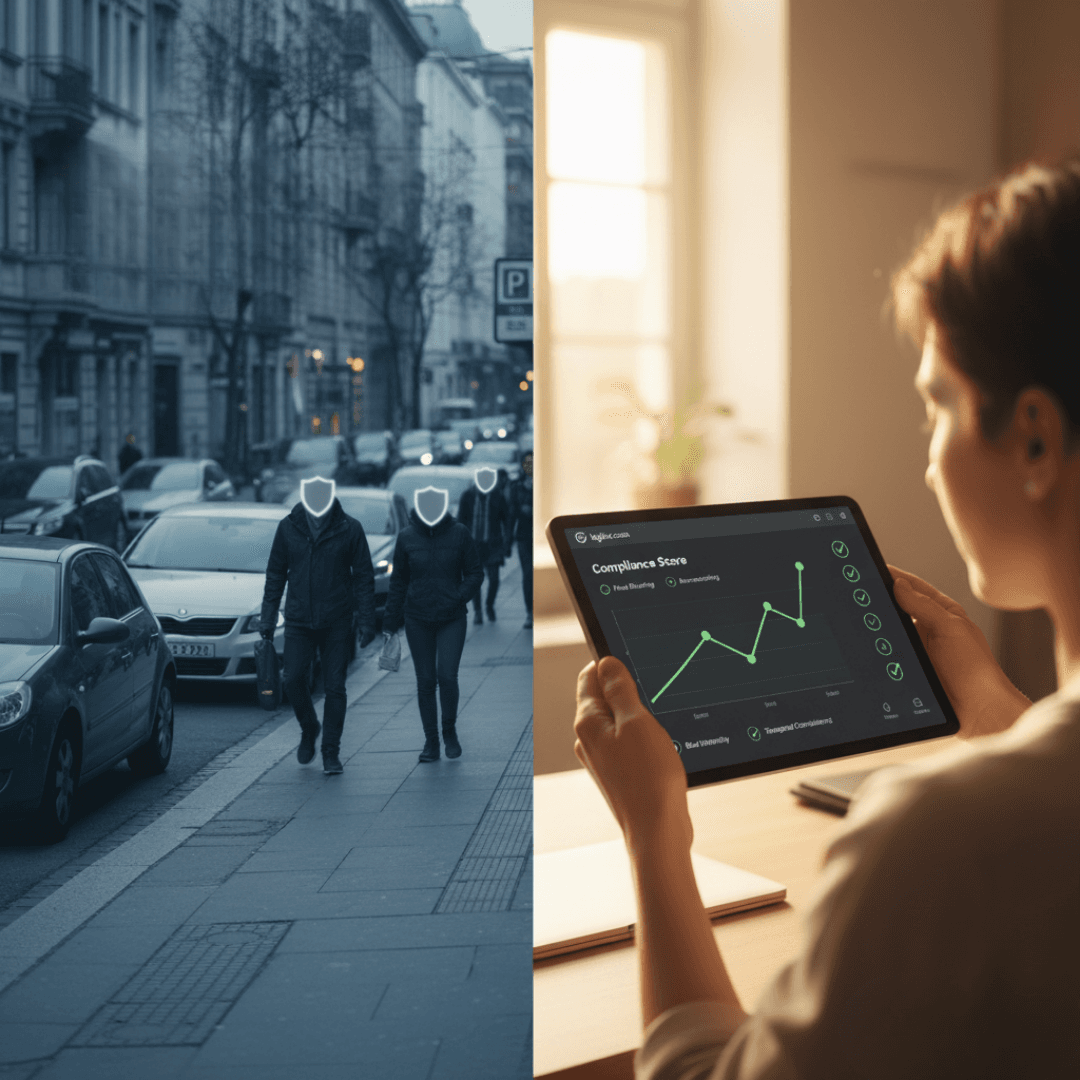
Business
Prepare privacy-safe photos for docs and reports. Professional Face Blurring Made Simple keeps this workflow practical for repeated review, privacy cleanup, publishing, and team handoff without forcing editors to rebuild every mask or adjustment manually.
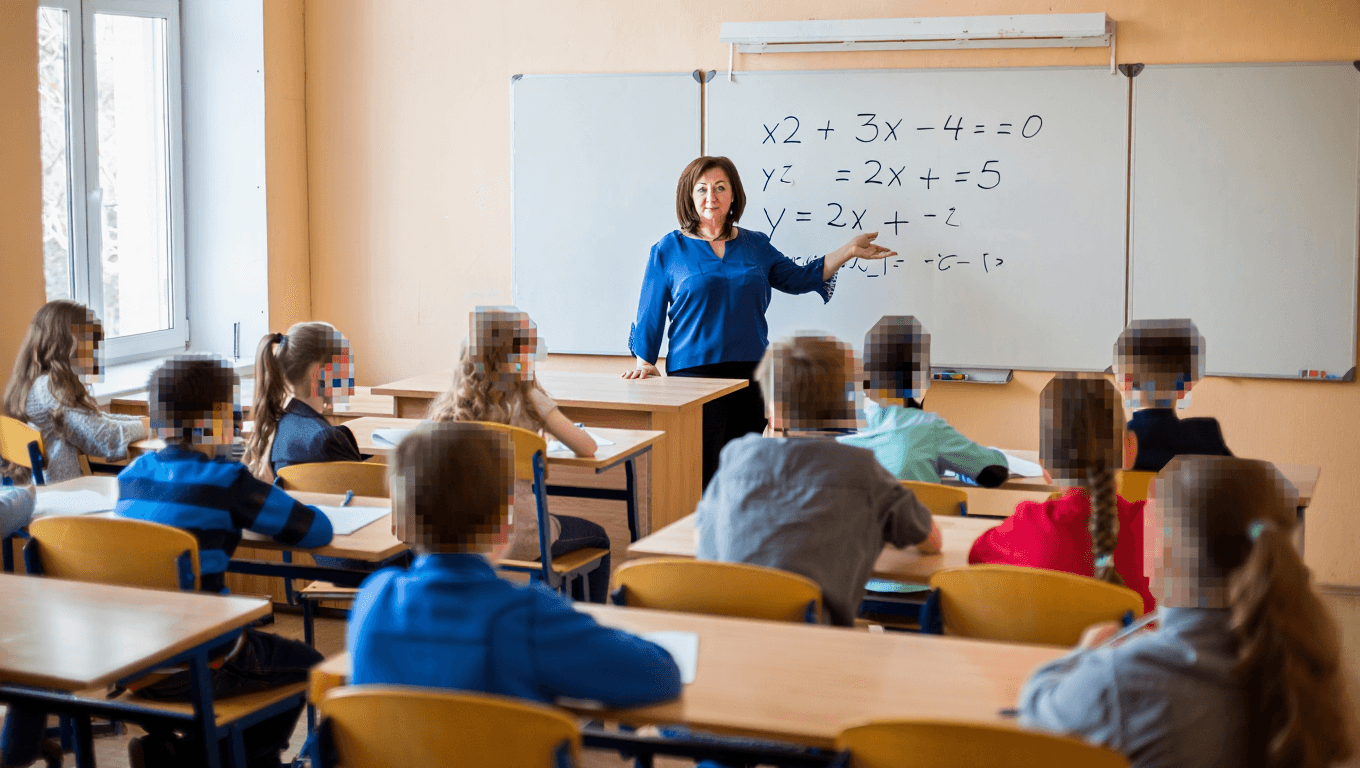
Education
Share classroom or event images with identities hidden. Professional Face Blurring Made Simple keeps this workflow practical for repeated review, privacy cleanup, publishing, and team handoff without forcing editors to rebuild every mask or adjustment manually.
Compliance
Reduce exposure when handling personal image data. Professional Face Blurring Made Simple keeps this workflow practical for repeated review, privacy cleanup, publishing, and team handoff without forcing editors to rebuild every mask or adjustment manually.
Fast Browser Workflow
Upload the image, preview the anonymized result, and download the final file without timeline editing, design software, or manual masking.
Ready to blur faces in your image?
Upload a photo and protect identities in seconds.
How to Easily Use Face Blur Tool
Follow this simple 3-step process to get a polished result without frame-by-frame editing.
Upload Your Video
Start by uploading the video you want to process. The face Blur Tool workflow keeps the setup simple, so you can move from file selection to preview without rebuilding the project manually.
Review the AI Preview
BGBlur analyzes the file and prepares the right privacy edits for face Blur Tool. Check the preview, confirm the important areas, and adjust the result before exporting.
Download the Result
Export a clean, privacy-safe version when the preview looks right. The finished video is ready for sharing, publishing, archiving, or handing off to your team.
AI editing features
More than a Face Blur tool
Professional-grade privacy protection powered by advanced AI technology. Face Blur is built for video privacy protection, automatic blur, motion-aware editing, object redaction, secure export, and faster browser-based video workflows.
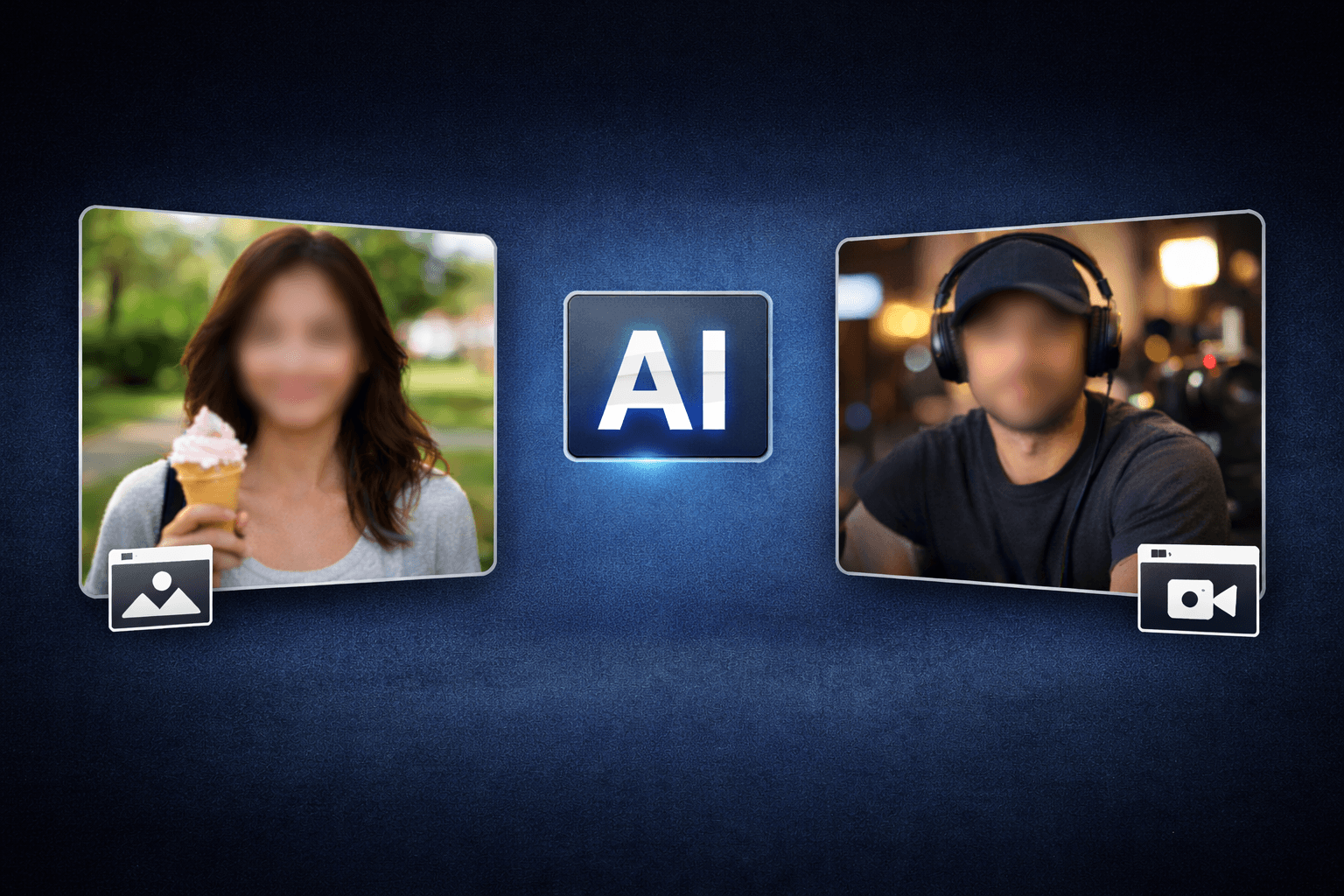
Smart AI Face Blur video workflow
Face Blur helps creators edit videos faster with AI-powered blur, masking, tracking, redaction, privacy protection, and browser-based automation.
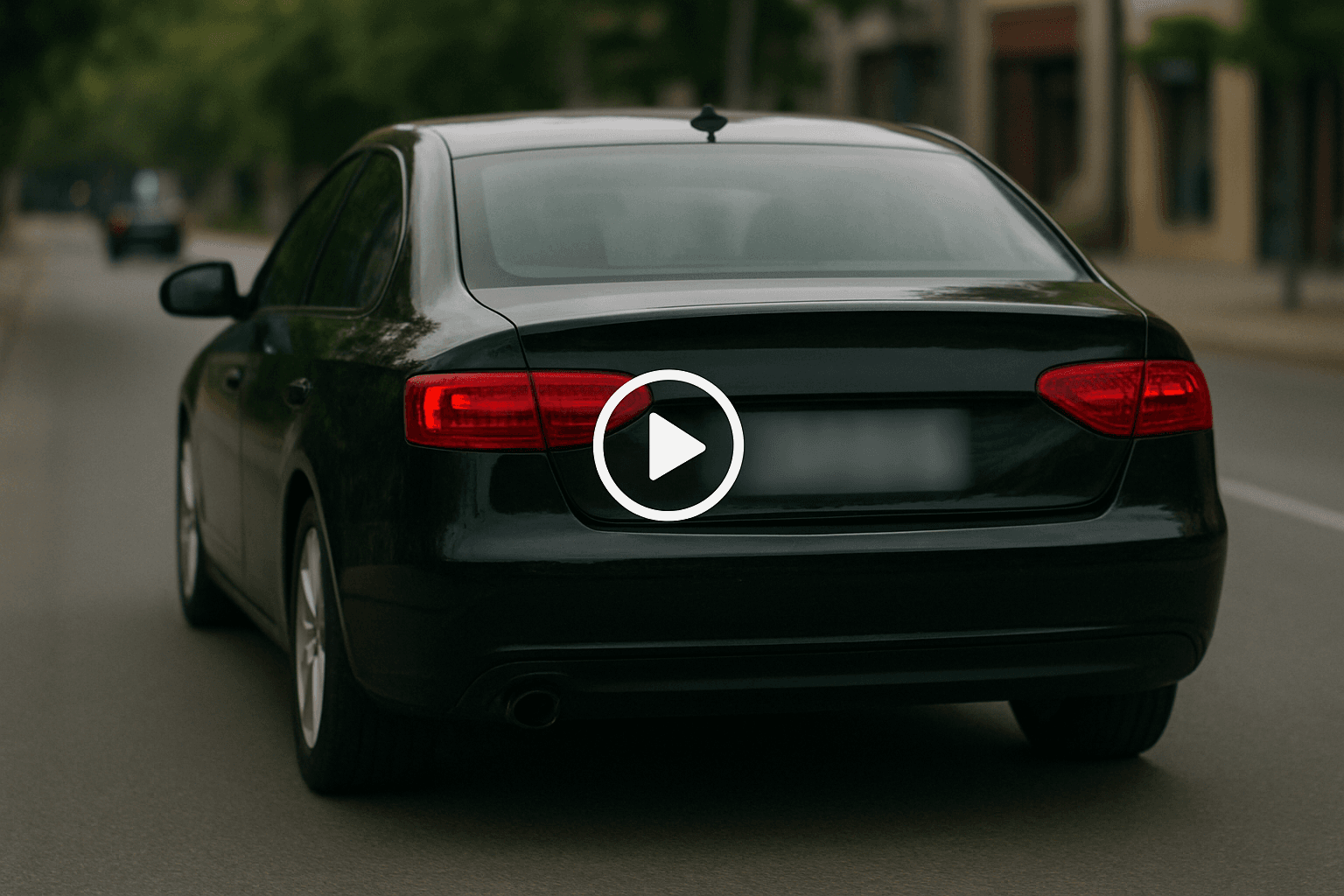
Motion-aware AI automation
Use AI assistance to reduce manual keyframes, repeated masking, frame-by-frame blur work, object selection, and privacy edits across clips and social videos.
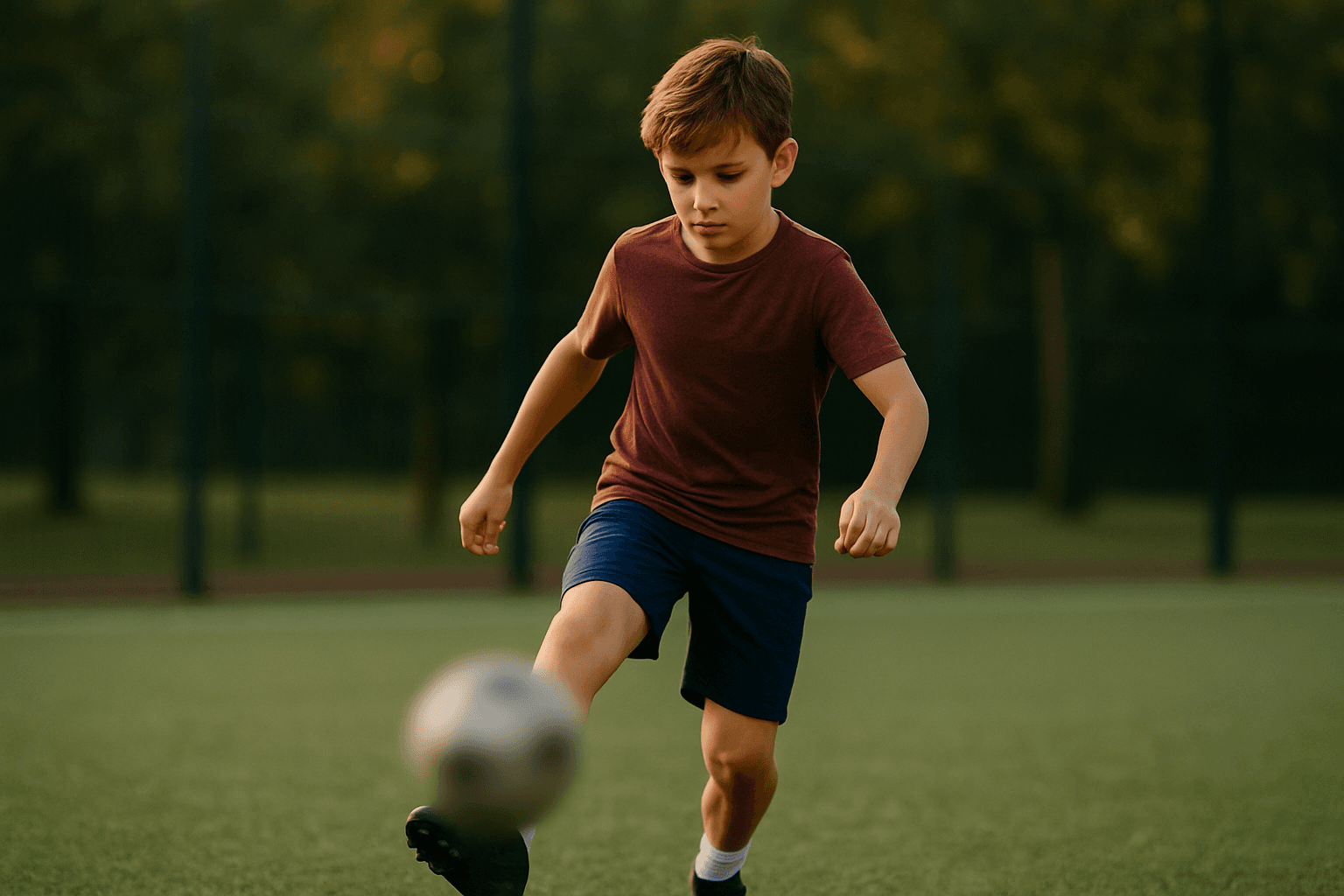
Video privacy protection
Face Blur helps hide faces, plates, backgrounds, objects, text, body details, and sensitive visual information before videos are published or shared.
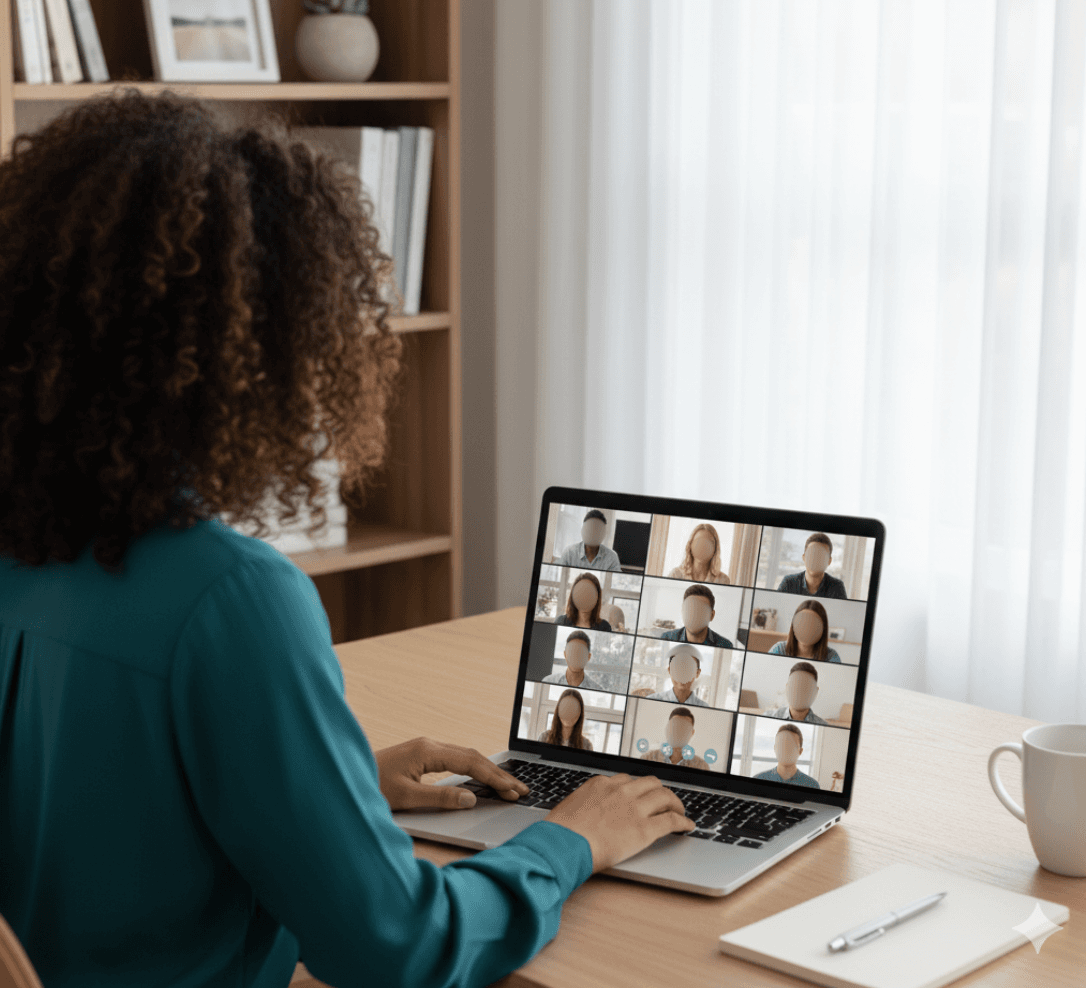
Fast browser-based processing
Upload a video, apply the tool workflow, review the result, and export edited content without installing heavy video software or switching between apps.
Flexible editing controls
Adjust blur style, intensity, selected areas, tracking, masking, and export decisions depending on the footage, audience, platform, and privacy requirement.

Export publish-ready videos
Prepare cleaner videos for YouTube, TikTok, Instagram, training libraries, client review, education, journalism, real estate, automotive content, and compliance workflows.
What Our Users Say
Join thousands of satisfied users who trust our tools
“This face blur tool is perfect for protecting client privacy in our marketing materials. Fast, reliable, and easy to use!”
“We use this for anonymizing employee photos in company presentations. The quality is excellent and it saves us so much time.”
“Essential tool for protecting source identity in our reporting. The blur quality is professional-grade and processing is lightning fast.”
Frequently Asked Questions
Answers to common questions about using Face Blur for image and video editing, privacy protection, export quality, and browser-based AI workflows.
Our AI uses advanced computer vision algorithms to detect faces in images with high accuracy. It can identify faces at various angles, lighting conditions, and partial occlusions.
Yes! You can customize the blur strength from light privacy protection to complete face anonymization. We also offer pixelation effects as an alternative to traditional blur.
Your privacy is our top priority. All images are processed in real-time and immediately deleted after the face blur is applied. We never store, cache, or retain any uploaded content.
Absolutely! Our tool can detect and blur multiple faces in a single image, making it perfect for group photos or crowded scenes where privacy protection is needed.
We support all common image formats including JPG, PNG, WebP, and GIF. The processed image maintains the same format and quality as the original.
Face Blur is an AI-powered BGBlur workflow for editing images and videos faster. It helps automate privacy, blur, masking, or cleanup tasks so creators can finish content without manual frame-by-frame work.
Yes. BGBlur workflows are designed around common image and video use cases, including uploads for photos, short clips, social content, product footage, screen recordings, and longer privacy review workflows.
The tool uses AI-assisted detection and automation to reduce repetitive selection, masking, and redaction steps. You can start with an upload, review the result, adjust settings when needed, and export a finished file.
Yes. It is built for privacy-first editing tasks such as hiding sensitive details, reducing identifiable information, and preparing content before it is shared publicly, with clients, or inside a team.
No. BGBlur runs in the browser, so you do not need a desktop video editor, plugin setup, or complex timeline workflow for common AI blur and privacy edits.
The goal is to keep the important parts of your image or video visible while applying the selected privacy or blur effect only where it is needed. Final quality can depend on the uploaded file and export settings.
Yes. You should review the AI result before export, especially for crowded scenes, fast motion, low light, reflections, small objects, or footage with partial occlusion.
Creators, marketers, educators, journalists, real estate teams, automotive teams, compliance reviewers, and social media editors use BGBlur tools to prepare safer publish-ready media faster.
BGBlur is web-based, so it is designed for modern browsers on desktop and mobile devices. Larger video files are usually easier to review and export from a desktop browser.
Check every sensitive frame or image area, confirm the blur or mask covers the intended subject, preview the final export, and keep an original backup if you may need to revise the edit later.
User Reviews
Share your experience and help others make informed decisions
Write a Review
All Reviews (0)
No reviews yet
Be the first to share your experience and help others discover this tool!
Face privacy tools
More ways to blur, pixelate, and redact faces
Explore face-focused workflows for videos, photos, social clips, CCTV footage, and privacy reviews where identities must stay protected.
View all tools →Start with BGBlur
Smart AI Protect Privacy Instantly for Images & Videos
Protect Privacy Instantly helps creators edit images and videos faster with smart AI-powered automation. Upload your file, choose the privacy or blur workflow you need, and export polished content without manual frame-by-frame editing.
Start blurring faces in your images with professional-grade AI technology in seconds
Try Face Blur Tool