BGBlur Guide to Cleaner Reels and TikToks: Use Video Background Blur, Face Blur, License Plate Blur, and Object Blur for Privacy, Anonymization, and Export-Friendly Edits
Discover how video background blur transforms your TikTok and Reels content. Learn to blur backgrounds, faces, and license plates with AI tools for professional-looking videos.
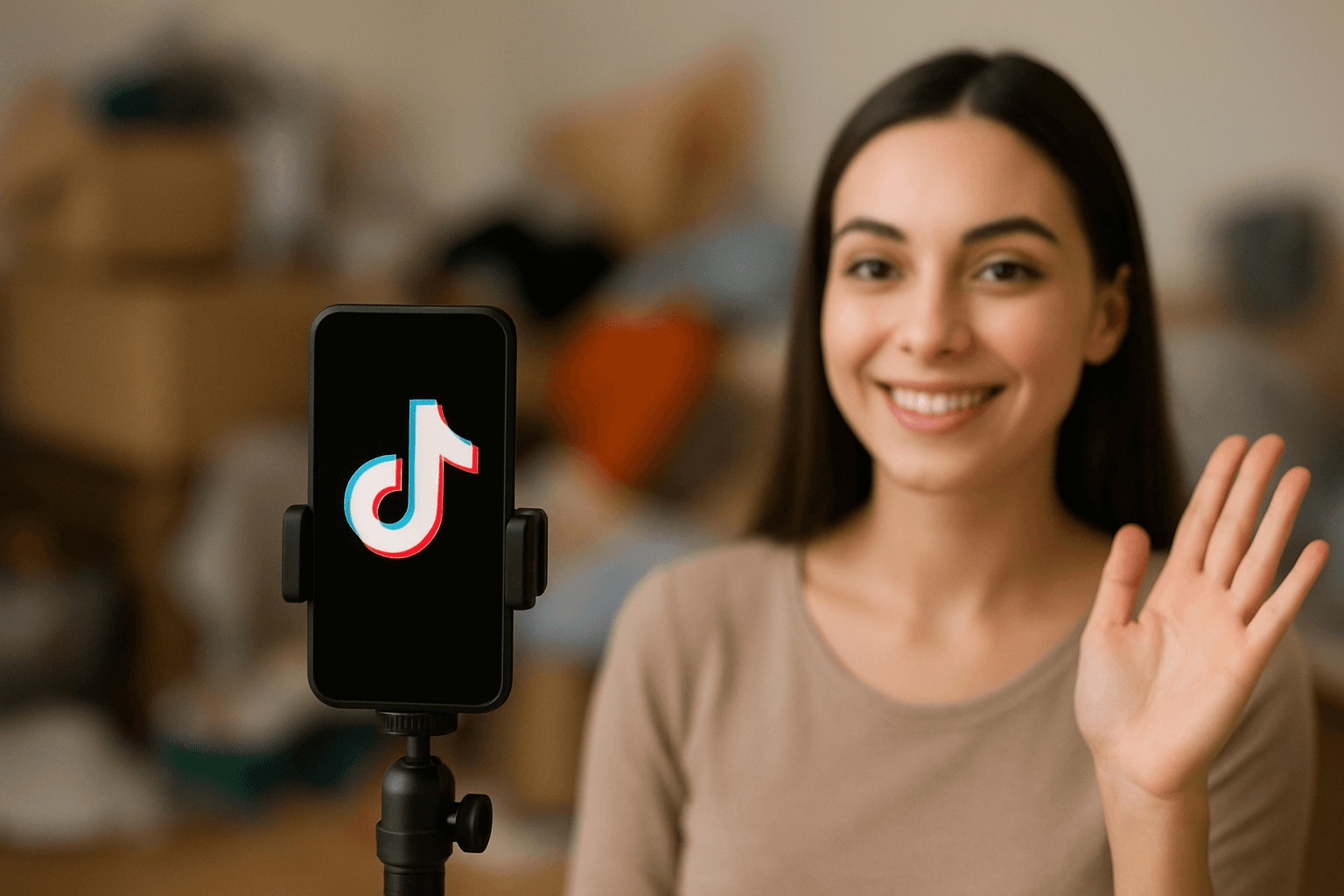
Ever scrolled through TikTok and noticed how some videos just look cleaner? That's not an accident. The secret is video background blura simple trick that makes your content pop and keeps viewers focused on what matters: you.
Whether you're filming in a messy room, protecting someone's privacy, or just want that professional look, knowing how to blur video backgrounds can transform your content game.
Why Content Creators Are Obsessed with Blur
Let's be real—not everyone has a picture-perfect filming setup. Maybe your background is cluttered, or you're shooting in public and need to blur face in video for strangers who walked into your shot. Perhaps you accidentally caught a license plate in video that needs hiding.
Video background blur AI tools solve all of this in seconds. No fancy editing skills required. Just upload, blur, and post.
What Can You Actually Blur?
Modern blur tools aren't one-trick ponies. Here's what you can clean up:
Backgrounds: Filming at home? Use video bg blur online to hide that laundry pile or unmade bed. Your viewers don't need to see your life chaos—just your content.
Faces: Caught random people in your street footage? Blur face in video to respect their privacy without reshooting.
License Plates: Street content creators, this one's for you. Blur number plate in video online free before posting to protect privacy (and avoid potential issues).
Sensitive Info: Accidentally filmed your address, phone number, or any personal details? Blur it out instantly.
The TikTok Editor Advantage
While TikTok has basic editing features, serious creators use dedicated tools. A good TikTok video editor gives you precision control over what gets blurred and how intense that blur should be.
Looking for the best video editor for TikTok? Choose one that offers:
- Quick processing (because who has time to wait?)
- Video background blur online free options
- Easy controls for blur intensity
- Mobile and desktop compatibility
The best TikTok video editor isn't always the most expensive—it's the one that fits your workflow and gets results fast.
AI Makes Everything Easier
Here's where things get interesting. TikTok video editor AI technology can automatically detect what needs blurring. Point at a face? Blurred. Select a background? Instantly softened.
This ai blur tool technology saves hours of manual work. Instead of frame-by-frame editing, the AI handles the heavy lifting while you focus on creating content.
Not Just for Videos
Got static content too? The same tools often work for images. Need to blur image online free? Most platforms that offer video blur also let you:
- Image blur face for group photos
- Image blur license plate for car photos
- Image blur background for product shots
One free tool, multiple uses. That's efficiency.
Conclusion
Creating clean, professional TikToks and Reels doesn't have to be complicated. Video background blur is the simple trick that separates amateur content from polished, viewer-ready posts. Whether you're hiding a messy background, protecting privacy, or just adding that professional touch, blur tools have become essential for modern content creators.
The beauty of tools like BGBlur is that they democratize professional-looking content. You don't need expensive cameras, perfect filming locations, or advanced editing skills. Just a good idea, your smartphone, and a quick blur before posting.
So next time you're about to post that video but hesitate because of what's in the background—don't reshoot. Just blur it. Your content is too good to let a messy room or random passerby stop you from posting.
Frequently Asked Questions
How do I blur the background in my TikTok videos?
Using BGBlur is straightforward—just upload your video, select what you want to blur (background, faces, or objects), and download the processed video. The online video editor works right in your browser with no software installation needed. BGBlur supports popular formats like MP4 and MOV while maintaining HD quality, so your TikTok content stays crisp and professional.
Can I blur faces in videos for free?
Yes! BGBlur offers free processing for videos up to 200MB and 10 minutes long. The AI automatically detects and tracks moving faces throughout your video, so you don't need to manually blur face in video frame by frame. It's perfect for protecting bystander privacy in street content or hiding identities in interviews without spending a dime.
What's the best way to blur a license plate in a video?
BGBlur's AI motion tracking makes it easy to blur number plate in video online free. The tool automatically detects license plates and follows them as they move through your footage—whether it's dashcam videos, parking lot scenes, or street content. No manual tracking required, and you can process multiple clips at once with batch processing.
Do I need special software to blur video backgrounds?
No downloads required. BGBlur is a browser-based tool that works on both mobile and desktop. Just visit the site, upload your video, and the video bg blur online tool handles everything in real time. You can even create cinematic blur effects with soft background transitions and bokeh-style blur to keep your subject in sharp focus.
Will blurring affect my video quality?
Not with BGBlur. The tool maintains your original HD video quality while applying blur only to the areas you select. Whether you're blurring backgrounds for that professional look or anonymizing faces and plates for privacy, the rest of your footage stays crystal clear—perfect for posting to TikTok, Instagram, or YouTube.