Gaming & Live-Stream Privatsphäre verschwimmen
Protect streamers from doxxing: blur on-screen notifications, chat messages, Discord pings, and accidental personal info during gameplay.
Live streamers face constant doxxing risks: a Windows notification showing your real name, a Discord ping with your address, or an accidental browser tab revealing private information can all appear on stream in seconds.
Clean up stream VODs and gaming footage in three steps
Built for Twitch, YouTube Gaming, and esports creators who need privacy cleanup before clips go public.
Download your stream VOD
Export gameplay footage or Twitch VOD before highlight compilation or upload.
Identify sensitive timestamps
Find moments where notifications, chat, or personal info appeared on screen.
Apply selective blur and export
Blur those regions and export for upload or archival—no timeline software required.
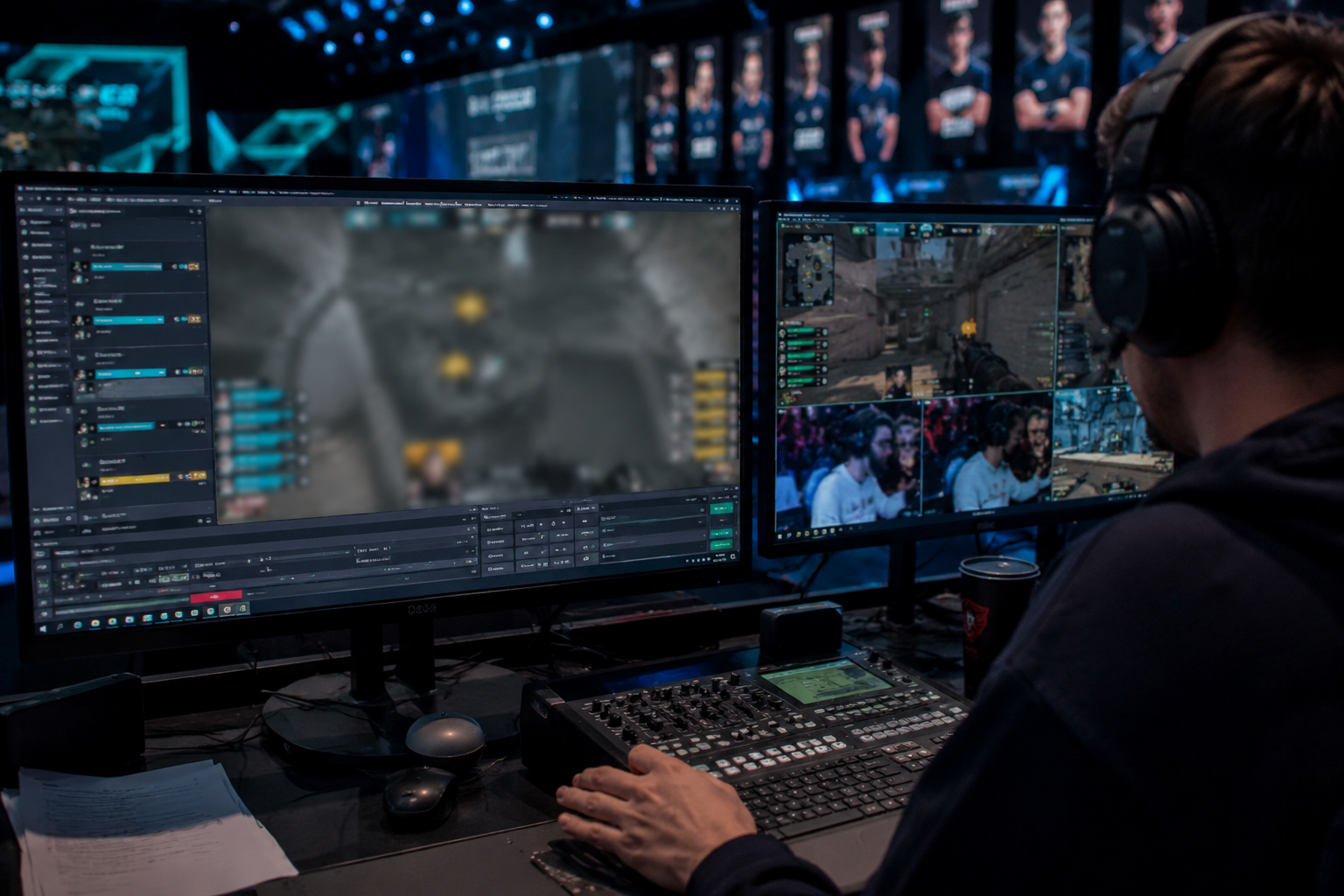
What this example demonstrates
Post-stream blur for VODs and highlight reels gives you a safety net: catch leaked information before clips go viral or get reuploaded by viewers.
Why teams use this pattern
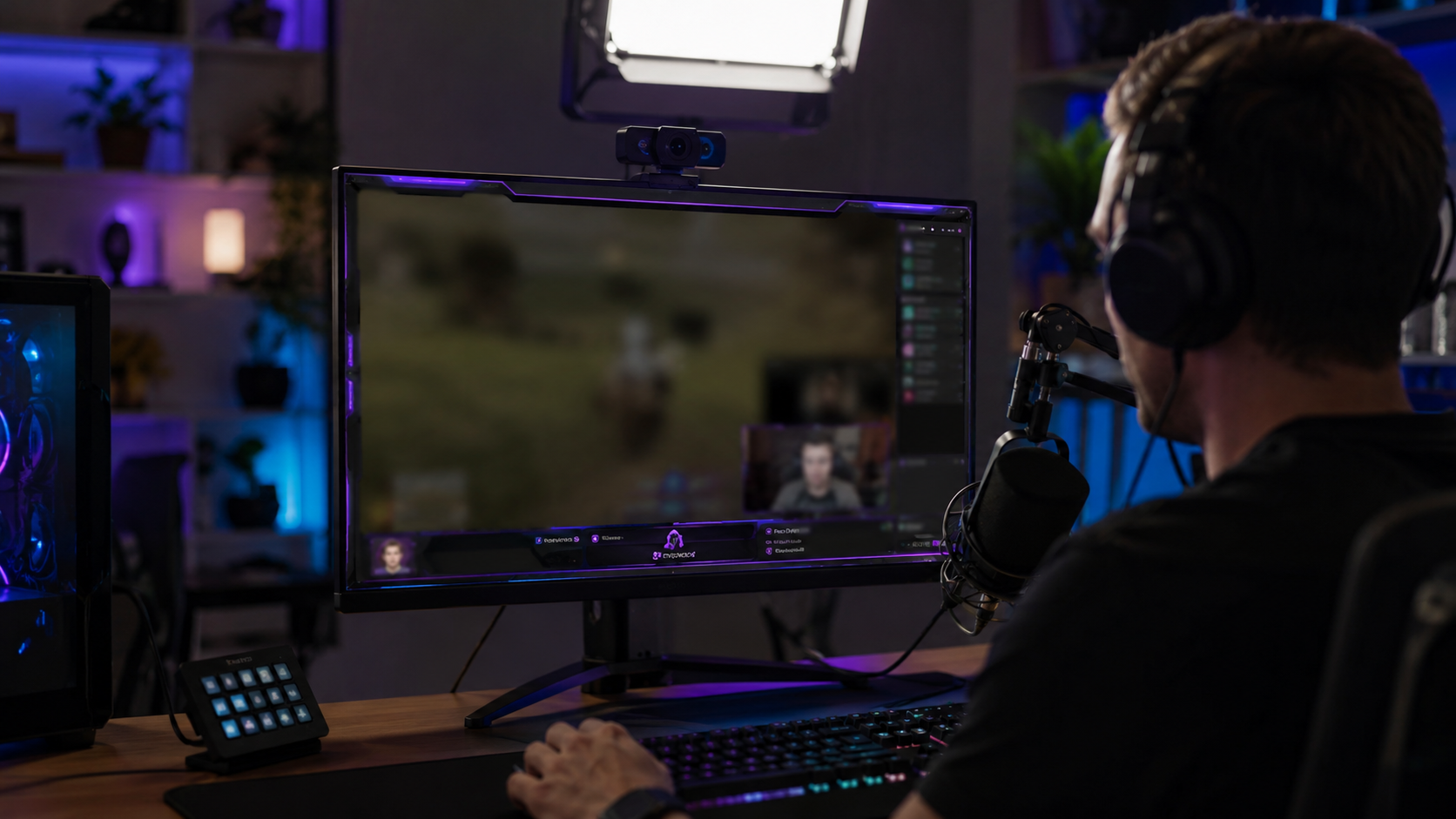
Combine regional blur with OBS scene overlays—blur protects past streams while overlays prevent future leaks during live broadcasts.
Common use cases
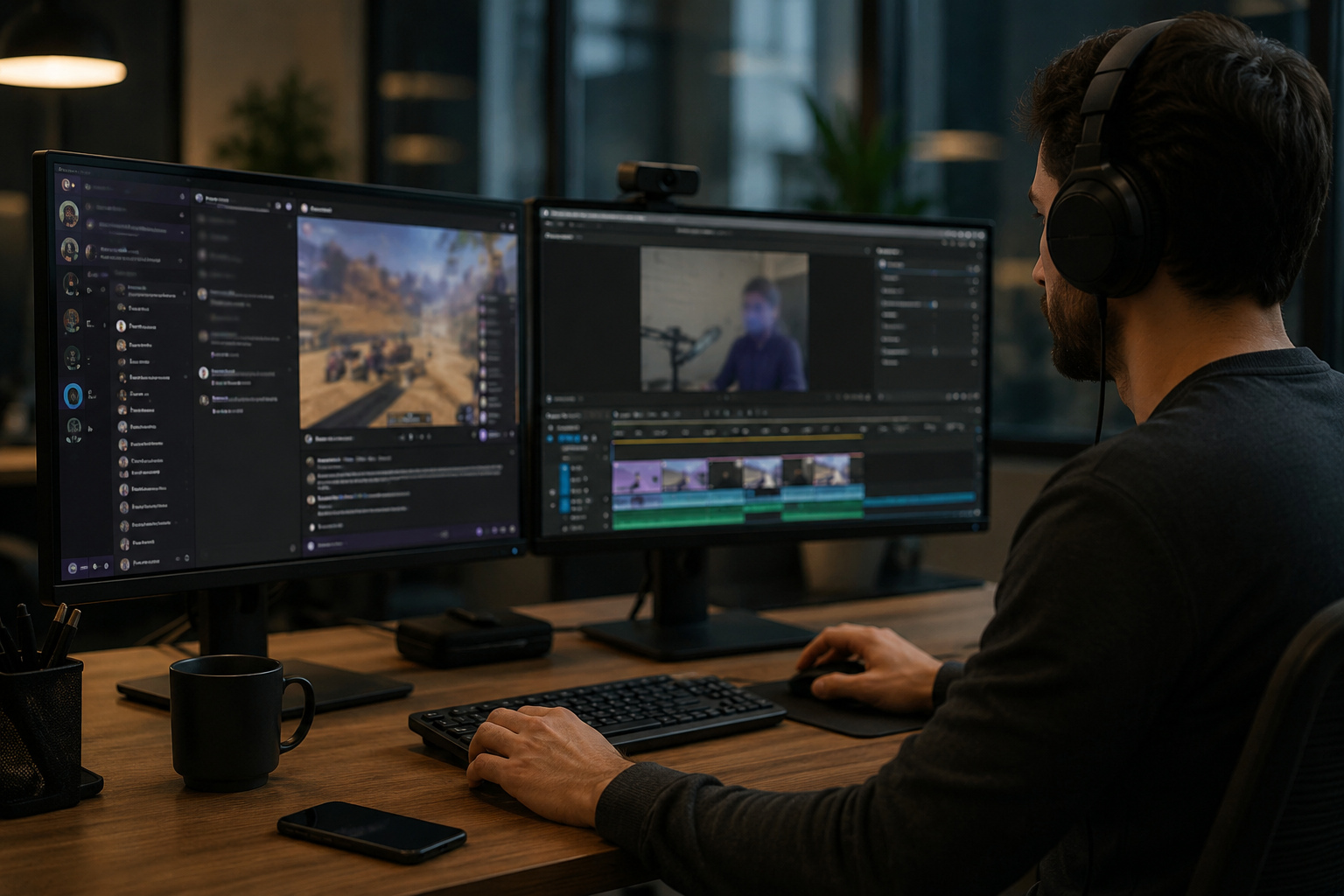
Teams reach for this workflow when twitch vod cleanup before highlight compilation; youtube gaming uploads with accidental notifications; discord screen shares showing private channels; stream recap videos with chat or ui containing pii. BGBlur automates detection so these scenarios stay publishable without days in a timeline.
Built for Twitch and YouTube Gaming streamers and Esports content creators
Ideal audiences include Twitch and YouTube Gaming streamers, Esports content creators, Gaming clip channels and highlight editors, VTubers with face cam overlays. Pair this example with your policy review when footage is sensitive or public-facing.
Anwendungsfälle
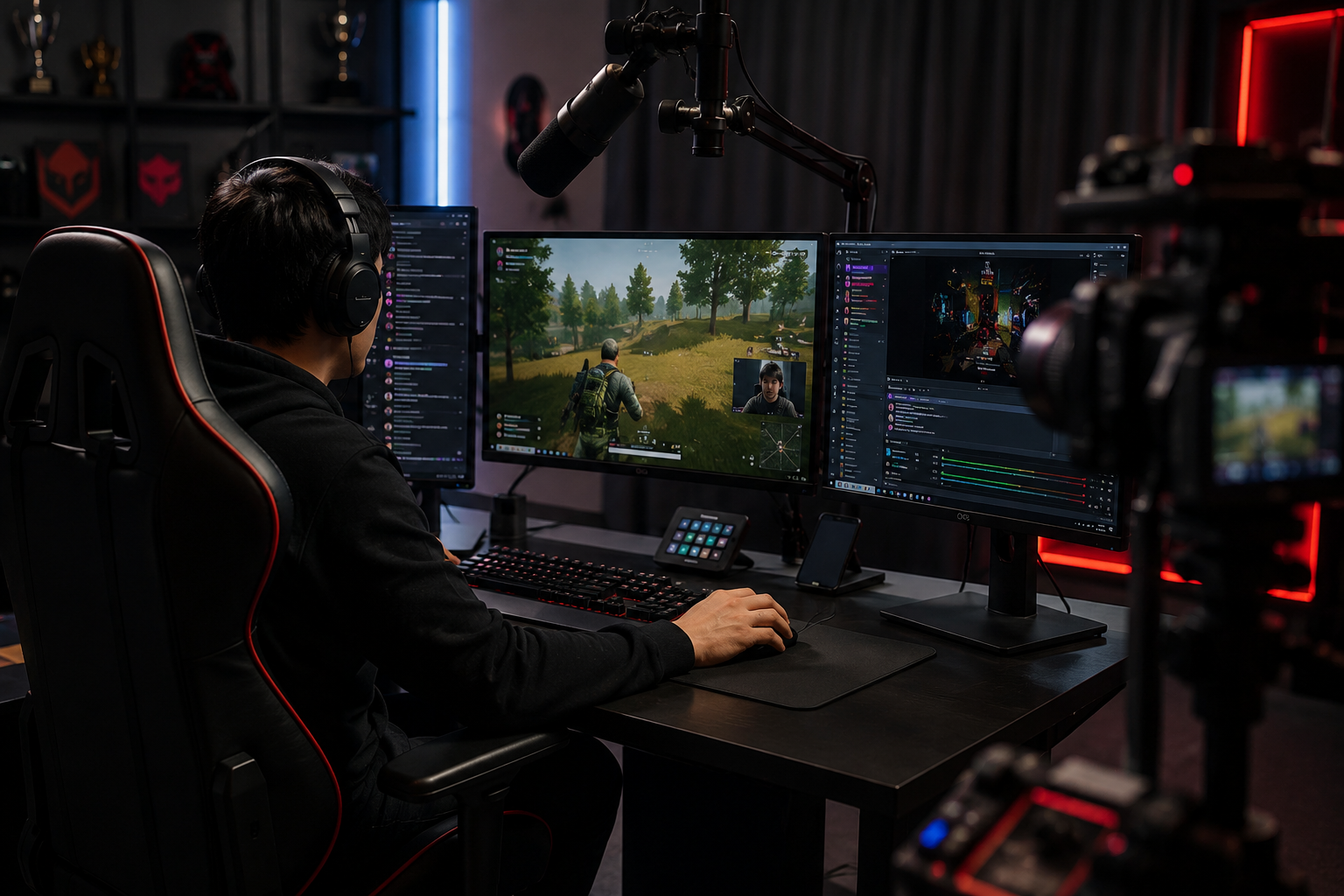
- Twitch VOD-Reinigung vor Highlight-Compilation
- YouTube Gaming-Uploads mit versehentlichen Benachrichtigungen
- Bildschirmanteile anzeigen private Kanäle
- Streamen Sie Videos mit Chat oder UI mit PII
Für wen es gedacht ist
- Twitch und YouTube Gaming Streamer
- Esports Content Creators
- Gaming-Clip-Kanäle und Highlight-Editoren
- VTubers mit Stirnnockenauflagen
Weitere Video-Weichzeichner-Beispiele
Erkunden Sie ähnliche Szenarien mit denselben Demo-Clips und Schritt-für-Schritt-Anleitungen.
Bildschirmaufzeichnung blau für Tutorials & Demos
Verstecken Sie Passwörter, API-Tasten, E-Mails und persönliche Daten in Bildschirmerfassungen – relevant für Software-Demos und Support-Videos.
Blur alles: Logos, Text & benutzerdefinierte Regionen
Target willkürliche Bereiche – Logos auf Hoodies, On-Screen-Adressen, Signage – mit präziser AI-gestützter Auswahl.
Gesicht verschwimmt im Sprechkopf Video
Automatische Gesichtserkennung und Blendung für Interviews, Podcasts und Vlogs – bewegte sich so, dass Identitäten geschützt bleiben.
Hintergrundverwischung für filmische Fokussierung
Weichen oder ersetzen beschäftigte Hintergründe, so stehen Themen heraus – für Webinare, Bewertungen und Produktdemos zu Hause gefilmt.
Häufig gestellte Fragen
- Kann ich bewegende UI-Elemente wie Chat Scrolls verschwimmen?
- Ja-motion-Tracking bleibt verwischt, um Overlays wie Chat-Fenster zu bewegen, Feeds zu töten, und Benachrichtigung Pop-ups im gesamten Clip.
- Was, wenn jemand meine Adresse in Twitch Chat sendet?
- Verwischen Sie die Chat-Overlay ganz oder selektiv maskieren Sie bestimmte Nachrichten; immer moderate Chat aktiv, um Belästigung über nur visuelle Unschärfe zu verhindern.
- Sollte ich auch meine Webcam verschwimmen?
- Wenn Ihre wirkliche Identität privat ist, sind Gesichtsschwierigkeiten oder VTuber Avatare häufig; viele Streamer paar Webcam verschwimmen mit Sprachmodulation für volle Anonymität.
Bereit, dies mit Ihren eigenen Aufnahmen zu versuchen?
Laden Sie MP4, MOV oder M4V hoch und wenden Sie dieselben Weichzeichnungsmodi wie in diesem Beispiel an.
BGBlur kostenlos testen