Bildschirmaufzeichnung blau für Tutorials & Demos
Blur passwords, API keys, and PII in screen recordings—tracked through cuts and edits without manual frame-by-frame masking.
Screen recordings for tutorials, customer support, and product demos routinely capture sensitive data: login credentials, API tokens, personal emails, and internal URLs that should never reach public documentation.
Redact sensitive data in screen recordings in three steps
Built for DevRel, customer success, and product teams publishing tutorials or support walkthroughs.
Upload your screen recording
Drop MP4, MOV, or M4V captures into BGBlur—no timeline project or desktop software required.
Select regions with sensitive data
Paint over passwords, emails, API keys, or any UI element that should not appear in the published video.
Preview and export
Scrub the timeline to verify coverage, then export for documentation portals, YouTube, or support tickets.
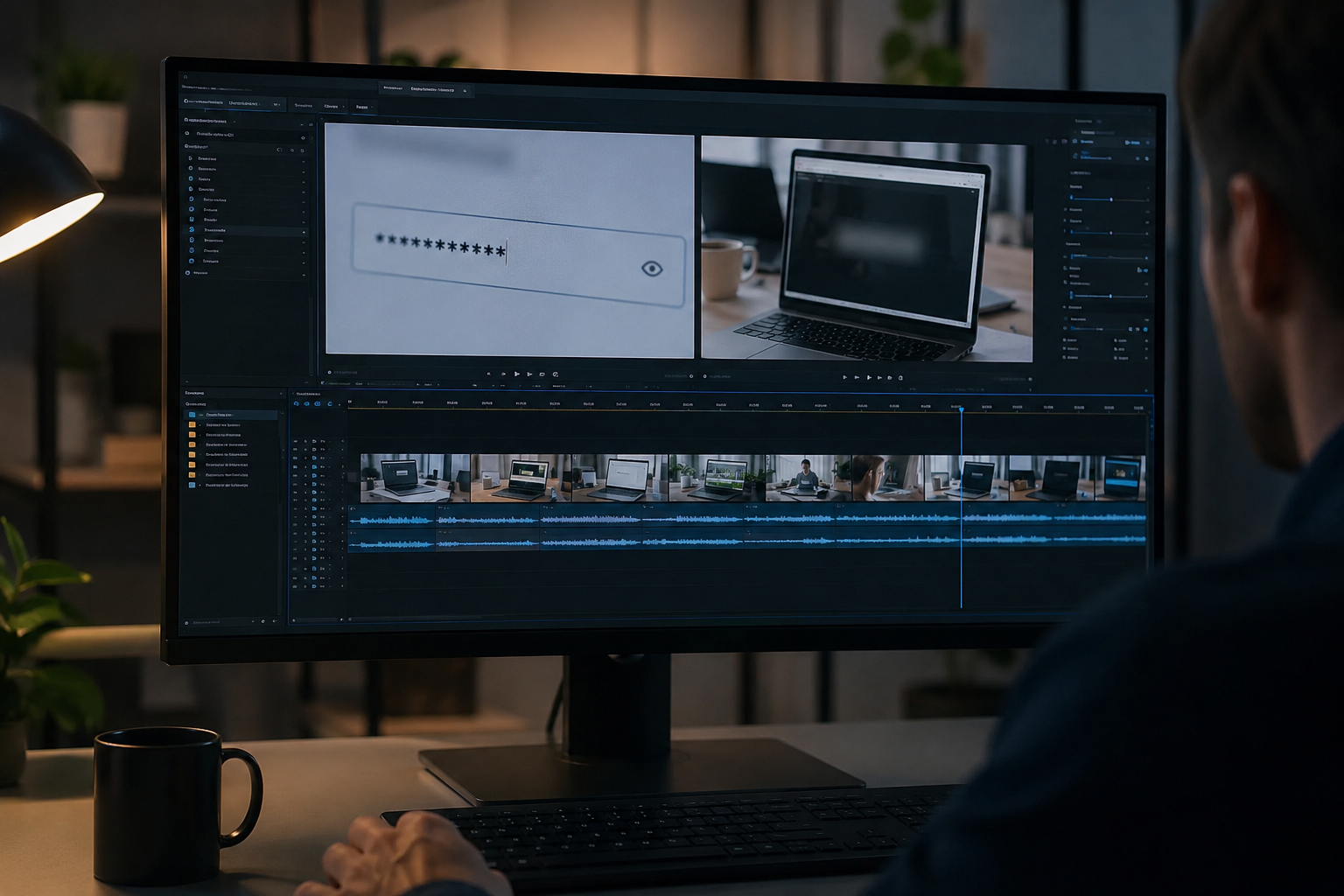
What this example demonstrates
Manual frame-by-frame redaction is impractical for long recordings. AI-assisted blur detects and tracks text regions so passwords entered at 0:30 stay masked through cuts and edits.
Why teams use this pattern
Pair selective text blur with audio scrubbing when you verbally mention credentials or read sensitive information aloud during the demo.
Common use cases
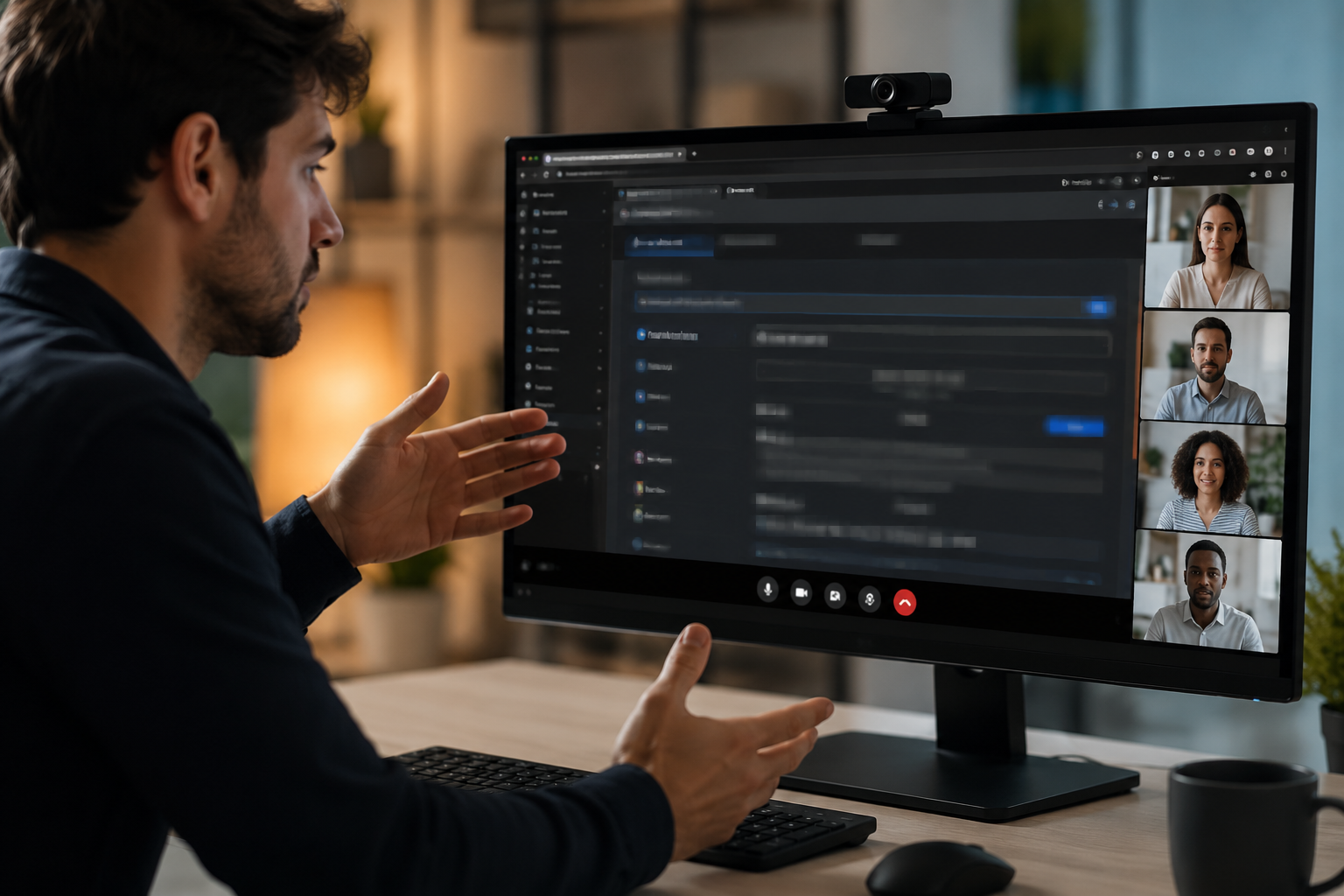
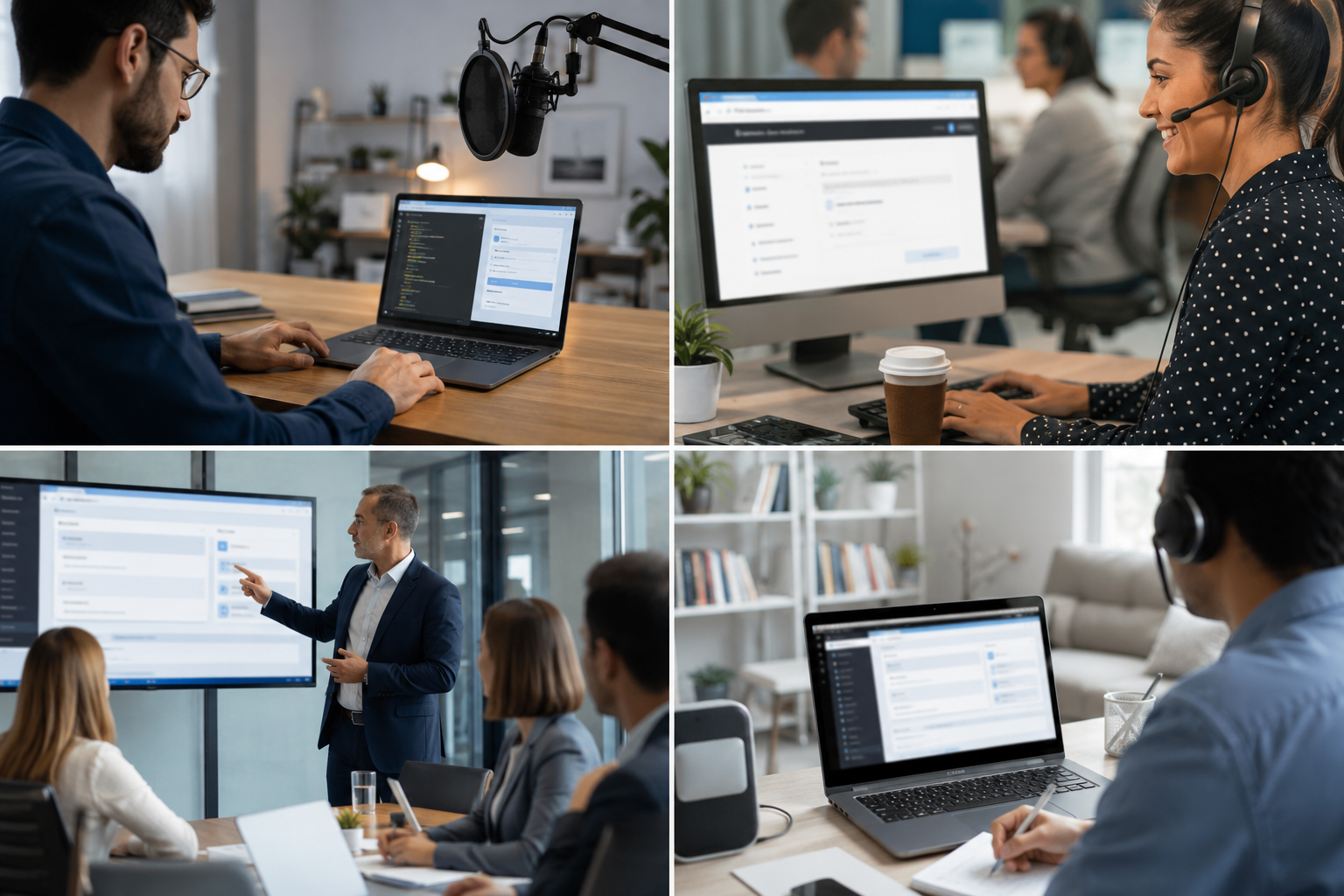
Teams reach for this workflow when developer tutorials showing authentication flows; customer support screen shares with account details; saas product demos with test customer data; it training videos with system credentials. BGBlur automates detection so these scenarios stay publishable without days in a timeline.
Built for DevRel and developer advocates and Customer success teams
Ideal audiences include DevRel and developer advocates, Customer success teams, Product marketing, IT trainers and technical writers. Pair this example with your policy review when footage is sensitive or public-facing.

Anwendungsfälle
- Entwickler-Tutorials, die Authentifizierungsströme anzeigen
- Kundensupport-Bildschirmanteile mit Kontodetails
- SaaS Produktdemos mit Testkundendaten
- IT-Trainingsvideos mit Systemberechtigungen
Für wen es gedacht ist
- DevRel und Entwickler
- Kundenerfolgsteams
- Produktmarketing
- IT-Trainer und technische Schriftsteller
Weitere Video-Weichzeichner-Beispiele
Erkunden Sie ähnliche Szenarien mit denselben Demo-Clips und Schritt-für-Schritt-Anleitungen.
Blur alles: Logos, Text & benutzerdefinierte Regionen
Target willkürliche Bereiche – Logos auf Hoodies, On-Screen-Adressen, Signage – mit präziser AI-gestützter Auswahl.
Gesicht verschwimmt im Sprechkopf Video
Automatische Gesichtserkennung und Blendung für Interviews, Podcasts und Vlogs – bewegte sich so, dass Identitäten geschützt bleiben.
Hintergrundverwischung für filmische Fokussierung
Weichen oder ersetzen beschäftigte Hintergründe, so stehen Themen heraus – für Webinare, Bewertungen und Produktdemos zu Hause gefilmt.
Kennzeichenschild in Straße & Dashcam
Verstecken Sie lesbare Platten im Verkehr, Parken und Reiten – ideal für Motovlogs und Standortschießen.
Häufig gestellte Fragen
- Kann der Text automatisch erkannt werden?
- Texterkennung hilft, Regionen zu identifizieren, um zu verschwimmen; immer manuell überprüfen, ob alle sensiblen Daten vor dem Verlag abgedeckt werden.
- Was ist mit Copy-Pasta-Aktionen, die Anmeldeinformationen zeigen?
- Jeder on-screen-Text kann verwischt werden, einschließlich Clipboard Pasten, Terminal-Befehle und Browser-Autofill-Marke diese Zeitstempel für die Überprüfung.
- Sollte ich den gesamten Bildschirm oder nur empfindliche Bereiche verschwimmen?
- Selektives Unschärfen hält Kontext und Usability für Zuschauer aufrecht; nur obskuriere die minimal notwendigen Daten für die Einhaltung der Privatsphäre.
Bereit, dies mit Ihren eigenen Aufnahmen zu versuchen?
Laden Sie MP4, MOV oder M4V hoch und wenden Sie dieselben Weichzeichnungsmodi wie in diesem Beispiel an.
BGBlur kostenlos testen