Blur Face in Images Online
Blur faces in images instantly with AI. Protect privacy, censor faces, and create clean, professional visuals in just a few clicks.

How to Use BG Blur
Get started with our simple 3-step process
Upload your video to our AI video blur editor
Upload your video to our AI video blur editor.
Select what to blur: background, faces, license plates, or objects
Pick the blur mode that fits your use case and adjust intensity for a natural result.
Download your professionally blurred video with privacy protection
Export and download your processed video in just a few clicks.
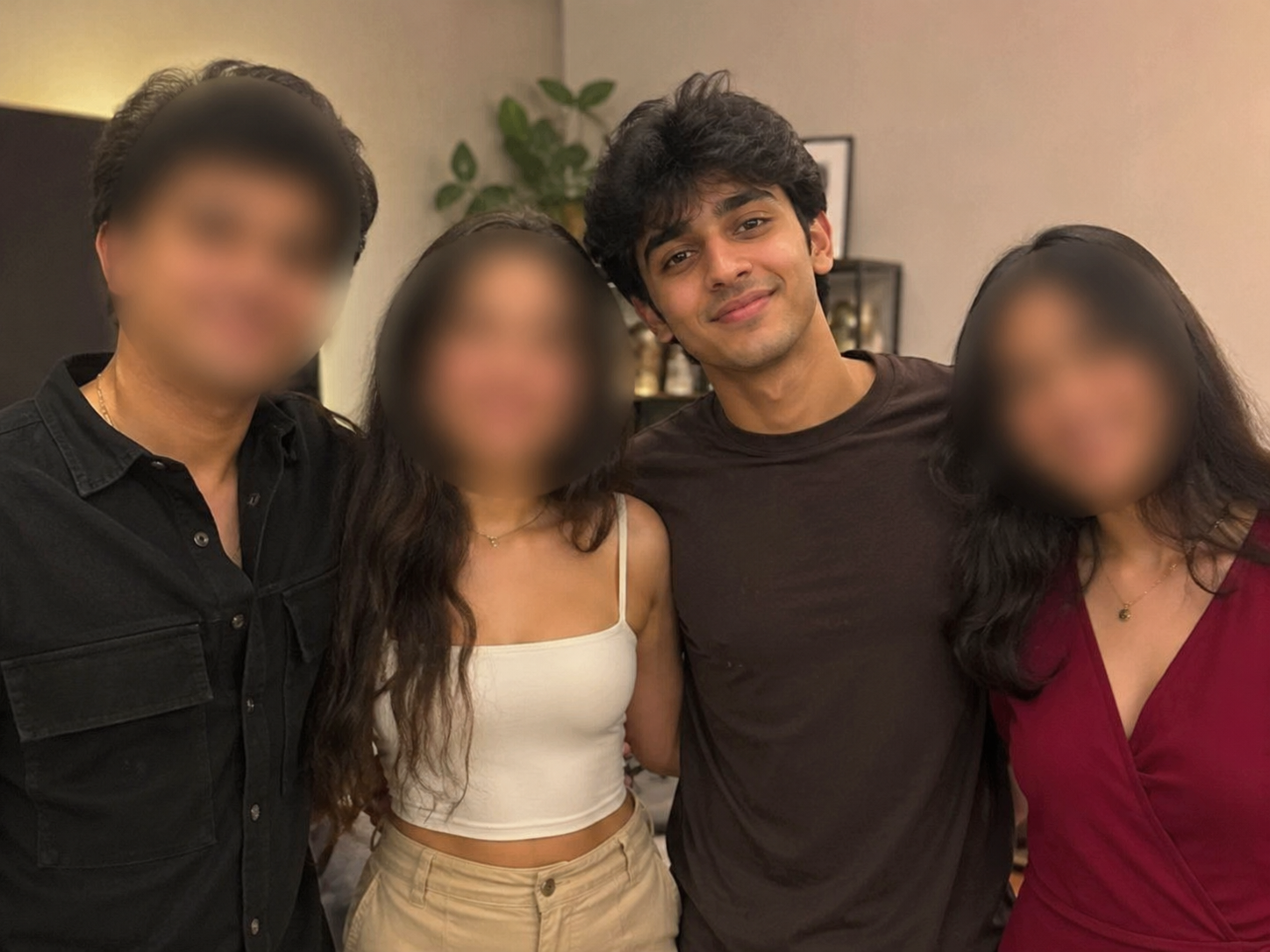
Blur Face in Image Online Automatically
Quickly blur a face in an image using advanced AI face detection. Simply upload your image, and the tool automatically identifies faces in seconds. Whether you need to blur faces in images online for privacy, social media, or professional content, the process is fast and effortless. AI precisely detects facial features and applies a smooth, natural-looking blur while preserving the quality of the rest of the image. It is the easiest way to blur a face in a picture without downloading software or learning complex editing tools.
Pixelate or Censor Faces in Images
Need stronger privacy protection? Easily blur a face in an image using either a smooth Gaussian blur or a pixelated mosaic effect. If you're wondering how to pixelate a face in a picture, simply upload your image and choose the style that best fits your needs. Gaussian blur creates a clean, natural-looking hidden face, while pixelation delivers a stronger censor face effect for maximum anonymity. Whether you're protecting identities in news coverage, social media posts, educational content, or public photography, both options provide fast, reliable, and professional privacy protection.
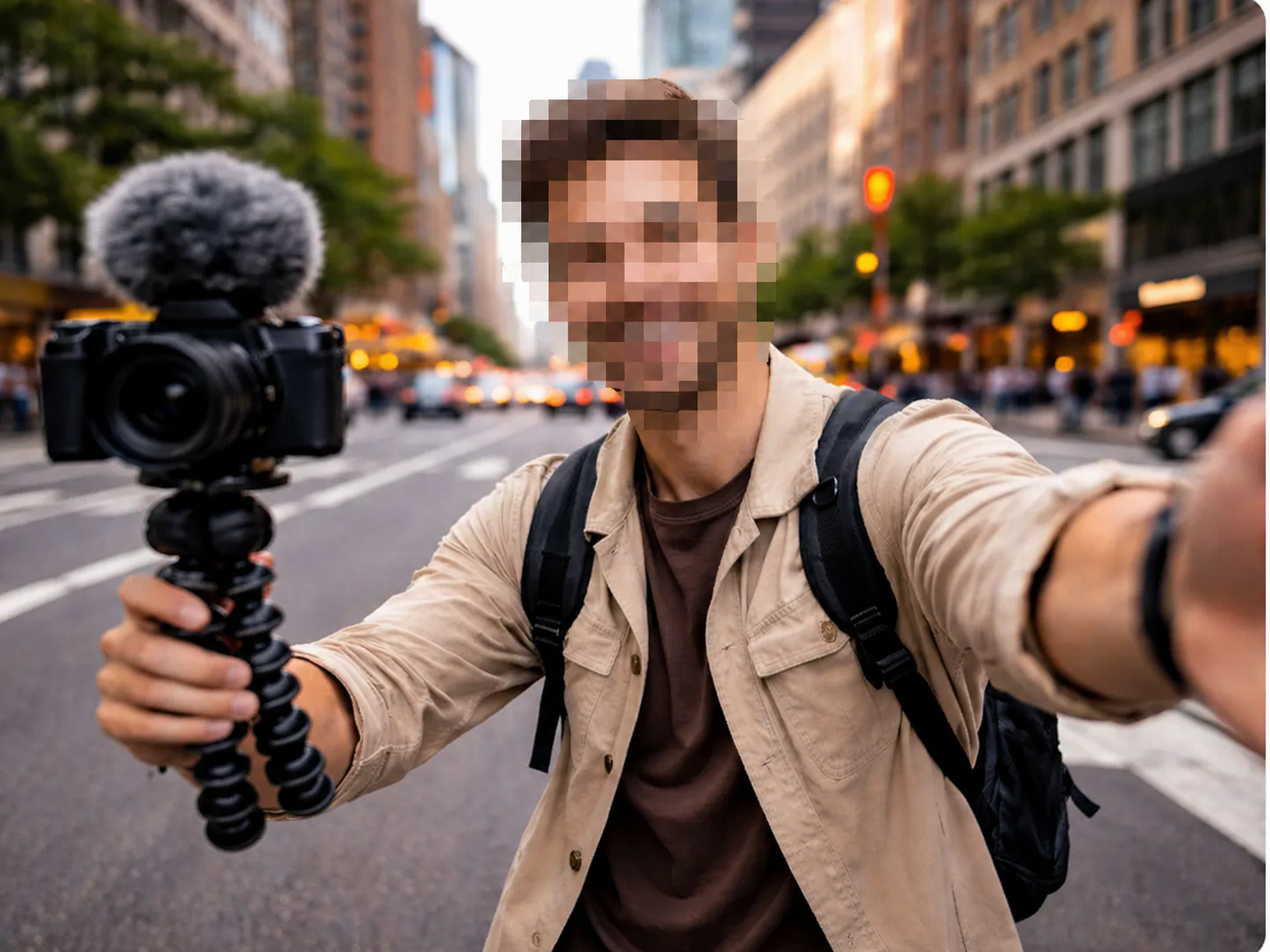
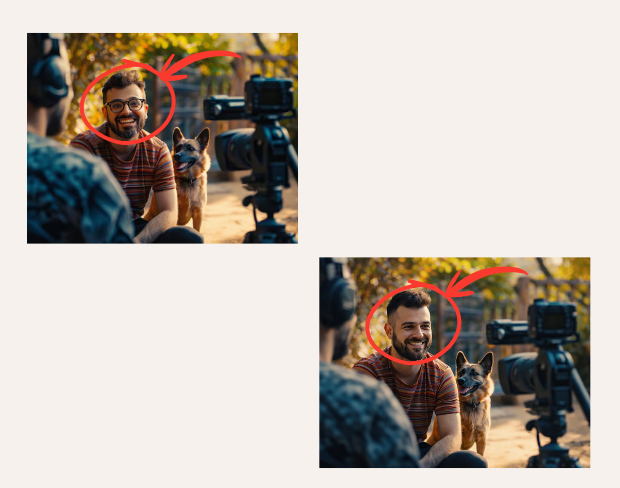
Picture Face Blur for Privacy Protection
A professional picture face blur helps protect identities in public images, street photography, events, workplace images, and online listings. Whether you want to blur face images before posting online or hide personal identities in sensitive content, face blur technology ensures reliable privacy protection. It is an effective way to maintain anonymity while preserving the original composition and visual quality of your image.
Works on Mobile and Desktop
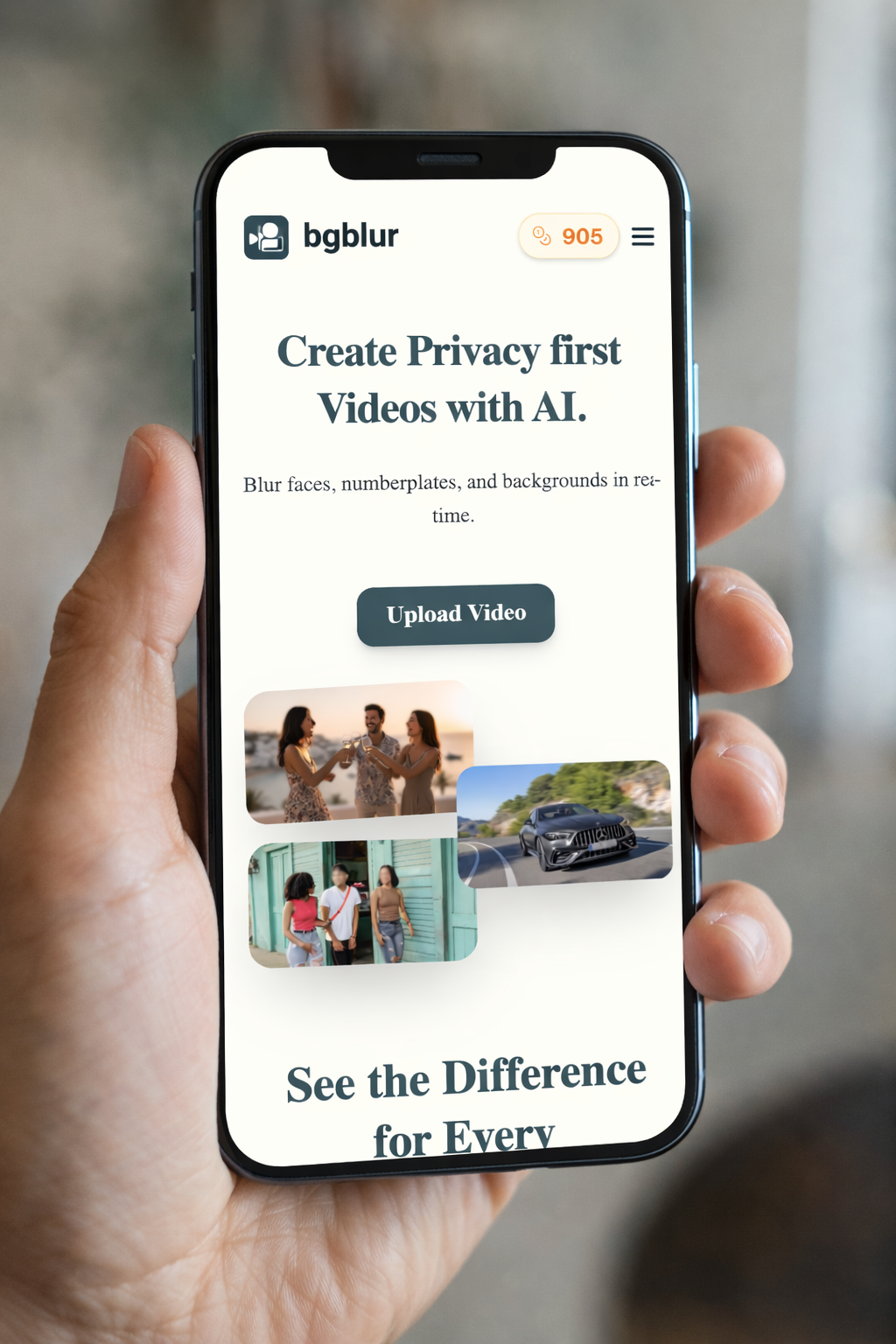
Blur face images directly from your browser on any device, including smartphones, tablets, laptops, and desktop computers. No app installation, no downloads, and no editing experience required. Whether you are at home, in the office, or on the move, you can blur a face in a picture quickly and securely. The interface is fully optimized for seamless editing across all screen sizes.
Supports Popular Image Formats
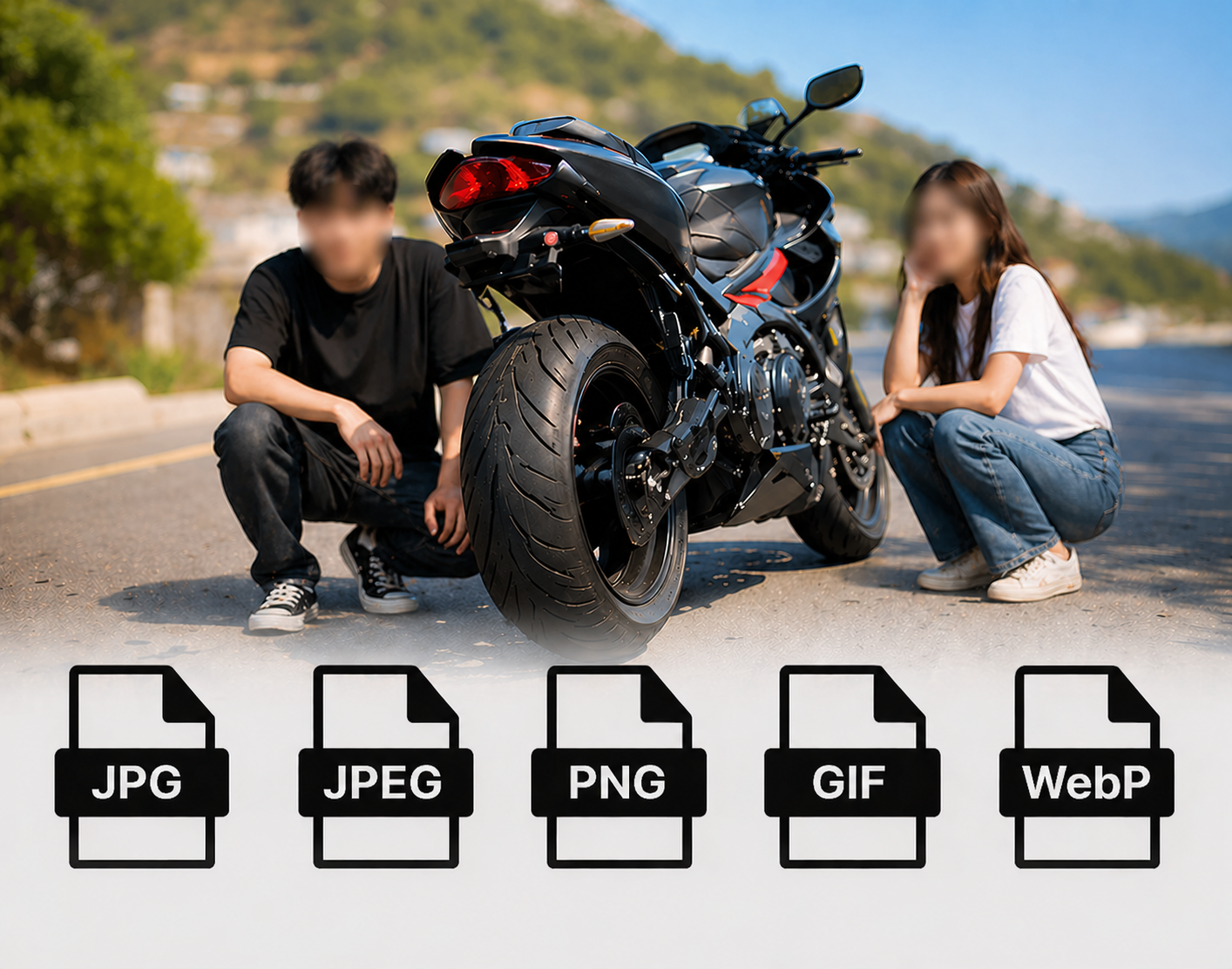
Blur faces in images online with support for all major image formats. Upload JPG, JPEG, PNG, GIF, or WebP files and apply a face blur effect instantly. Whether you are editing portraits, screenshots, social media posts, or professional images, the tool delivers fast processing and high-quality results. Compatible uploads and smooth exports make picture face blur simple for every workflow.
What Makes BGBlur Different for Face Blur in Images?
BGBlur combines image face blur with video privacy tools, giving teams one place to anonymize faces across visual content.
Automatic image face blur
Detect and blur faces in images quickly for safer publishing and sharing.
Privacy-safe exports
Protect children, bystanders, customers, employees, and witnesses in static images.
Browser workflow
Upload an image, apply AI face blur, and export from the browser.
Useful for public photos
Handle events, classroom photos, street photography, user-generated content, and documentation.
No design skills required
Avoid manual brushing or masking when the goal is simple identity protection.
Connected tools
Extend the same privacy workflow to video face blur, license plate blur, and object blur.
AI Face Blur in Images for Safer Sharing
Use BGBlur to hide identifiable faces in static images before publishing or sending them. It supports privacy workflows for user-generated content, reports, thumbnails, public photos, and sensitive documentation.
The same browser workflow also connects to BGBlur video privacy tools, so teams can handle face blur in images and videos from one place.
Powered by BGBlur image face blur
Face Blur in Images FAQ
Public photos, thumbnails, reports, documentation images, social posts, and customer-submitted images are common use cases for face blur in images.
Yes. BGBlur runs in the browser, so you can blur faces in images online without desktop photo editing software.
BGBlur also supports video face blur, license plate blur, background blur, and blur anything for broader privacy workflows.
Image files up to 20MB are supported. Formats include JPG, JPEG, and PNG. For video processing, Free plan: up to 500MB and 5 min per video. Paid plans: up to 1GB and 10 min per video.
Yes, BGBlur's AI automatically tracks moving objects, faces, and vehicles. You do not need to manually mask every frame; the motion-aware tracker keeps the blur locked onto the subject as it moves.
BGBlur is a completely web-based tool. You can upload any video or image, select the Face Blur tool, and apply pixelation or blur instantly inside your browser without downloading any apps or plugins.
Absolutely. Our AI is trained specifically to detect and blur license plates in driving footage, dashcams, and street-view videos. It helps creators and transport fleets stay compliant with privacy laws.
Your privacy is our priority. BGBlur leverages advanced client-side technologies to process videos securely. Your files are processed locally in your browser and are never uploaded or stored permanently on external servers.
Yes! BGBlur is fully responsive and optimized for mobile browsers. You can easily blur a video background or pixelate faces directly on your iPhone, iPad, or Android phone.
Limits depend on the feature. Standard video blur tools such as face blur, license plate blur, background blur, blur anything, screen blur, NSFW blur, and face anonymization support up to 500MB and 5 minutes on the free plan, or up to 1GB and 10 minutes on paid plans. Object Remover supports MP4 and MOV videos up to 1GB and 10 seconds per clip. Voice Anon direct uploads support up to 100MB, while the upload/URL workflow supports audio or video files up to 500MB and under 10 minutes.
User Reviews
Share your experience and help others make informed decisions
Write a Review
Community Score
0.0
/ 5
Based on 0 reviews
All Reviews (0)
No reviews yet
Be the first to share your experience and help others make informed decisions!
Ready to blur your video content?
Start protecting privacy and creating professional video blur effects today with our AI-powered tool. No downloads required - blur directly in your browser.
Start Blurring Now